Upload your slides, pick an AI avatar presenter, and turn a PowerPoint or PDF into an engaging presentation video — narrated in 100+ languages, no camera or recording.
Go from a slide deck to an avatar-hosted presentation video in three steps — upload, pick a presenter, and generate.
Step 1
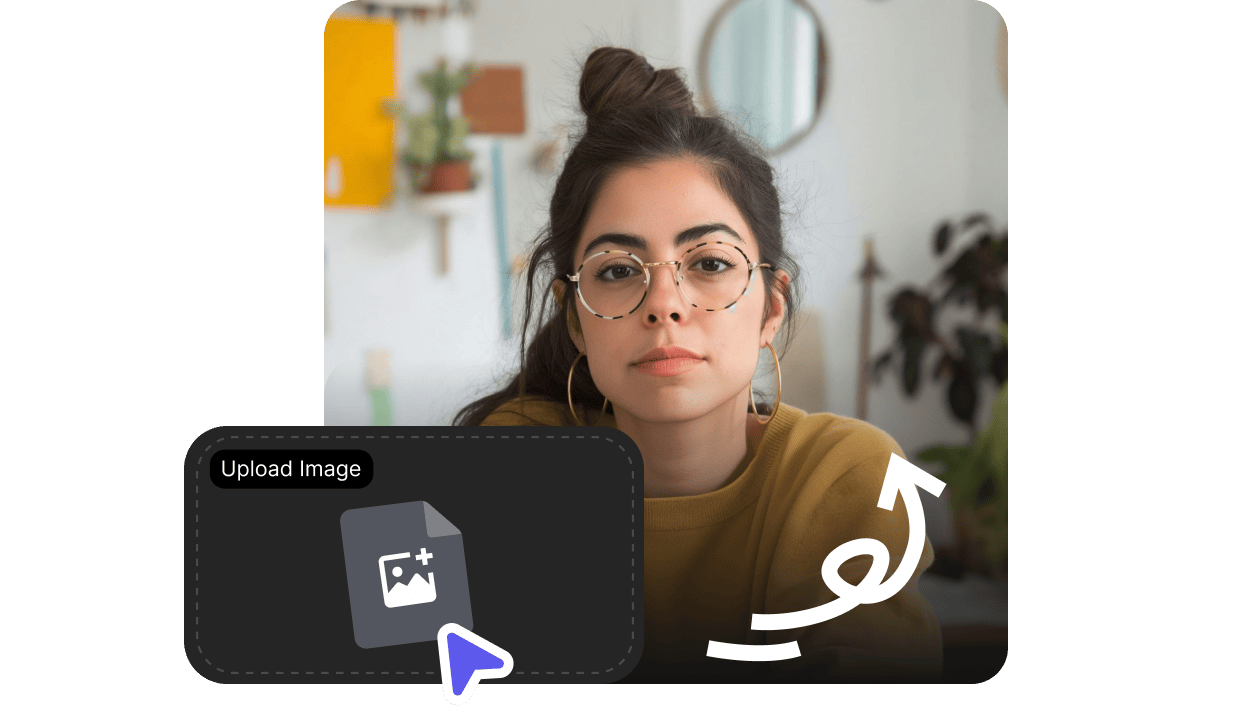
Upload your slides
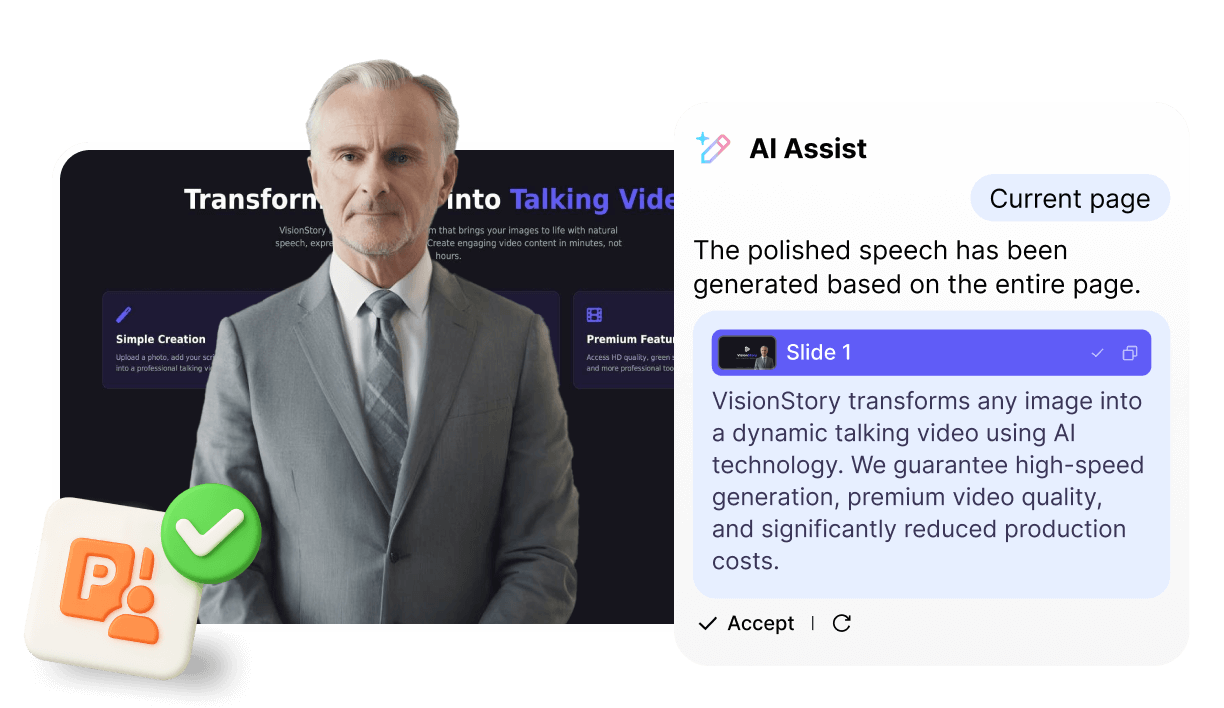
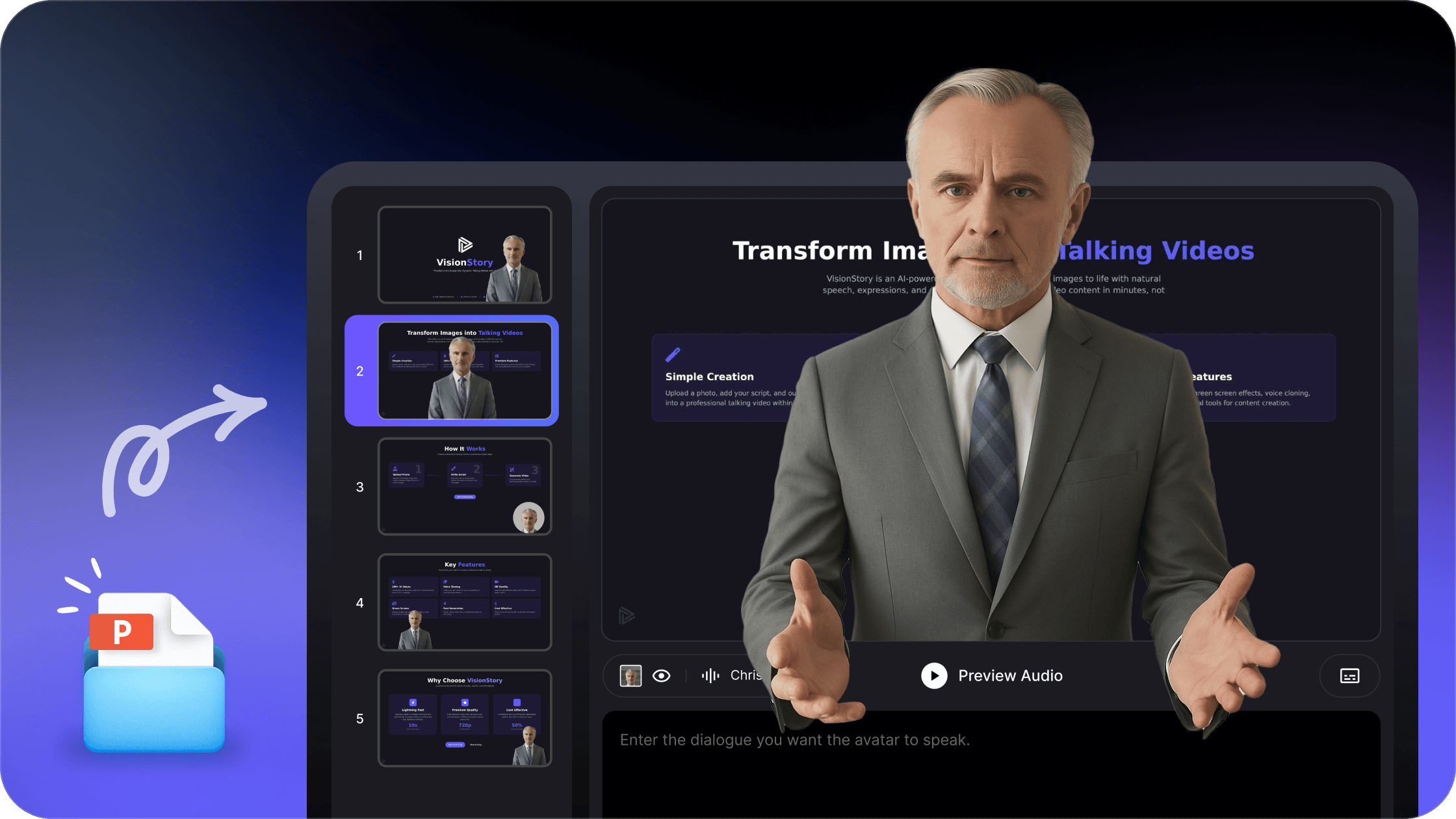
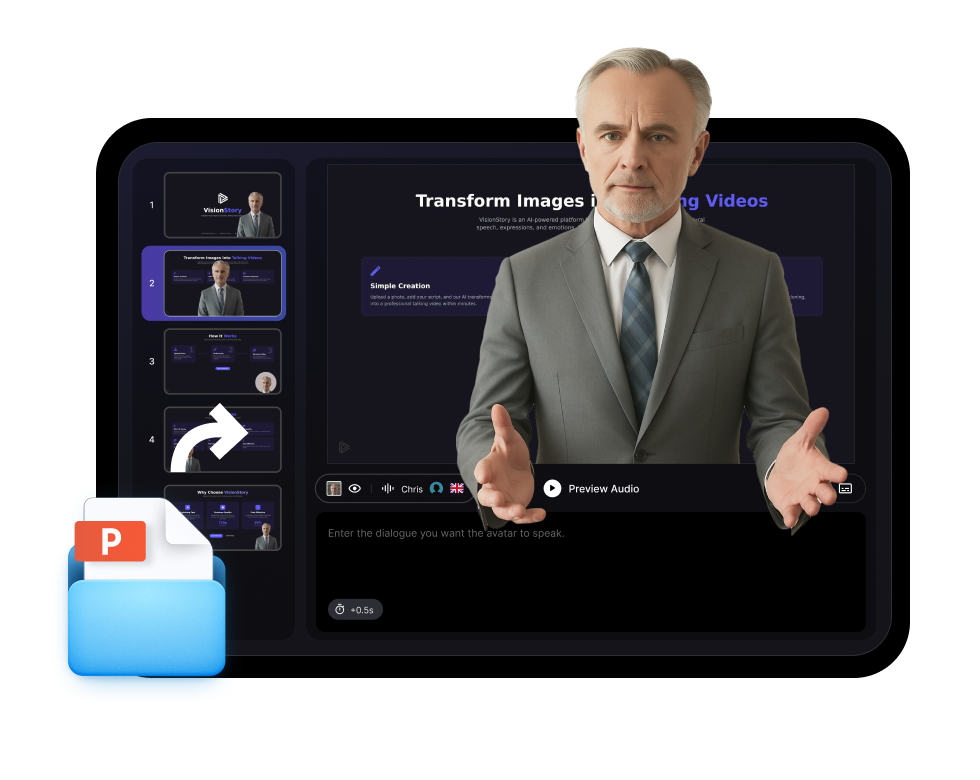
Add your PowerPoint or PDF, and VisionStory turns each slide into a scene with an AI avatar presenting your content.
Step 2
Pick your AI presenter
Choose a lifelike avatar host and a voice, then let it narrate your slides naturally — no camera, studio, or recording needed.
Step 3
Generate and share
Render a polished presentation video for training, courses, sales, and reports, ready to share or embed in 100+ languages.
Why VisionStory
Presentation Videos, Hosted by an AI Avatar
Turn static decks into engaging, on-camera presentations — for training, courses, and sales — without filming or editing.
Slides to video, automatically
Import a PowerPoint or PDF and get a narrated video where an AI avatar walks your audience through each slide — no manual editing.
Built for training and courses
Create repeatable, on-brand presentation videos for onboarding, e-learning, sales enablement, and internal reports — and update them any time.
Present in 100+ languages
Localise the same presentation into 100+ languages with natural voices and lip-sync, so global teams and audiences get it in their language.
Frequently asked questions
What is an AI presentation video maker?
It turns a slide deck into a video where an AI avatar presents your content on camera. Instead of recording yourself, you upload a PowerPoint or PDF, pick an avatar presenter and voice, and VisionStory narrates each slide as an engaging presentation video.
Do I need to record myself?
No. The AI avatar is the on-screen presenter, so there's no camera, microphone, or filming. You provide the slides and script, and the avatar delivers them with natural voice and lip-sync.
Can I upload a PowerPoint or PDF?
Yes. Upload your PowerPoint or PDF slides and VisionStory turns them into a narrated presentation video. You can choose the avatar presenter, voice, and language for the final video.
What can I use AI presentation videos for?
They're ideal for training and onboarding, online courses, sales and product demos, investor and internal reports, and any deck you'd rather deliver as an engaging video than static slides.
Can the presentation be in other languages?
Yes. VisionStory supports 100+ languages with natural voices and lip-sync, so you can localise the same presentation video for global teams and audiences without re-recording.