Cut audio to the part you need
Use the waveform to choose a precise section before export.

Upload audio to cut
MP3, MP4, WAV, M4A, AAC, or FLAC · up to 200 MB
Use the waveform to choose a precise section before export.
MP3, MP4, WAV, M4A, AAC, or FLAC · up to 200 MB
Waveform editing
Define the clip boundaries before processing.
Add one supported source file.
Move the start and end controls on the waveform.
Create and review the actual audio clip.
Precise audio
Use timing controls that match the waveform.
Set both the start and end of the clip.
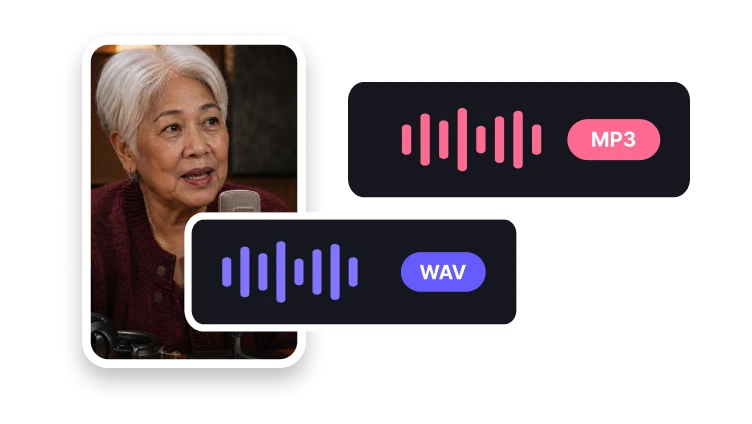
Choose an uncompressed file when needed.
Prepare a compact audio clip.
No. Keep your source file and export a separate selected clip.