Compress PNG Images Without Flattening Transparency
Prepare PNG-specific choices for logos, screenshots, interface assets, and transparent graphics.
Drop PNG images here
PNG (not APNG) · up to 20 files · 5 MB each
Prepare PNG-specific choices for logos, screenshots, interface assets, and transparent graphics.
PNG (not APNG) · up to 20 files · 5 MB each
Transparency-aware compression
Choose a PNG strategy that respects transparent edges, crisp text, and flat-colour graphics.
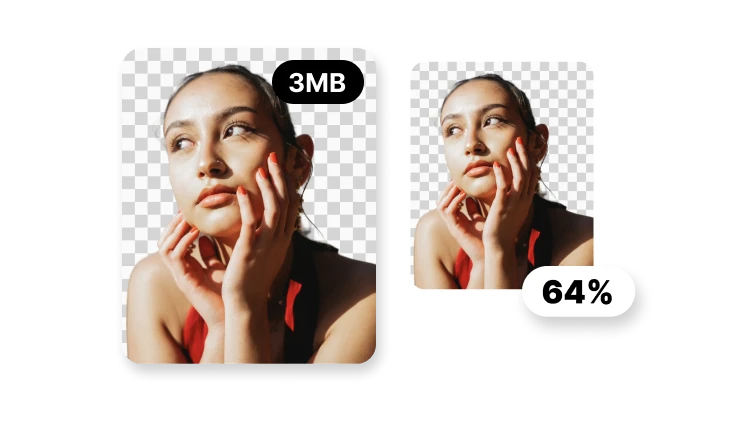
Preserve transparent and partially transparent pixels.
Optimise the encoding without intentionally changing pixel values.
Use fewer colours when logos or UI assets can tolerate it.
Animated PNG files stay outside this workflow.
The smallest PNG is not useful if transparency or clean edges are lost.
The PNG workflow is designed around preserving alpha transparency. Verify the real processed output in VisionStory before replacing an original asset.