Use it in the edit
Turn one avatar take into any branded scene
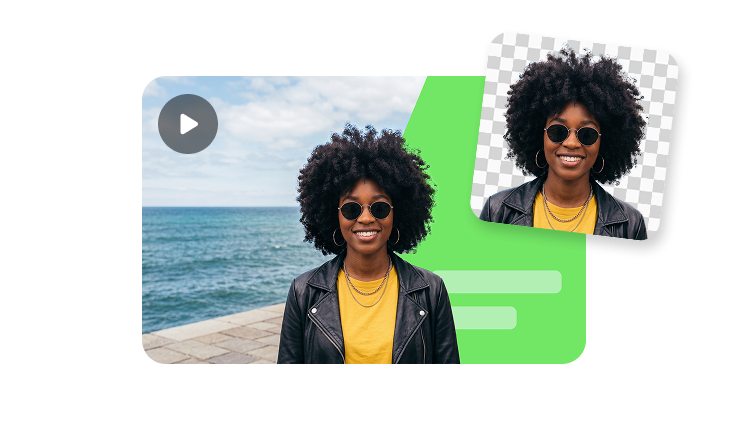
Green screen output is most useful when you want the presenter separate from the background. Upload a clip, send it to video matting, then place the subject into product demos, training slides, ads or campaign scenes.
01Keep the presenter editable
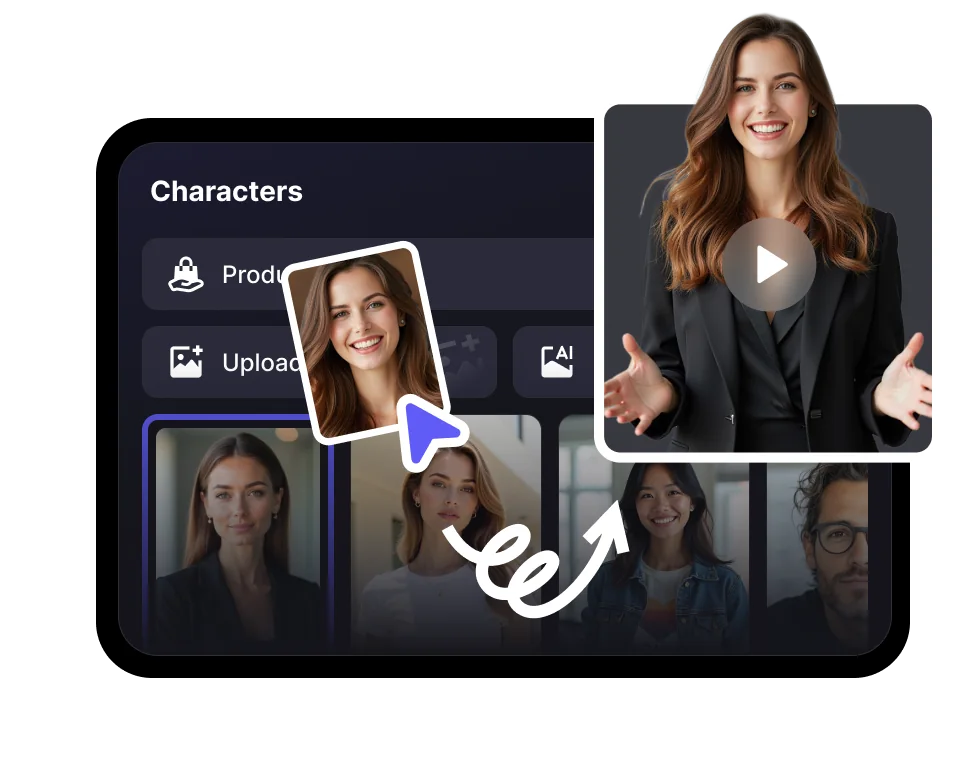
Move, crop, resize and reuse the same avatar layer across different edits.
02Make cleaner composites
Use a dedicated matting flow when edge quality and scene flexibility matter.
03Ship more scene variants
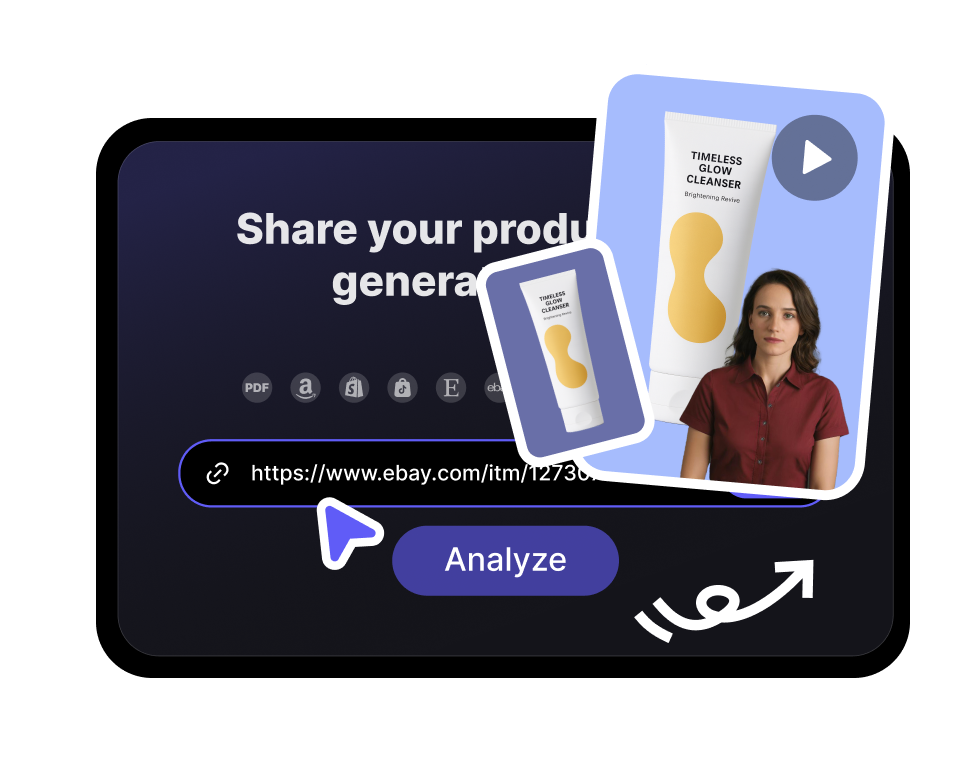
Create versions for product pages, explainers, ads and training videos without reshooting.