Crop Images to the Exact Frame You Need
Use cropping to remove outer areas and change composition, not just to scale every pixel.
Choose an image to crop
JPG, PNG, WebP or HEIC · up to 1 file · 10 MB each
Use cropping to remove outer areas and change composition, not just to scale every pixel.
JPG, PNG, WebP or HEIC · up to 1 file · 10 MB each
Composition and framing
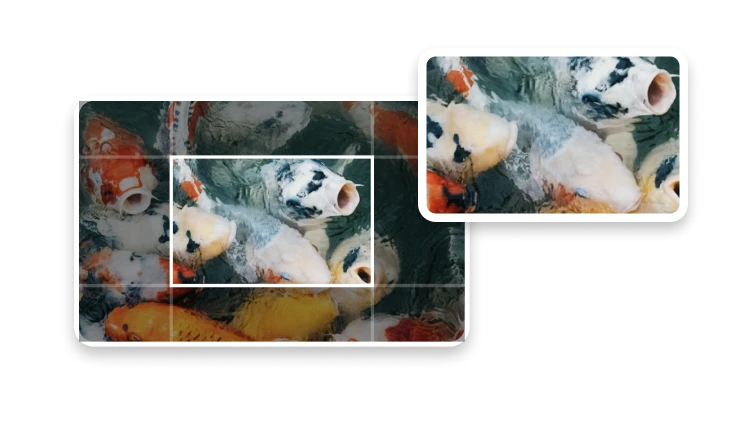
See how the same source can be reframed for square, landscape, widescreen, and vertical layouts.
Frame products, profiles, and grid posts.
Keep more height for editorial and presentation images.
Prepare covers, thumbnails and slide visuals.
Centre the subject for Stories, Reels and mobile creative.
Choose the destination frame before deciding what the image can lose.
Yes. Cropping removes pixels outside the selected rectangle, so the resulting width and height reflect the crop region.