None of this replaces the CSM. It changes what the CSM spends the implementation window on. An account that’s already watched the standard configuration walkthrough starts the live call with questions about its own migration—not questions about where the admin settings live. Every item here has the same limit in the same place: a recording holds the steps that are identical for every account, and it never captures the discussion of the one thing this account does differently.
Nobody can re-open a kickoff call
The admin took notes during kickoff. Half a page, written in a meeting where eleven things were explained inside forty minutes, and by Monday those notes read like somebody else’s shorthand. So the field mapping becomes a guess, or an email goes to the CSM, or the question just waits until the next scheduled session because nobody wants to admit they lost the thread on day one.
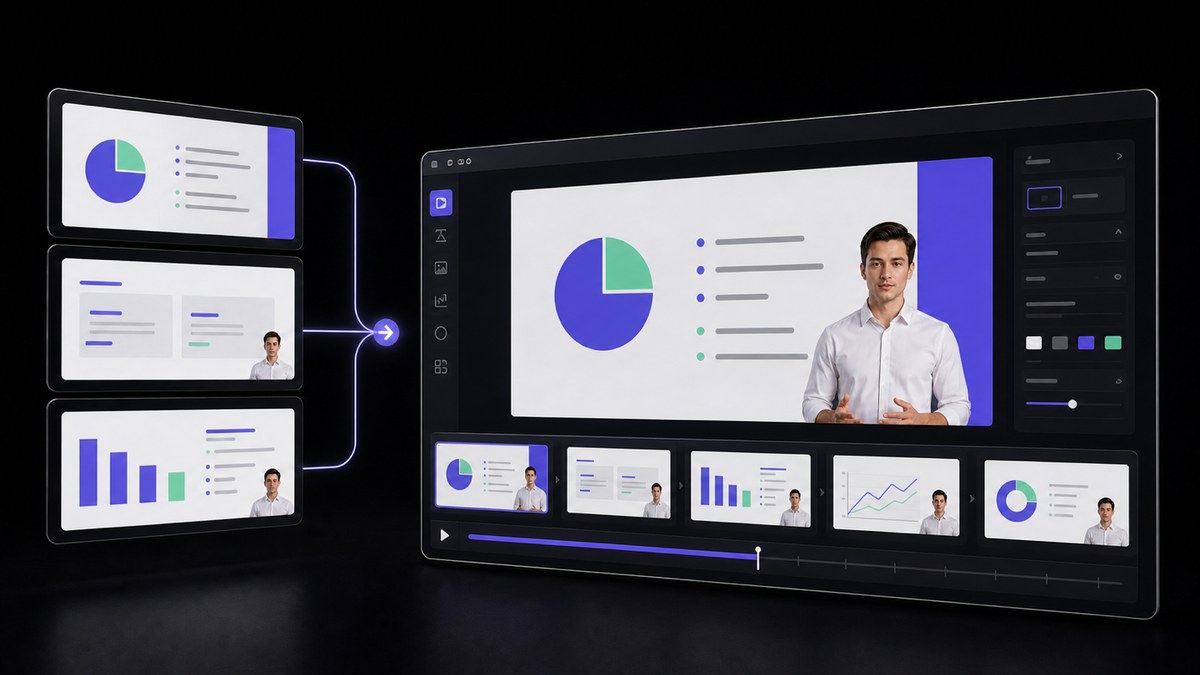
What the weeks before go-live are missing isn’t a CSM who says it one less time. It’s a reference the customer can open at the exact moment they’re actually doing the step—three weeks after the call where it was explained. Built from the implementation deck and setup guide your team already maintains, that walkthrough becomes something the admin re-watches right at the point of use, and when a question does come back, the CSM and the customer are looking at the same version of the answer.
Go-live depends on work only the customer can do
Every implementation has an order that can’t be rearranged. The data export needs someone with access to the old system, the permissions map needs whoever owns the org chart, and the integration needs a key that lives in another team’s console. A CSM can explain all three but can’t do any of them, so a go-live date is, in practice, a bet on when the customer’s side finishes its part.
Recorded modules don’t make that work happen faster. What they remove is the appointment blocking it—because the admin no longer has to park the field-mapping question until a shared hour shows up on two calendars. The walkthrough for that step is already in their inbox, and the dependency can start the same evening they get the file. Each module is assembled from documents your team has already approved, and the CSM still confirms the sequence matches what this account needs to finish before its go-live date.
One kickoff call, three audiences—none of them served
The kickoff call includes the admin who wants permissions and single sign-on, the two people who’ll use the tool every day and want to know where their own queue lives, and the VP who joined for eleven minutes to hear when the dashboard will have numbers on it. Forty-five minutes later, the admin has half of what they needed, the daily users have sat through an integration discussion that wasn’t for them, and the VP has already left.
Repurposing the same material three ways costs a fraction of filming three separate versions. One implementation deck becomes an admin module on setup and permissions, a shorter one for daily users on the three things they’ll do most often, and a five-minute version for the sponsor on what the account looks like when it’s working. The CSM sends each role the version that applies. What stays live is the conversation about this customer’s specific workflow—something no recording was ever going to cover.
Support accounts that are never awake when you are
Your implementation team is based in Berlin, and this quarter’s three biggest new accounts are in Sydney, Singapore and Sao Paulo. The workable overlap with Sydney is about ninety minutes—at the wrong end of someone’s day. So the Sydney admin’s question about field mapping goes into an email on Tuesday night and gets answered on Wednesday afternoon, and a setup task that would’ve taken four minutes on a call takes two days instead.
A recorded walkthrough is awake when they are. The admin opens the configuration module at nine in the morning their time, completes the step, and brings only what didn’t work to the next live session. And if an account operates in another language, the released module can be reissued as dubbed editions across 88 languages—so nobody is reading a second language while learning a new system. Their CSM confirms the edition matches what that account bought before it goes out.
Let the customer hear one familiar voice all the way through
A customer meets their CSM on the kickoff call, then works through eleven onboarding modules narrated by five different voices—none of them the person whose name is on every email they’ve received. The stock voices aren’t the issue. The issue is that implementation stops feeling like a relationship and starts sounding like a help centre—right when the customer is deciding whether anyone at your company is actually looking after them.
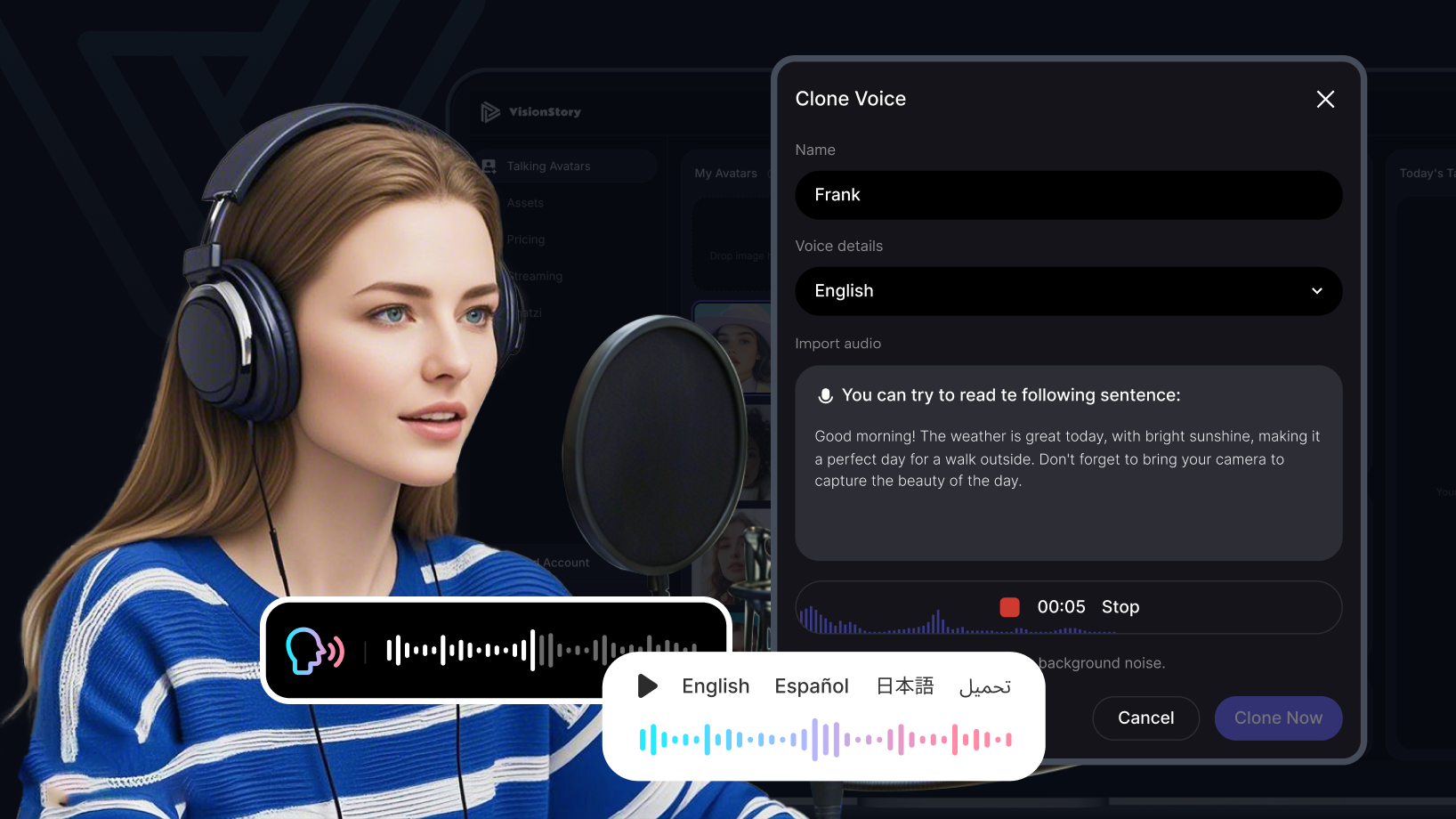
One authorised recording from the CSM who owns the account creates a reusable voice, and every module in that customer’s sequence is narrated in that voice—including the ones written weeks after go-live. The recording has to be that person’s own and shared with their consent, because it’s their voice, not a company asset. Nothing here replaces the CSM. It carries their explanation into the hours they aren’t working, and they still review the script before it’s spoken in their name.



Users Love VisionStory
Discover why content creators and marketers trust VisionStory for their AI video needs. From powerful features to an effortless user experience, our community can’t stop raving about the results they achieve with VisionStory.