Remove Unwanted Objects from Photos with AI
Select a photo and choose the type of distraction you want to remove.
Upload a photoJPG, PNG or WebP · max 20 MB
Select a photo and choose the type of distraction you want to remove.
Choose the cleanup target
Start with the distraction, then continue to VisionStory for AI removal and background reconstruction.
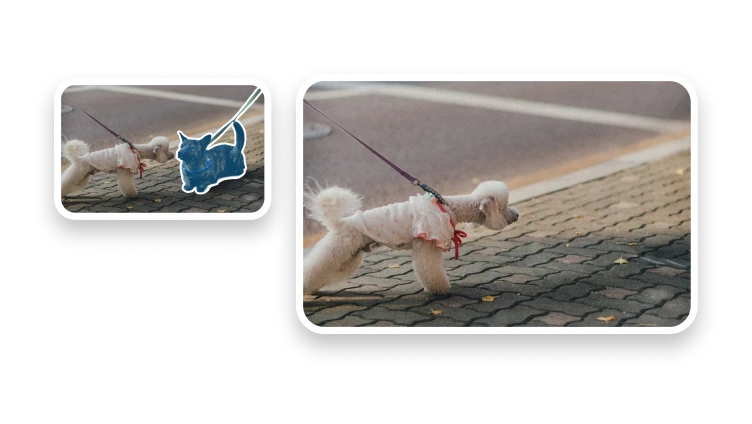
Target furniture, wires, signs, bins, or an isolated distraction.
Remove an unwanted passerby while keeping the main subject.
Target text or a logo only when you have permission to edit it.
Use surrounding context to reconstruct the background behind the target.
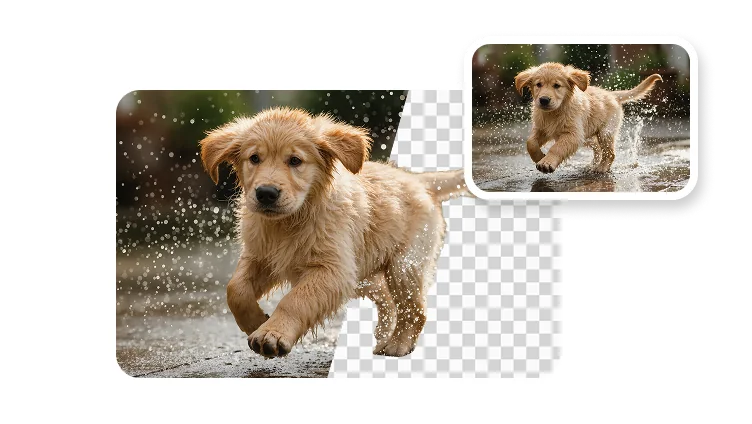
Object removal fixes one unwanted part of the scene; background removal isolates the entire subject.
It removes a selected object, person, or text region and uses AI to reconstruct the part of the background that was hidden behind it.