Upload a start frame and end frame, describe the action and camera movement between them, choose your video settings, and continue generation in VisionStory.
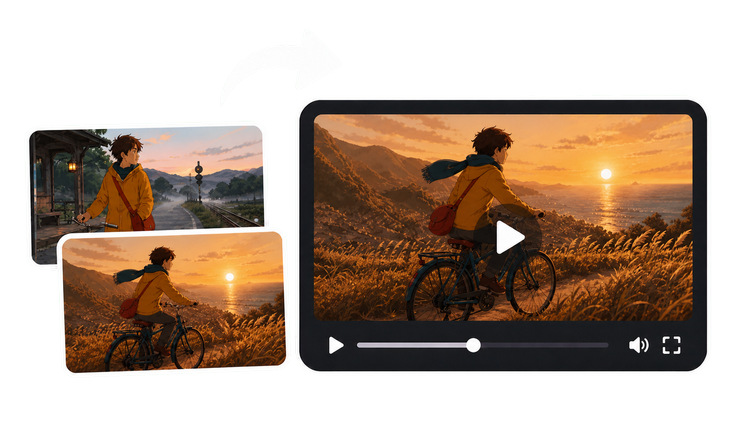
Define the visual journey
Use a start and end frame to define where the shot begins, how it moves, and where it finishes.
Start frame+ Add
End frame+ Add
PNGJPG or WebP
Livemodel options
Directgenerator handoff
Start, end, and motion
See two frames become one continuous video
Compare the opening frame, closing frame, and generated motion side by side. The sequence makes it clear what stays stable and what changes as one action connects the shot.
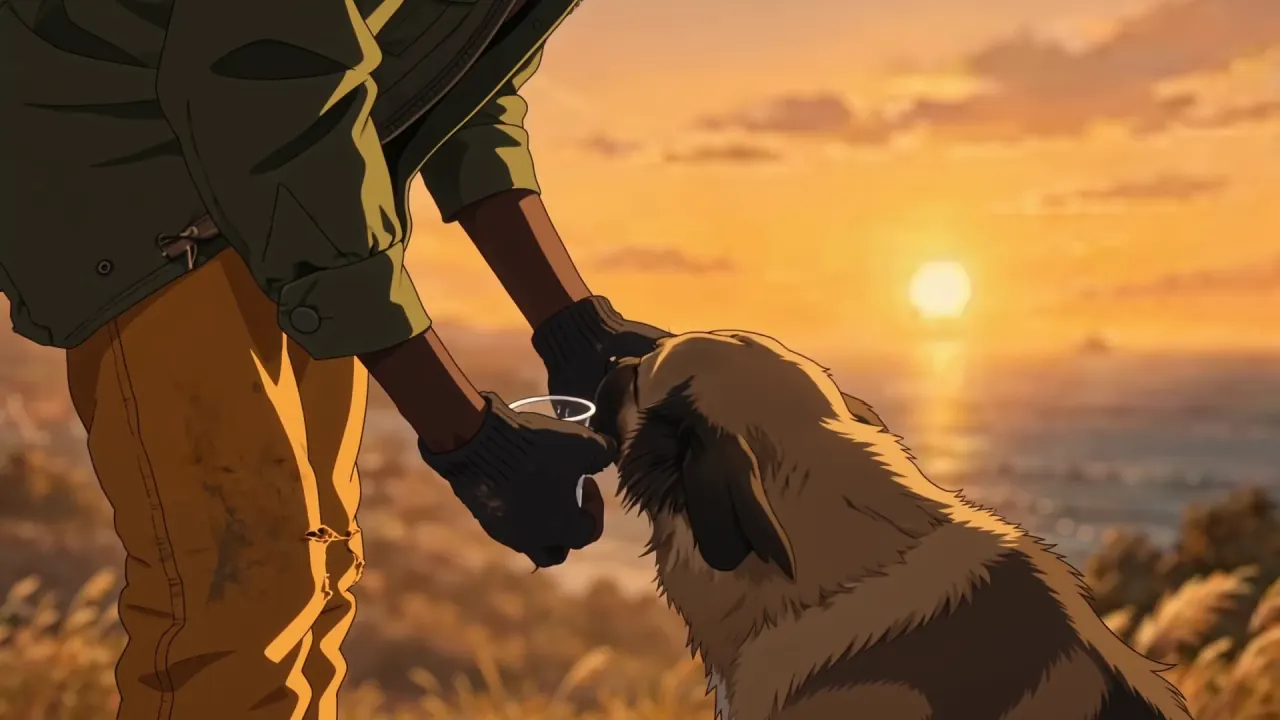
Start frame
Establish the opening
The traveller’s lowered hands, waiting dog, coastal sunset, and close framing establish the opening beat.
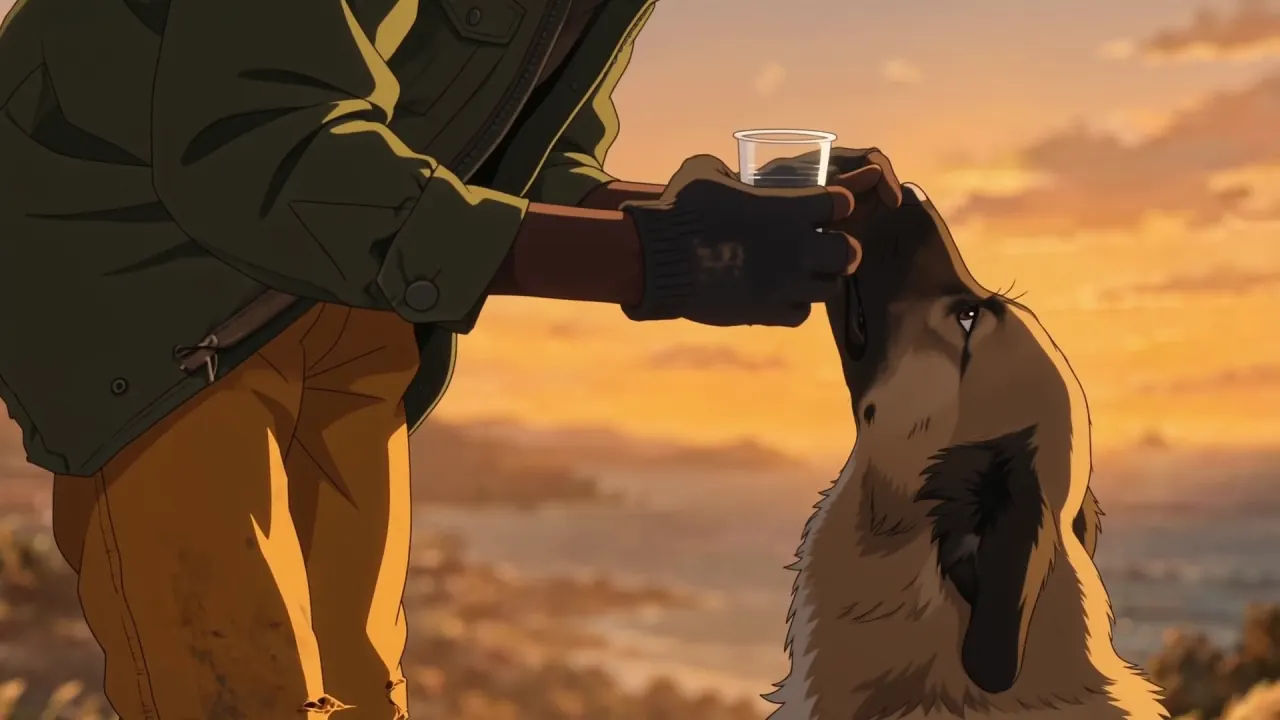
End frame
Lock the destination
The raised cup defines the closing action while the traveller, dog, sunset palette, and camera angle remain recognisable.
Generated video
Connect the movement
The preview links the lowered cup to the drinking pose as one clear, readable action—without changing the scene or the subject’s identity.
Creative cue: keep identity, lighting, and framing stable; describe only the movement that needs to happen between the two anchors.
Frame pairing guide
Choose two frames the model can plausibly connect
A strong start-and-end-frame pair shares enough visual DNA to feel like a single shot. Check the subject, camera logic, environment, and how big the change is before generating, so the model can focus on motion instead of rebuilding the scene.
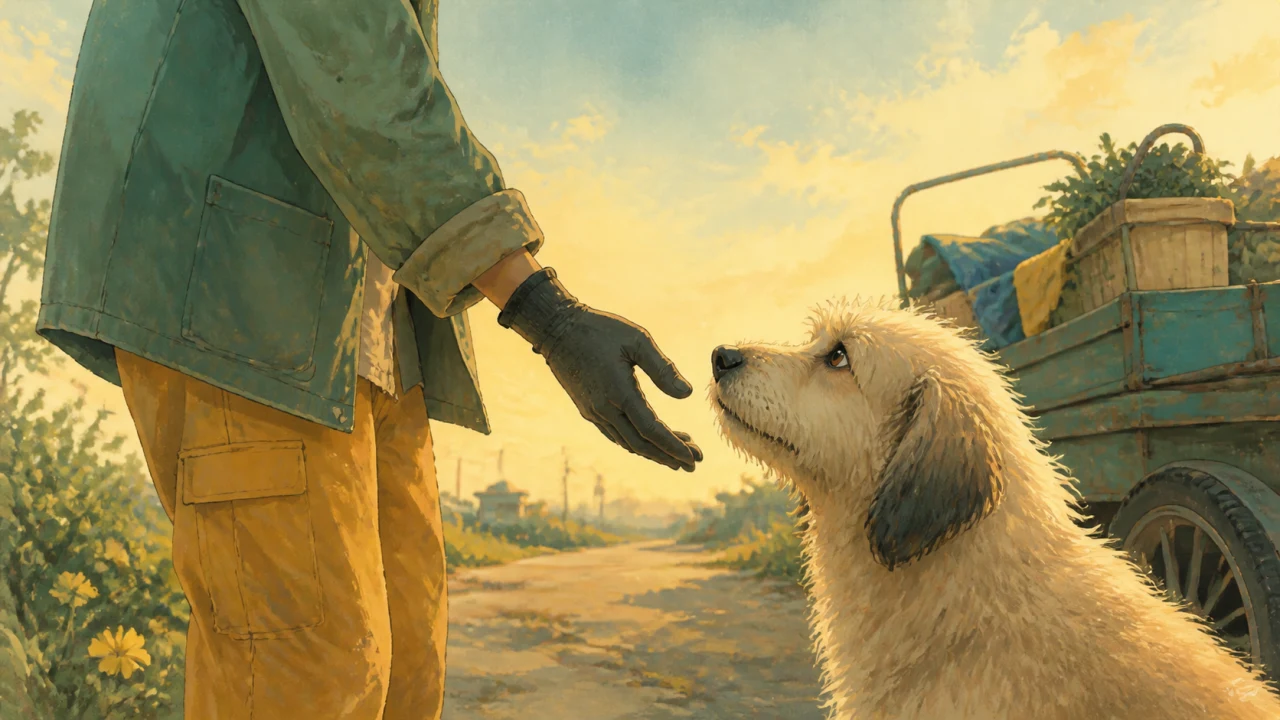
Opening anchor
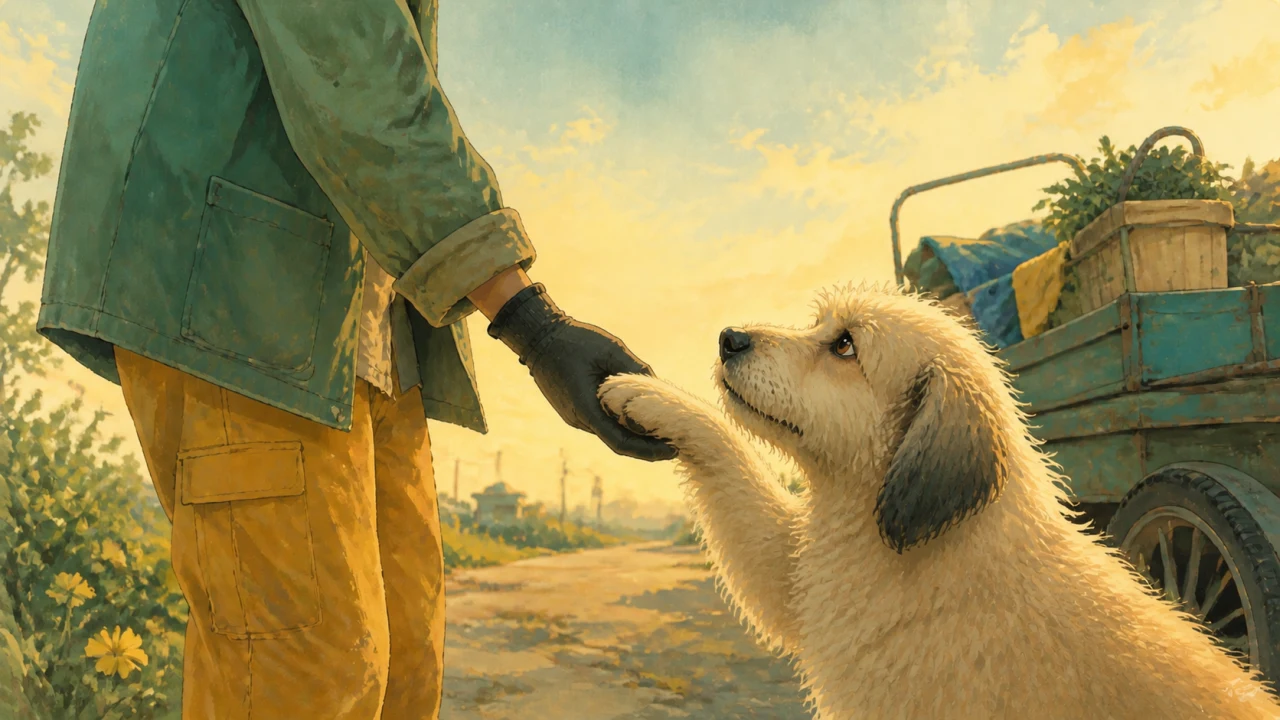
Closing anchor
This pair changes one clear action—the dog raises a paw—while the people, setting, palette, and camera position stay recognisable. That gives the transition a short, coherent path.
Where first-and-last-frame guidance helps
First and last frame video generation works best when the opening and closing compositions matter more than a completely open-ended prompt.
Product reveals
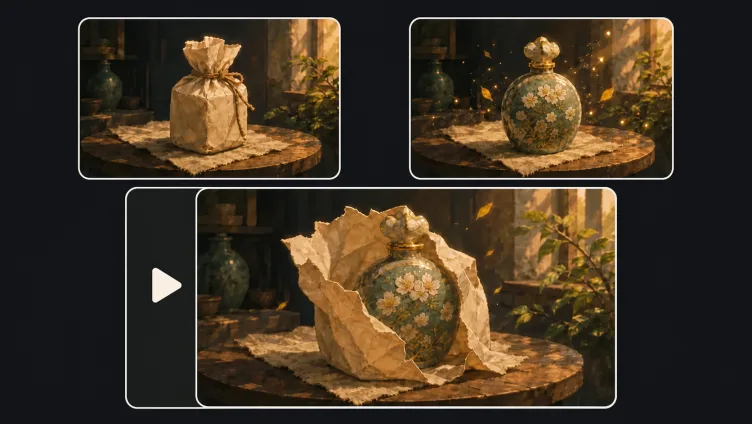
Plan the payoff before the motion begins. A first frame can establish sealed packaging or a wider setup, while the last frame locks in the hero angle, label visibility, and final arrangement.
Storyboard transitions
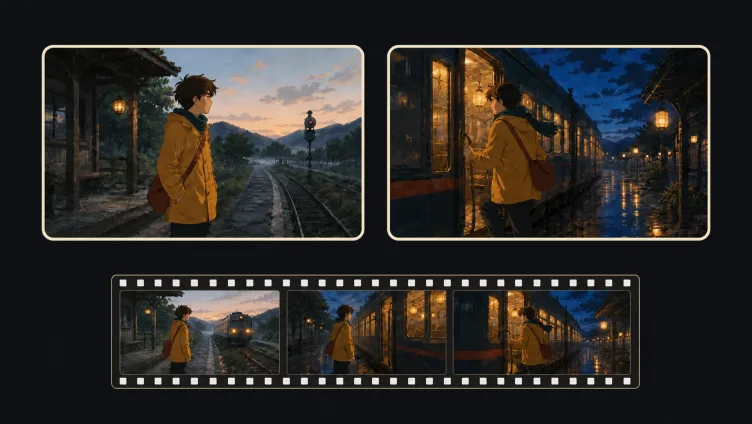
Turn two approved storyboard beats into a connected shot without giving up the intended composition. Matching screen direction and subject identity helps the generated in-between motion stay readable.
Social hooks and loops
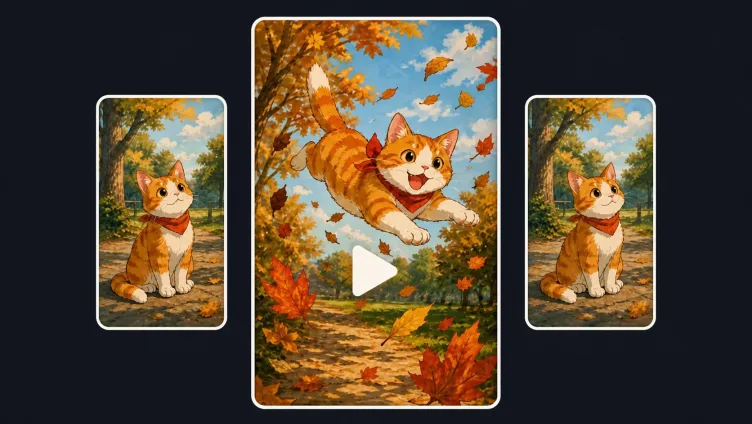
Design the ending to reconnect with the opening for a repeatable short-form loop. Similar subject scale, camera position, and background rhythm make the restart less noticeable.
Frequently Asked Questions
It’s an image-to-video workflow that can use an opening image and a finishing image as visual anchors. A prompt describes the action, camera movement, and transition between them. The model creates the in-between motion instead of requiring you to animate every frame manually.
No. Both image fields are optional on this page. You can continue with no images, only a start frame, only an end frame, or both frames. Adding both gives the model the clearest visual endpoints, while using fewer images leaves more room for prompt interpretation.
The workbench accepts PNG, JPG, JPEG, and WebP images up to 20 MB. For a smoother transition, choose images with compatible aspect ratios, a recognisable shared subject, and compositions that can plausibly connect within one short shot.
Focus on what happens between the two visual states. Describe subject movement, camera motion, pacing, environmental changes, and details that must remain consistent. For example, explain that the camera slowly orbits a product while its lighting shifts and it settles into the final hero angle.
The page reads the current VisionStory video configuration and shows models compatible with start-and-end-frame guidance. Each model can expose different resolutions, durations, aspect ratios, or native-audio controls, so the available settings may vary with your selection.
Generation continues in the official VisionStory AI video generator after you select Continue to generate. Your uploaded frames, prompt, and settings are carried into the full generator, where you can track progress and manage the finished video.