Convert PowerPoint to Video with AI Voice and Avatars

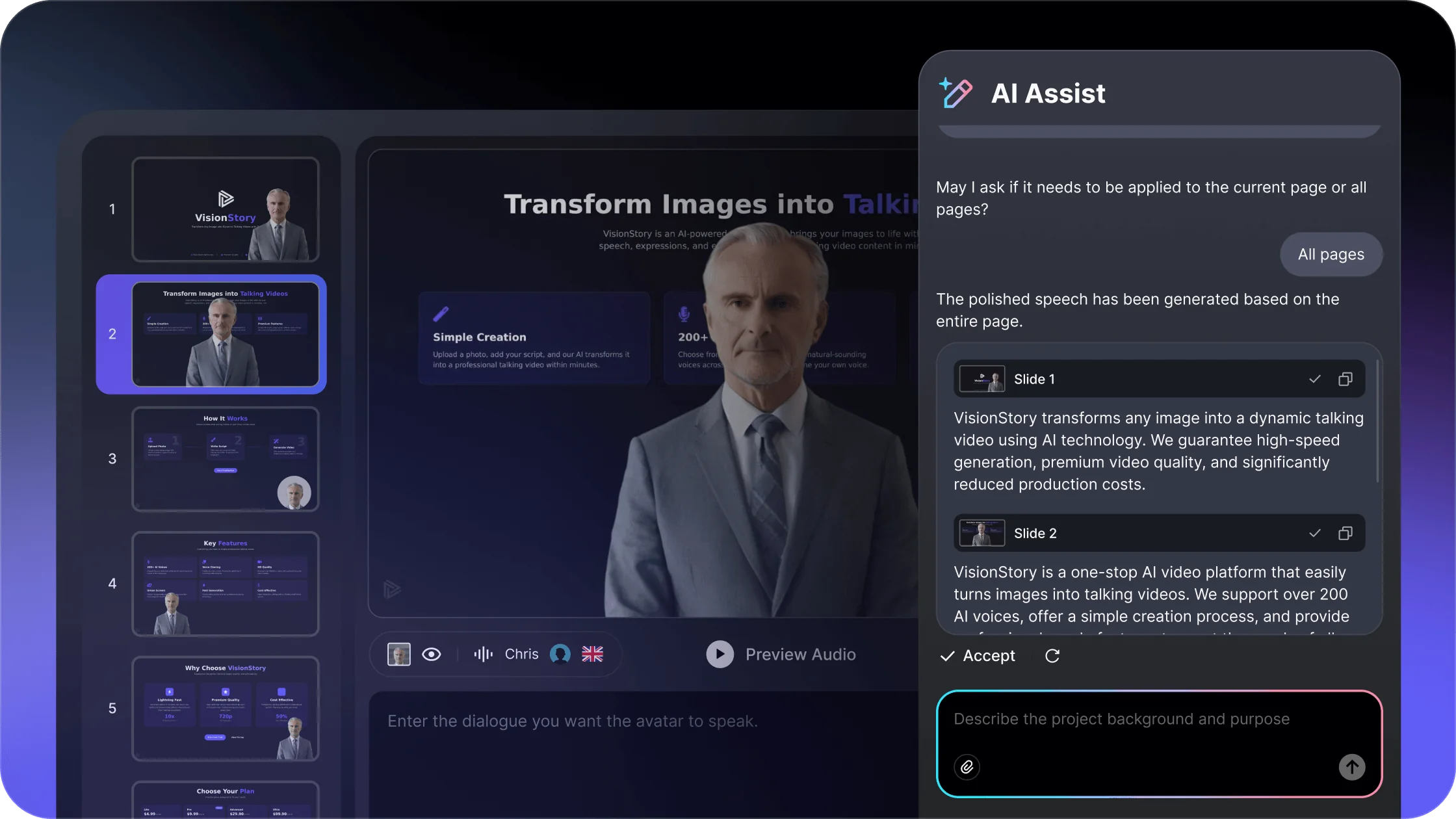
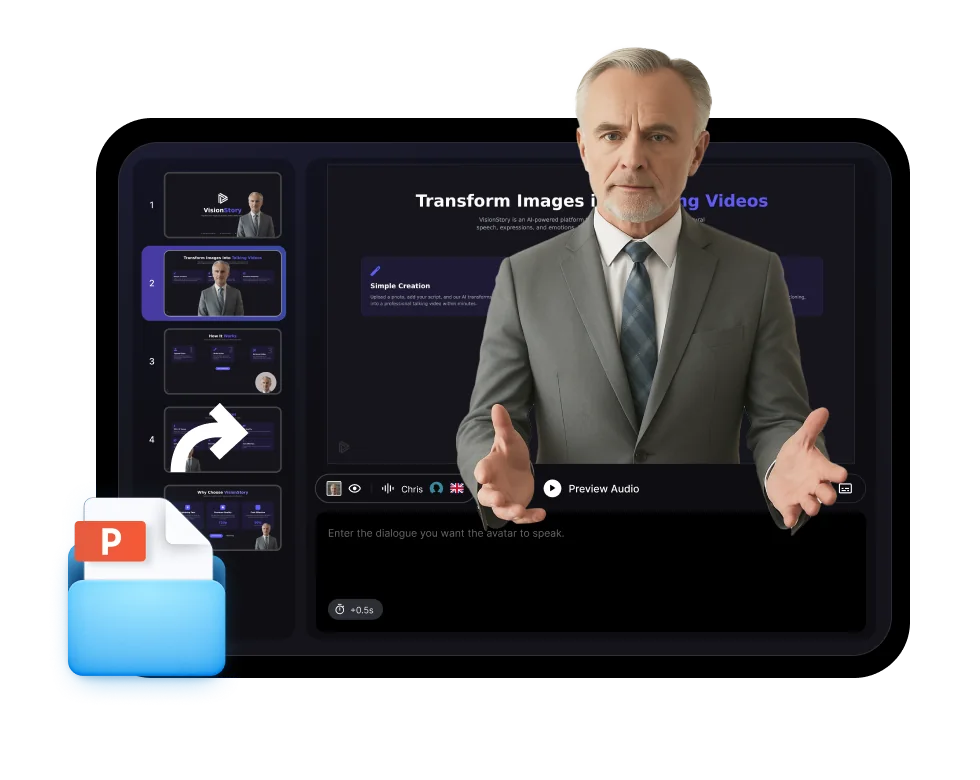
Upload a PowerPoint or PDF deck, add instructions for the narration, and choose an AI presenter. Continue in VisionStory to review each slide and create the complete video.

  • Turn PPT, PPTX, or PDF slides into video scenes
  • Add AI narration and an avatar presenter
  • Create training, course, sales, and update videos
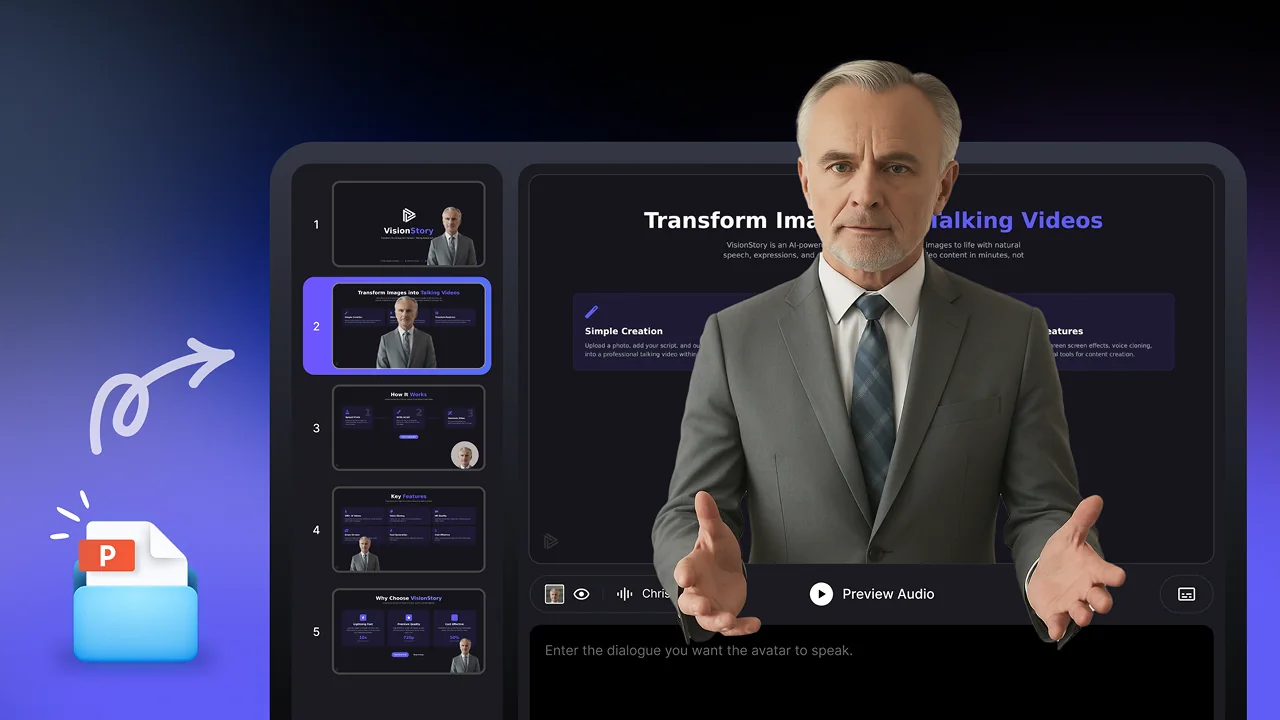
Create presentation video

What should the presenter say?

Upload your slides

Pick your AI presenter

1,000+AI avatars
1,000+voices
100+languages
Freeto try

Deck-to-video workflow

Keep the Slides, Improve the Delivery

Transform an existing deck into a video without rebuilding the presentation from scratch.

01

Add your deck

Upload PowerPoint or PDF slides and provide any speaker notes or context.

02

Review the narration

Edit the script so each slide has the right detail, tone, and pacing.

03

Choose a presenter

Select an avatar and voice that fit the audience and subject.

04

Create and share

Generate the final video and publish it for viewers to watch on demand.

Preview a PowerPoint-to-video result

See how slides, narration, and an avatar presenter work together in a finished presentation video.

Presentation Videos for Real Work

Adapt the same deck-to-video workflow to different audiences and outcomes.

  • Presentation Videos for Real Work

    Training module

    Turn onboarding, policy, and course decks into repeatable lessons.

  • Presentation Videos for Real Work

    Product walkthrough

    Explain a product or process with consistent narration and slide pacing.

  • Presentation Videos for Real Work

    Sales and updates

    Create shareable pitch, report, and stakeholder presentation videos.

Reusable delivery

Present the Same Deck to More Audiences

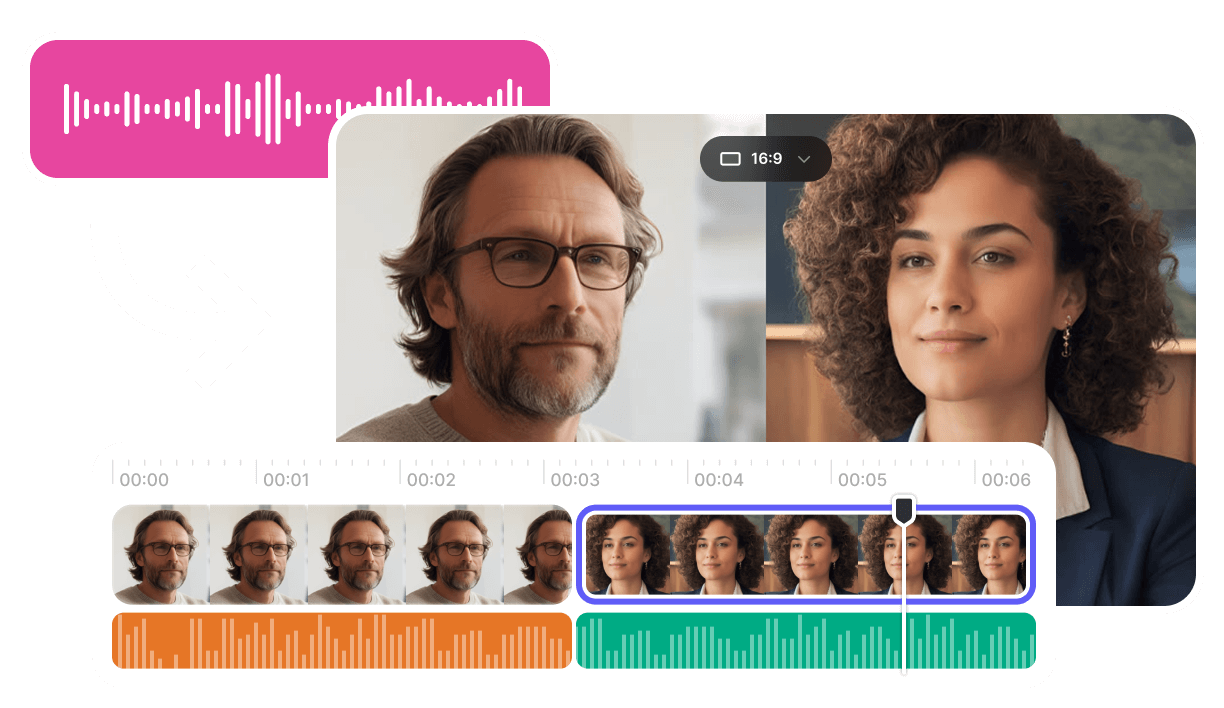
Create additional language and voice versions in VisionStory without filming the presentation again.

Slides

Keep the source structure

Use the deck as the visual backbone of the video.

Voice

Add narration

Match the speaking style to the audience and purpose.

Avatar

Use a consistent presenter

Give every section a clear on-screen host.

Frequently Asked Questions

  • Upload a PPT, PPTX, or PDF deck, add any narration instructions, and choose an AI avatar. Continue in VisionStory to review the scripts for each slide and generate the presentation video.