AI Video for Sales Teams: Four Workflows and Who Each One Is For
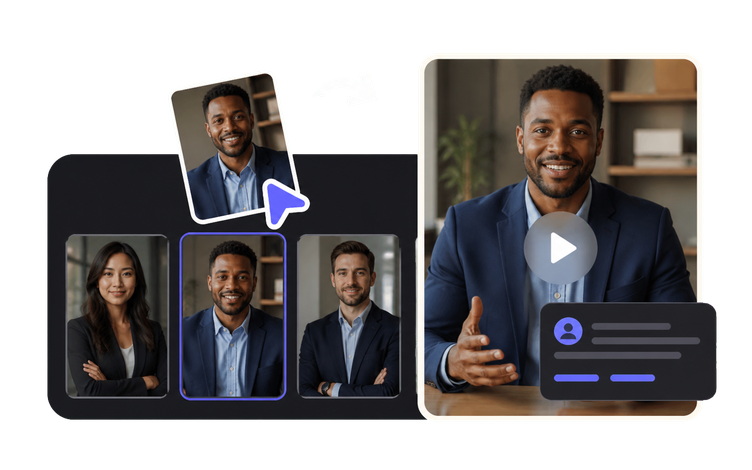
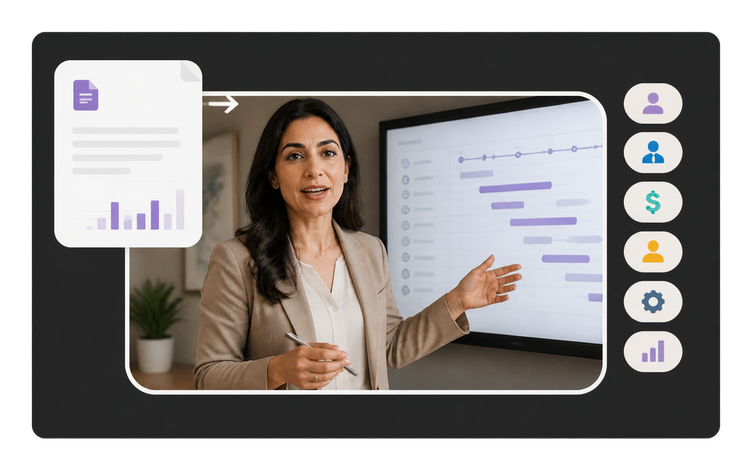
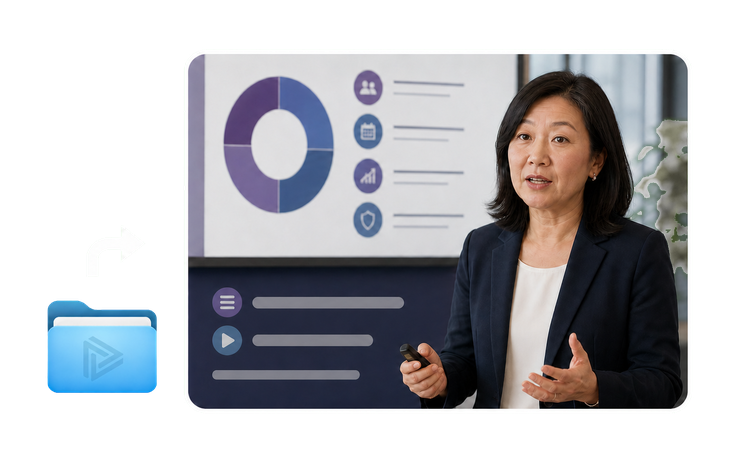
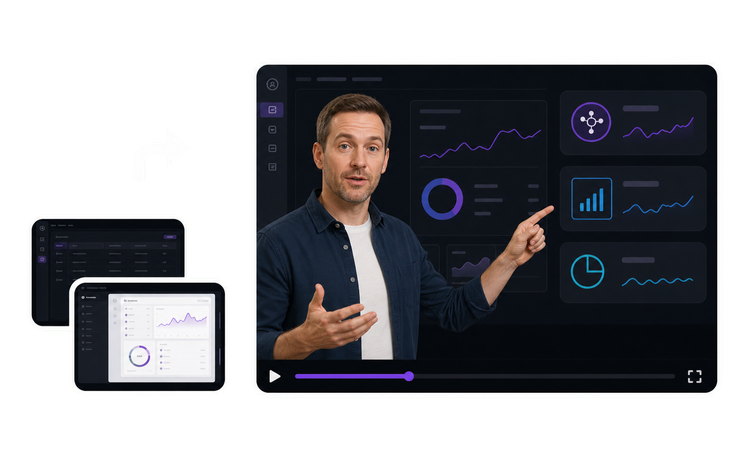
Sales video isn’t one job. The four workflows below differ in who’s watching, how many people one file has to serve, and who’s accountable when a claim on screen is wrong. Outbound and prospecting videos go to people who’ve never heard of you, at volume, and each one is short-lived. Proposal and follow-up videos go into a deal already under way, usually to the executive who missed the call, so every figure has to match the quote your team sent. Enablement videos are watched by your own reps and channel partners, not by buyers, which changes both the tone and the reviewer. Product demo videos take the walkthrough a solutions engineer repeats every week and make it asynchronous. Start with the audience, then check the update cycle, because anything quoting price, roadmap, or availability ages faster than it takes to rebuild. One split is worth stating plainly: VisionStory builds and re-versions the cut, a rep or a sales ops owner is the one who hits send, your CRM is where that touch gets logged, and your engagement tools are what determine whether a view counted.