Crop a Video for Any Frame
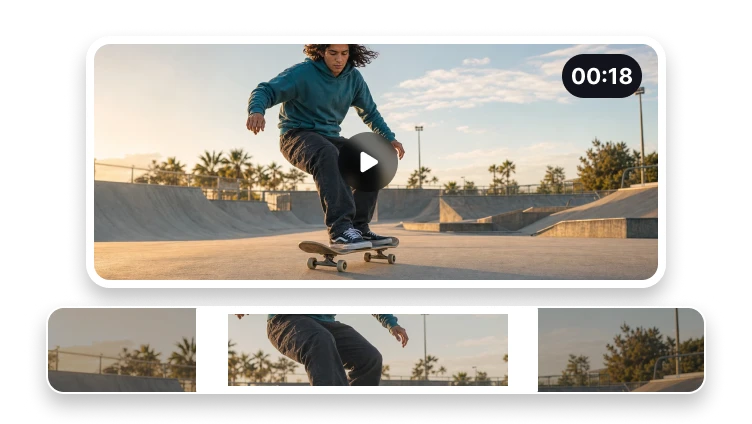
Choose the visible area and aspect ratio for vertical, square, or landscape output.

Upload a video to crop
MP4, MOV, WebM, or M4V · up to 500 MB
Choose the visible area and aspect ratio for vertical, square, or landscape output.
MP4, MOV, WebM, or M4V · up to 500 MB
Reframe Video
Choose the frame that matches where the video will appear.
Preview the source frame.
Choose aspect ratio, rotation, and scale.
Export and inspect the reframed video.
Publishing Formats
Prepare framing for social posts, feeds, and players.
Frame clips for stories, reels, and shorts.
Create a centred feed-friendly crop.
Prepare a widescreen video frame.
No. Cropping changes the visible frame, while trimming changes the time range.