Image to AI Video Generator
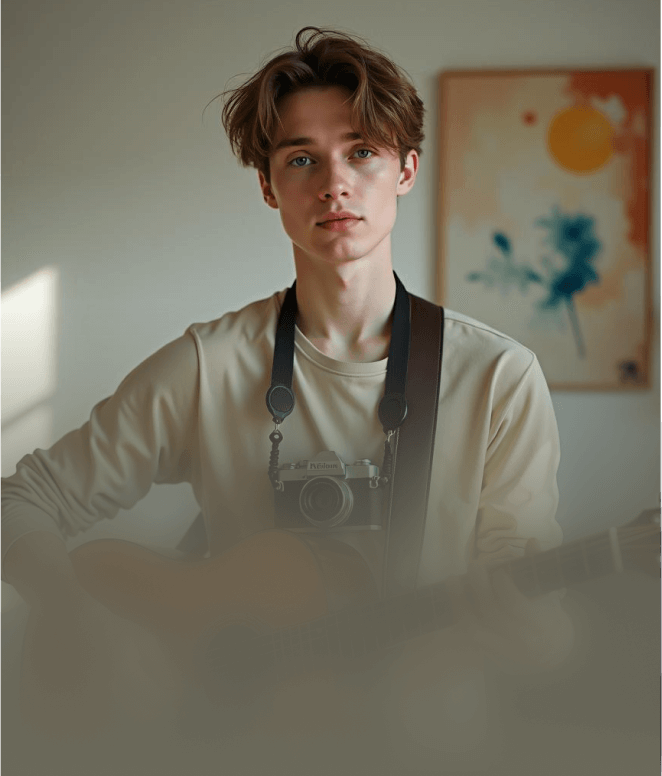
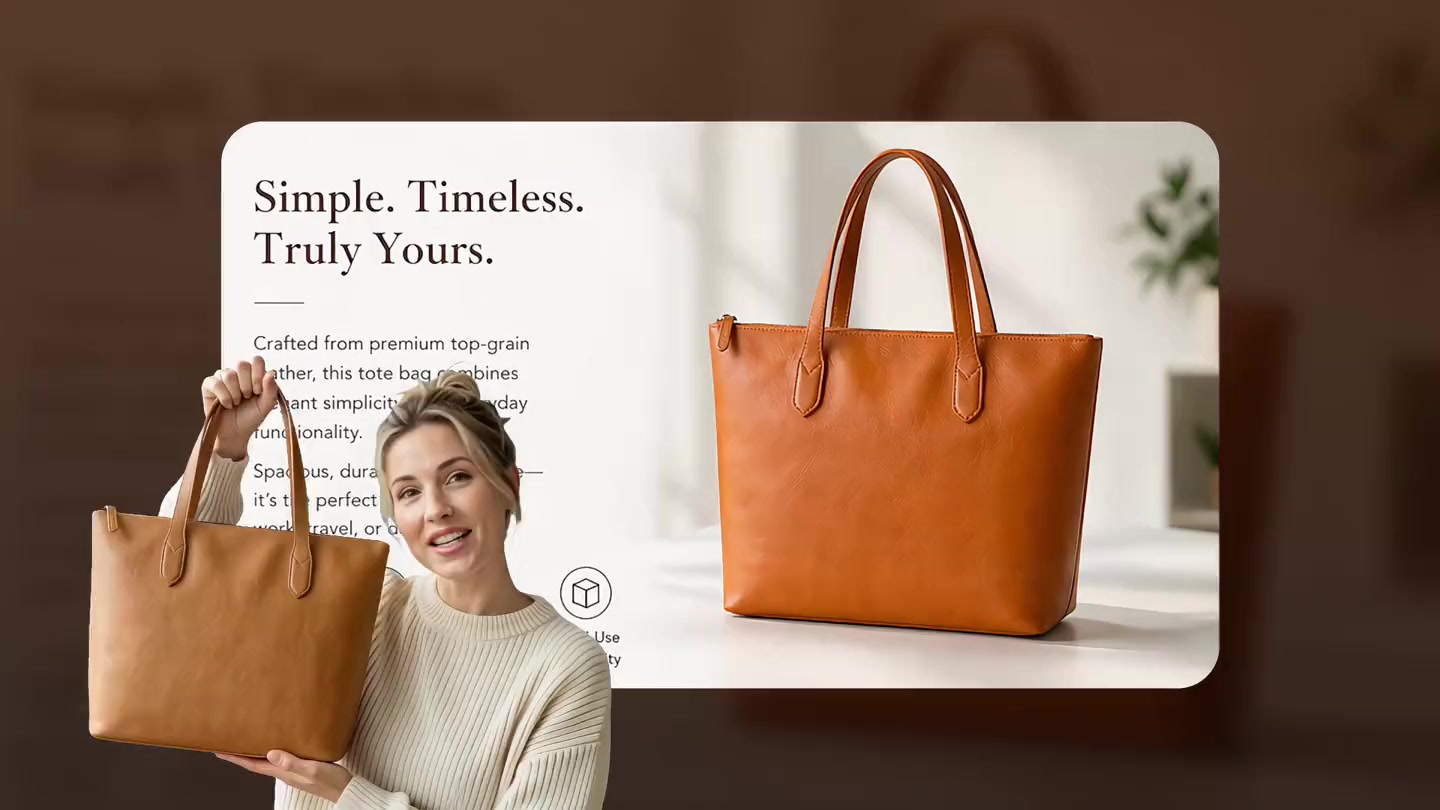
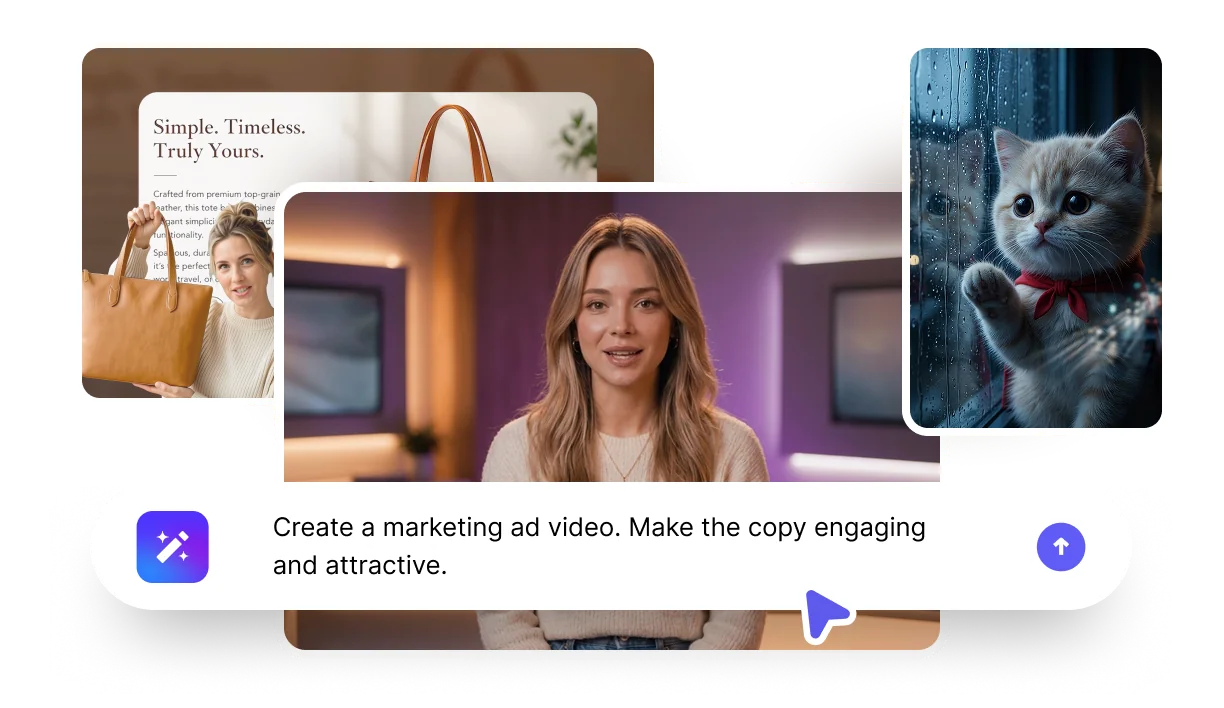
Turn photos into stunning AI videos in seconds. Add a script, natural voice, and lifelike motion — perfect for social posts, ads, and storytelling.
- Choose from 1,000+ voices
- Add motion prompts for cinematic movement
Turn photos into stunning AI videos in seconds. Add a script, natural voice, and lifelike motion — perfect for social posts, ads, and storytelling.
How it works
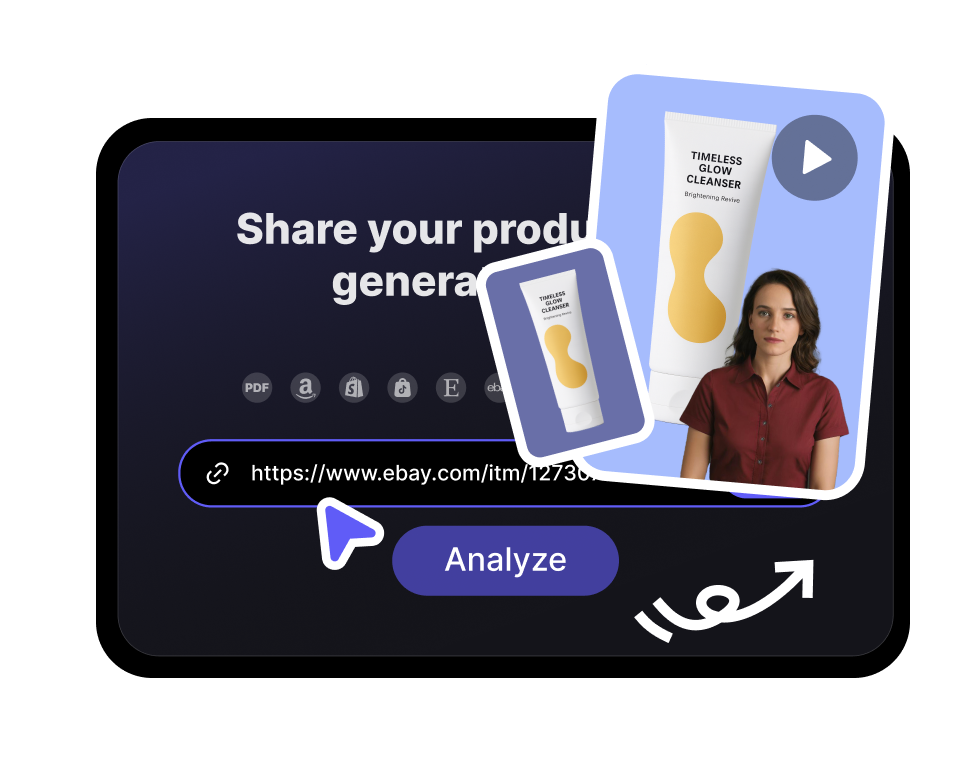
Use one image and a short script to build an AI video with natural motion, voice, and share-ready output.
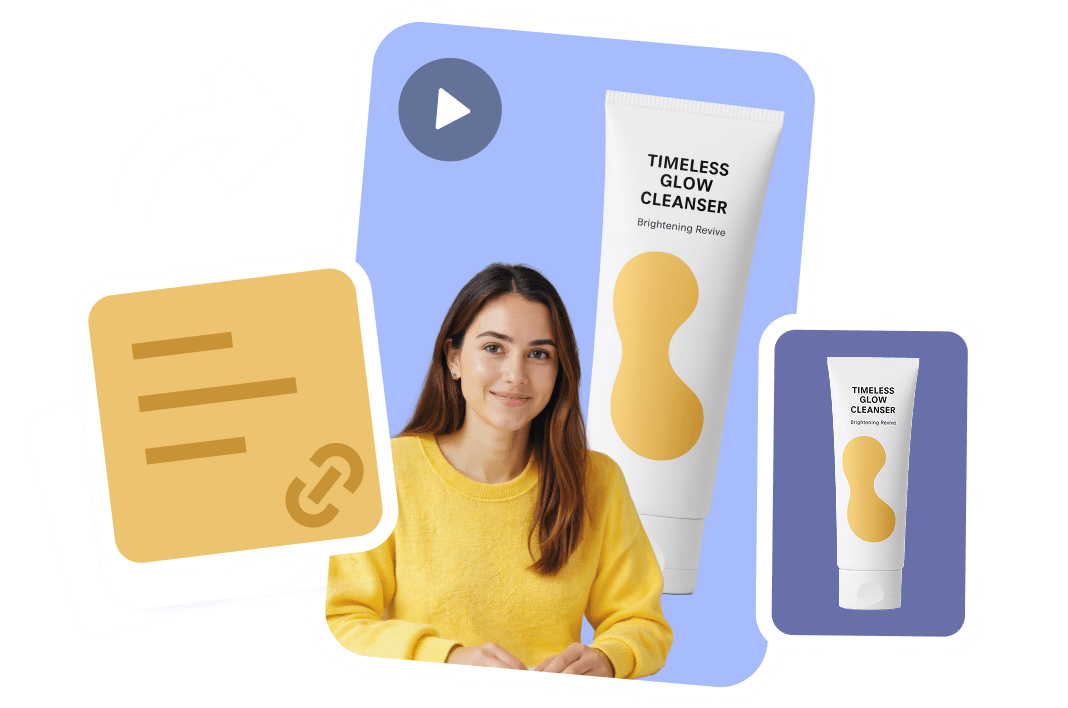
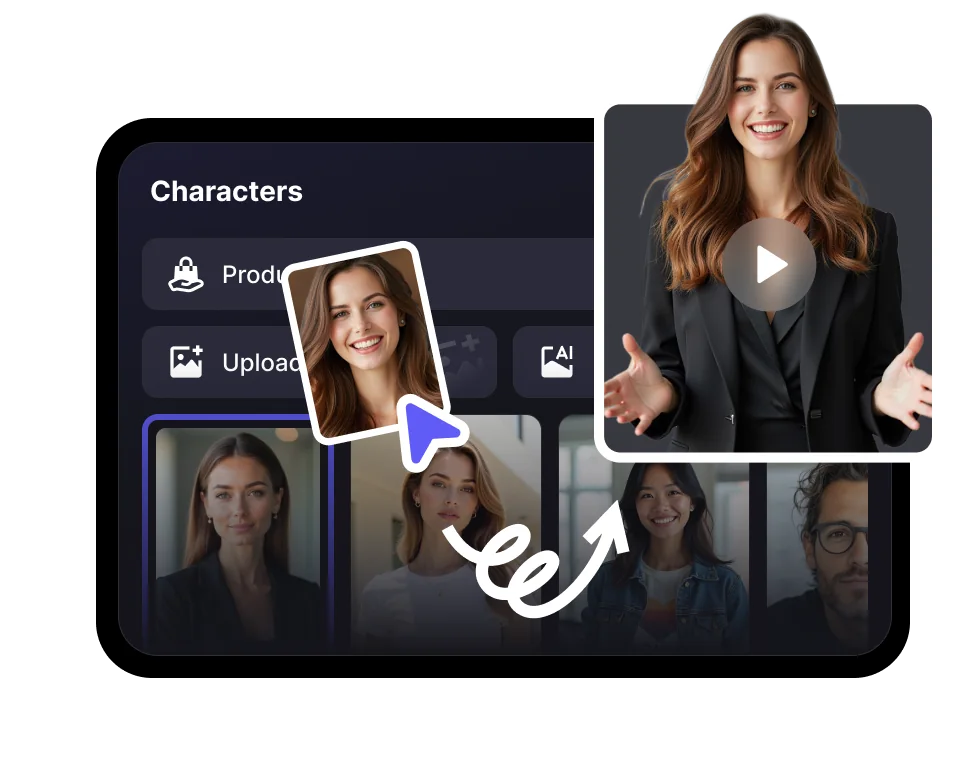
Select a presenter style, add your script, and choose a voice that matches the message, brand, or audience.
Add movement, pacing, captions, and visual direction so a static photo becomes a polished video scene.
Create a finished AI video for social posts, explainers, ads, product education, or internal communication.
Benefits
VisionStory gives you production controls for voice, model quality, resolution, and background workflows, so each image-to-video result fits the channel and use case.

Pick a natural AI voice for the avatar, localise it with language options, or use voice cloning when the video needs a consistent personal or brand sound.
Use V-Character 3.0 for higher-quality avatar motion and expression, or switch model modes when you need a lighter generation path.

Start quickly with 720P output, or choose 1080P Advanced when your video needs sharper detail for ads, presentations, or polished publishing.

Enable green screen output when you want to place the avatar into product demos, training scenes, ads, or post-production workflows.
How do I turn an image into a video with VisionStory?
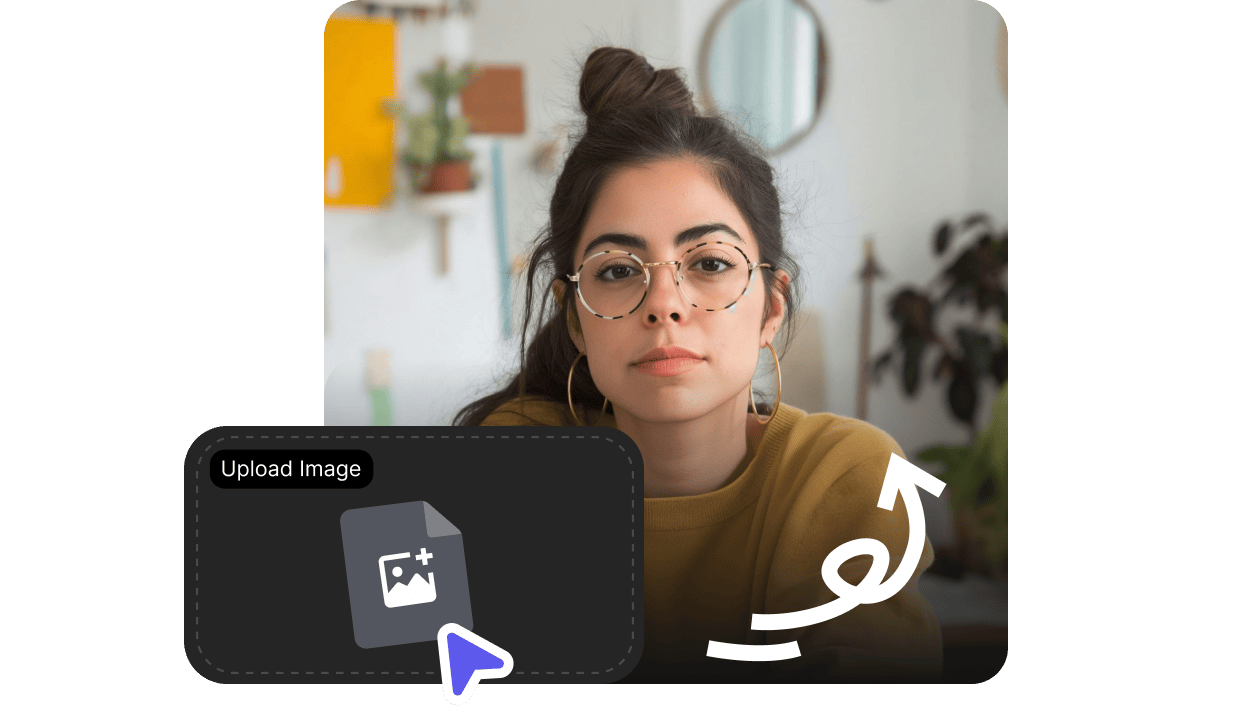
Upload a photo or pick an avatar, type or paste your script, choose a voice and language, then hit Generate. VisionStory animates the image into a talking video with natural motion, lip-sync, and voiceover — usually in a couple of minutes, no editing skills needed.
What kind of images work best?
Is image to video free to try?
What languages and voices are supported?
What can I use the AI videos for?