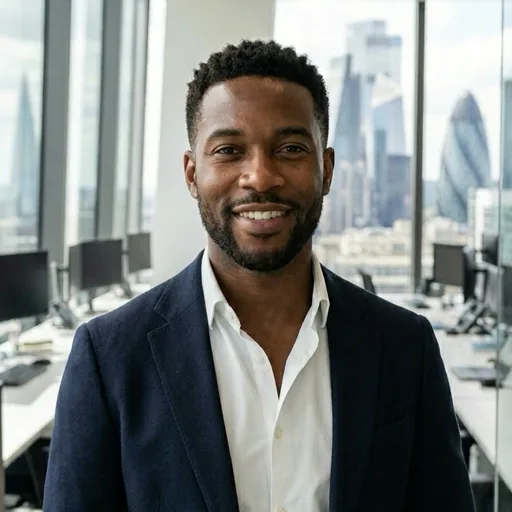
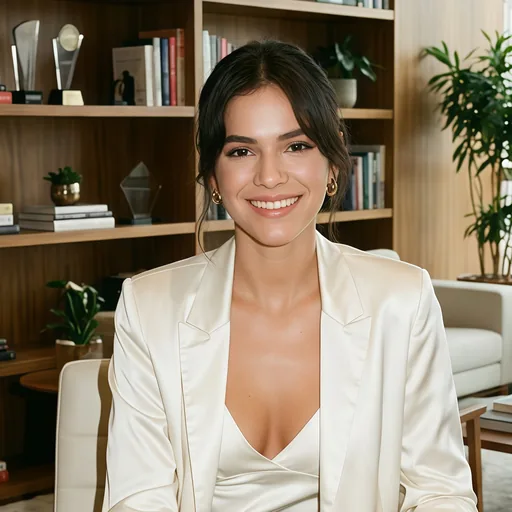
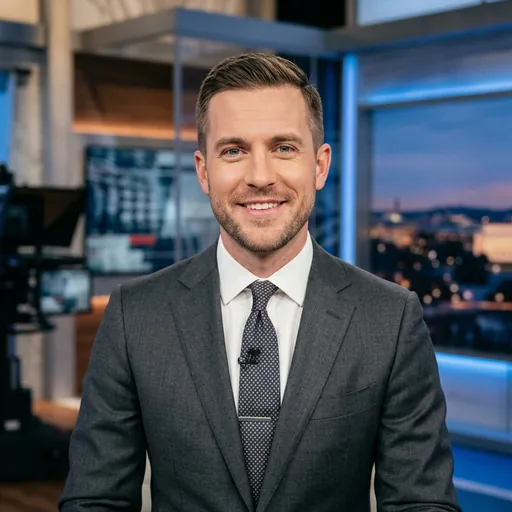
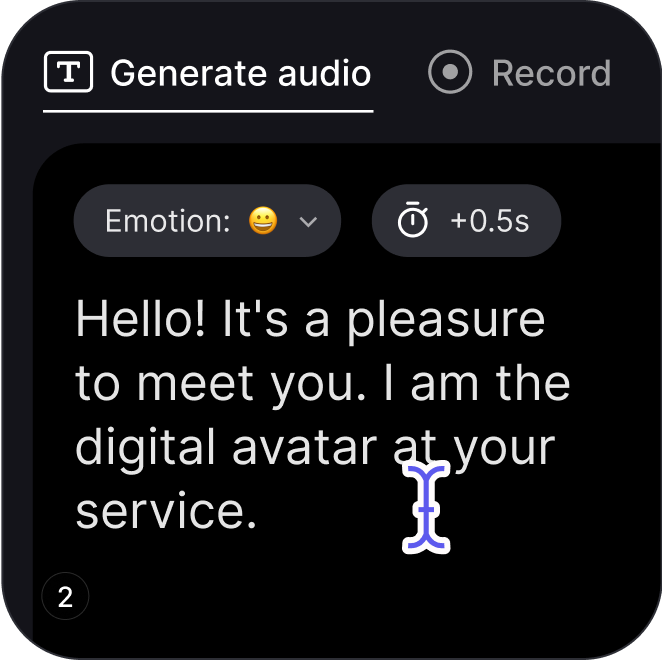
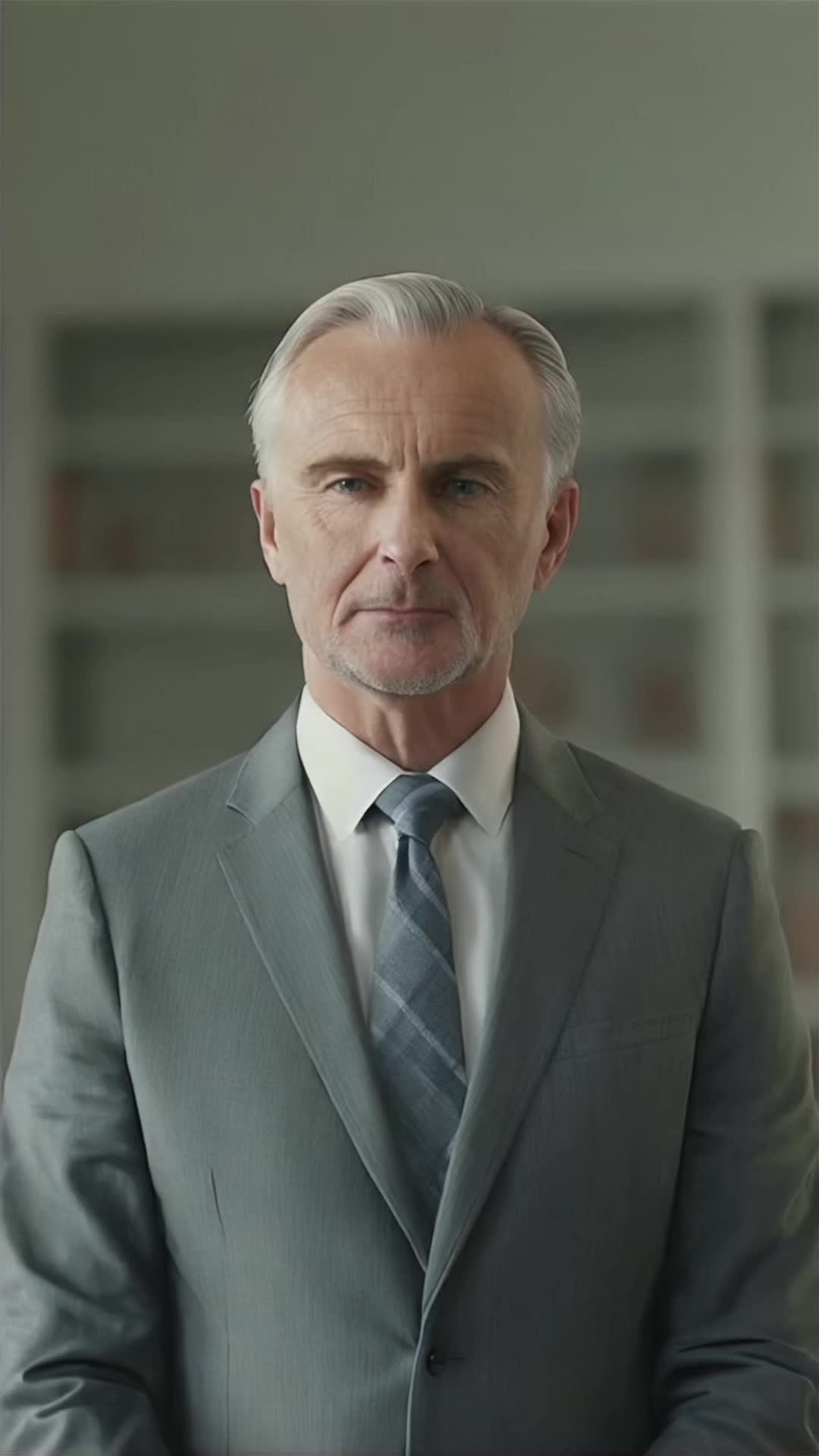
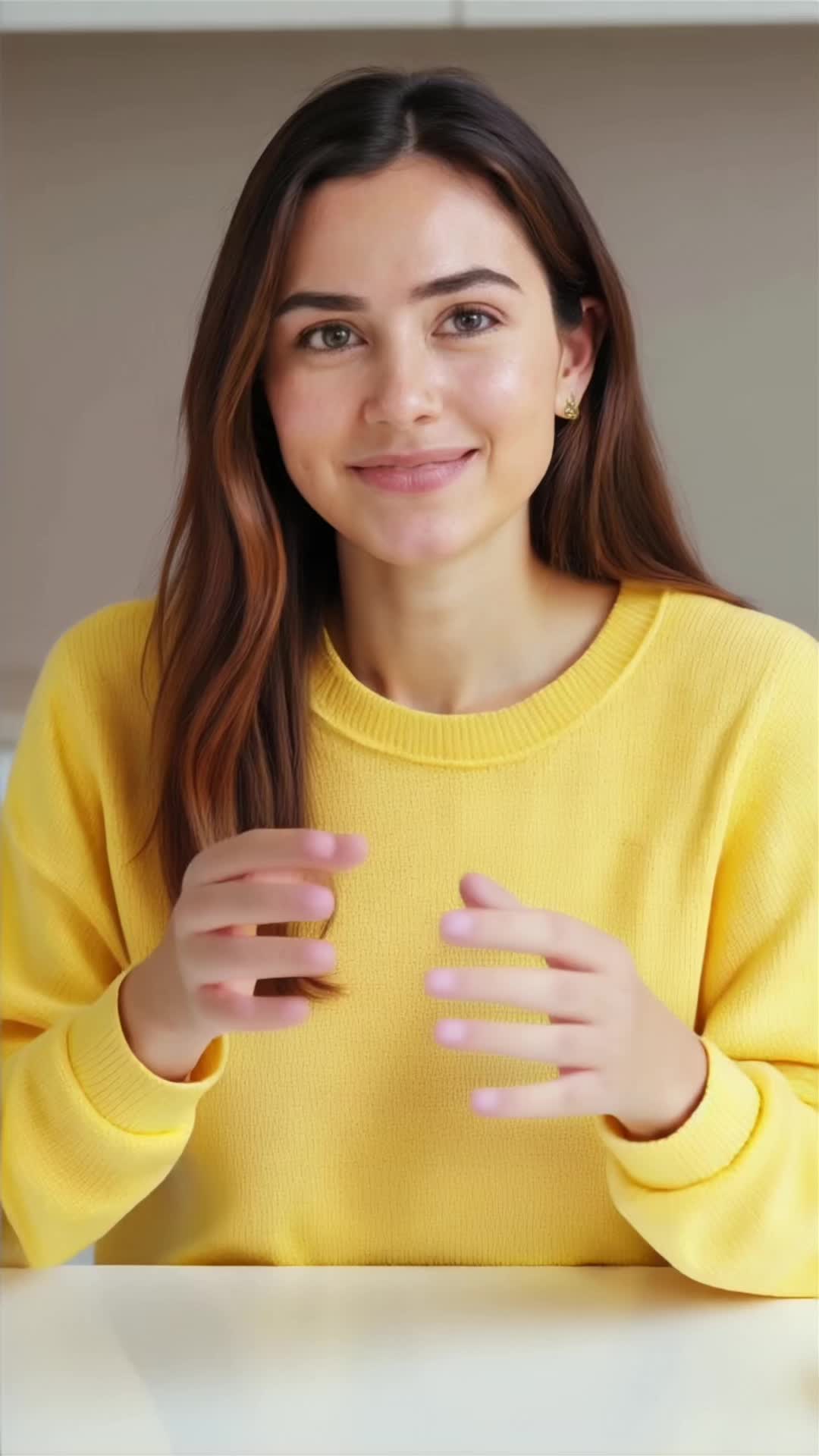
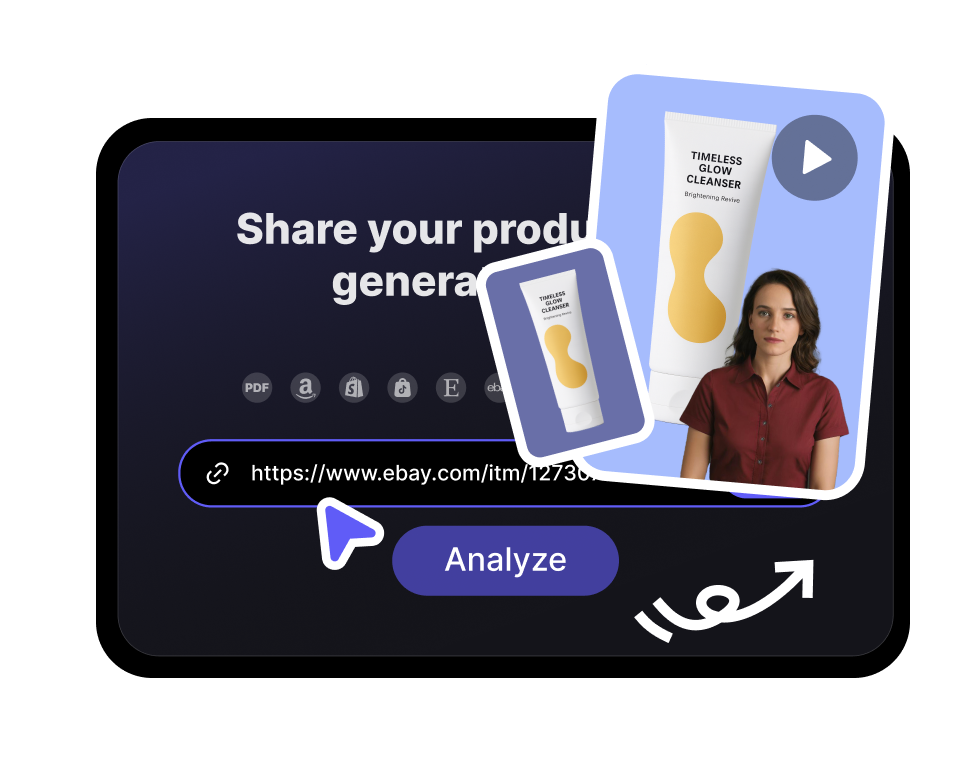
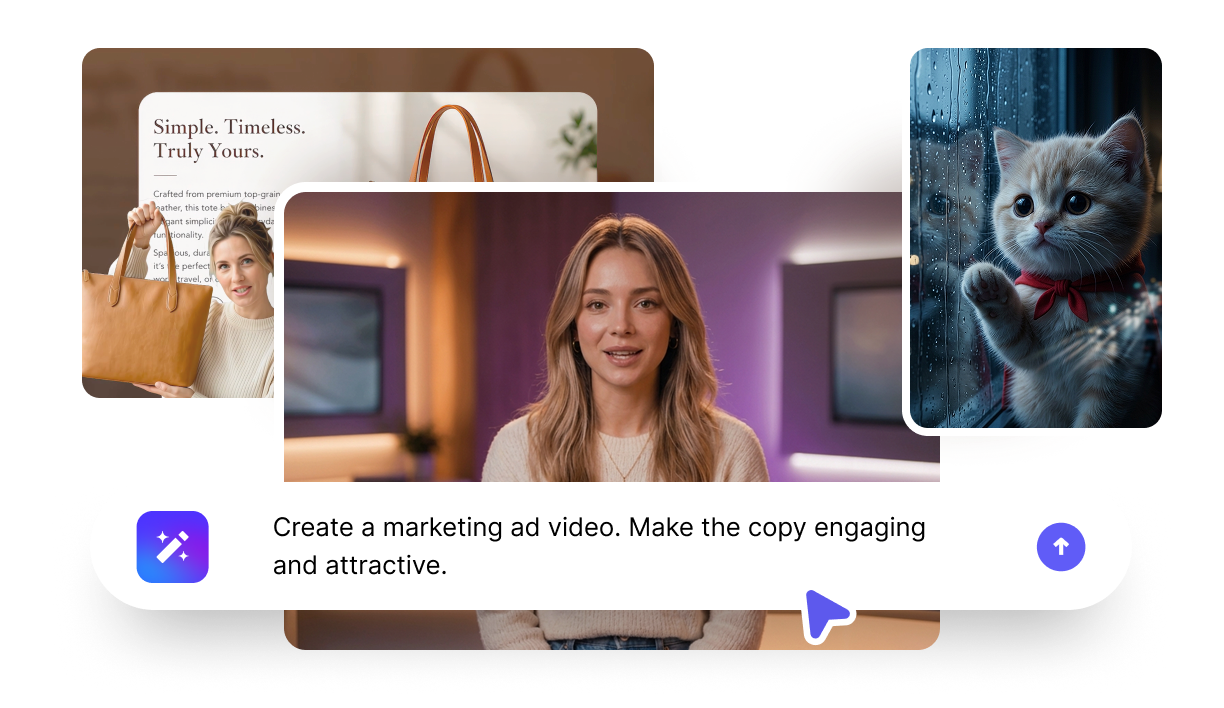
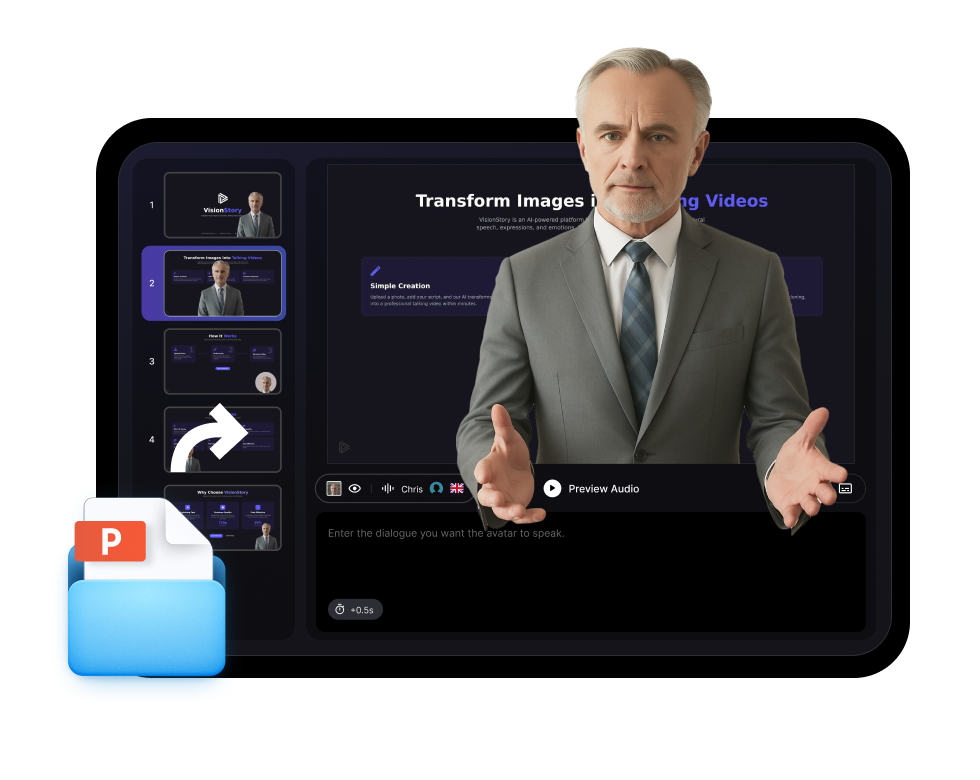
Turn any photo or a ready-made avatar into a lifelike talking video. Add a script, pick from 1,000+ voices, and generate with natural lip-sync — perfect for marketing, training, and social.
1,000+ voices across 100+ languages
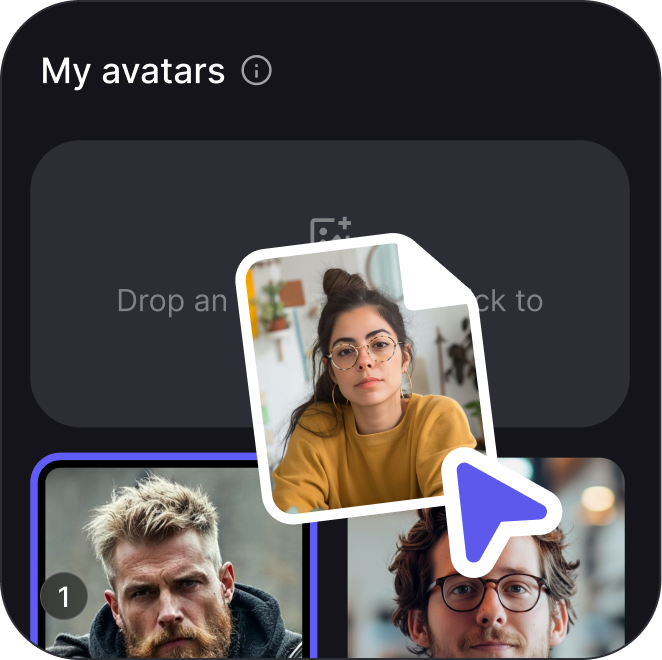
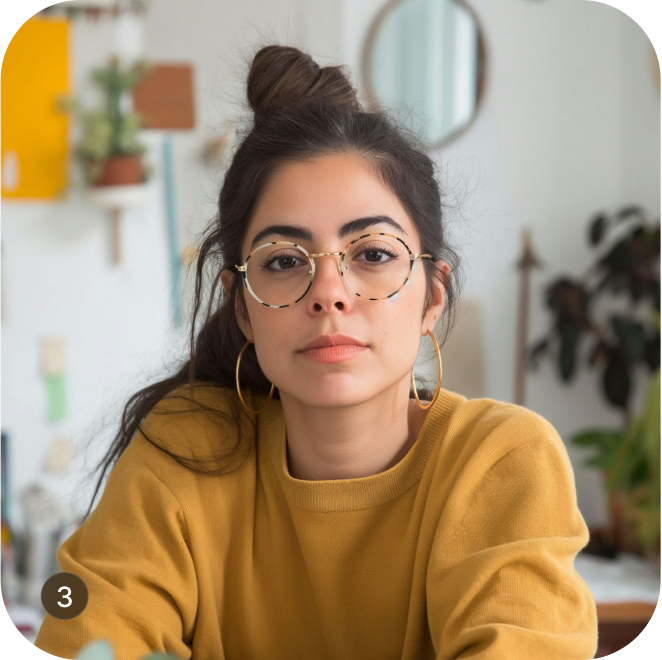
Use a stock avatar or turn your own photo into one
Avatar videos for repeatable business communication
Use one presenter identity across short-form social clips, executive updates, customer education, and localised announcements.
Founder updates and personal brand videosSocial announcements with a consistent presenterExecutive briefings and internal updatesCustomer education and product walkthroughs
Use cases
Where avatar videos work best
Use AI avatars for repeatable video work where a consistent presenter saves time and keeps the message clear.
Product explainers
A consistent presenter can introduce features, pricing, and onboarding content.
Training and enablement
Turn internal docs into presenter-led lessons without booking a filming session.
Localised announcements
Keep the same speaker while changing the language and voice for each region.
Frequently Asked Questions
What is an AI talking avatar?
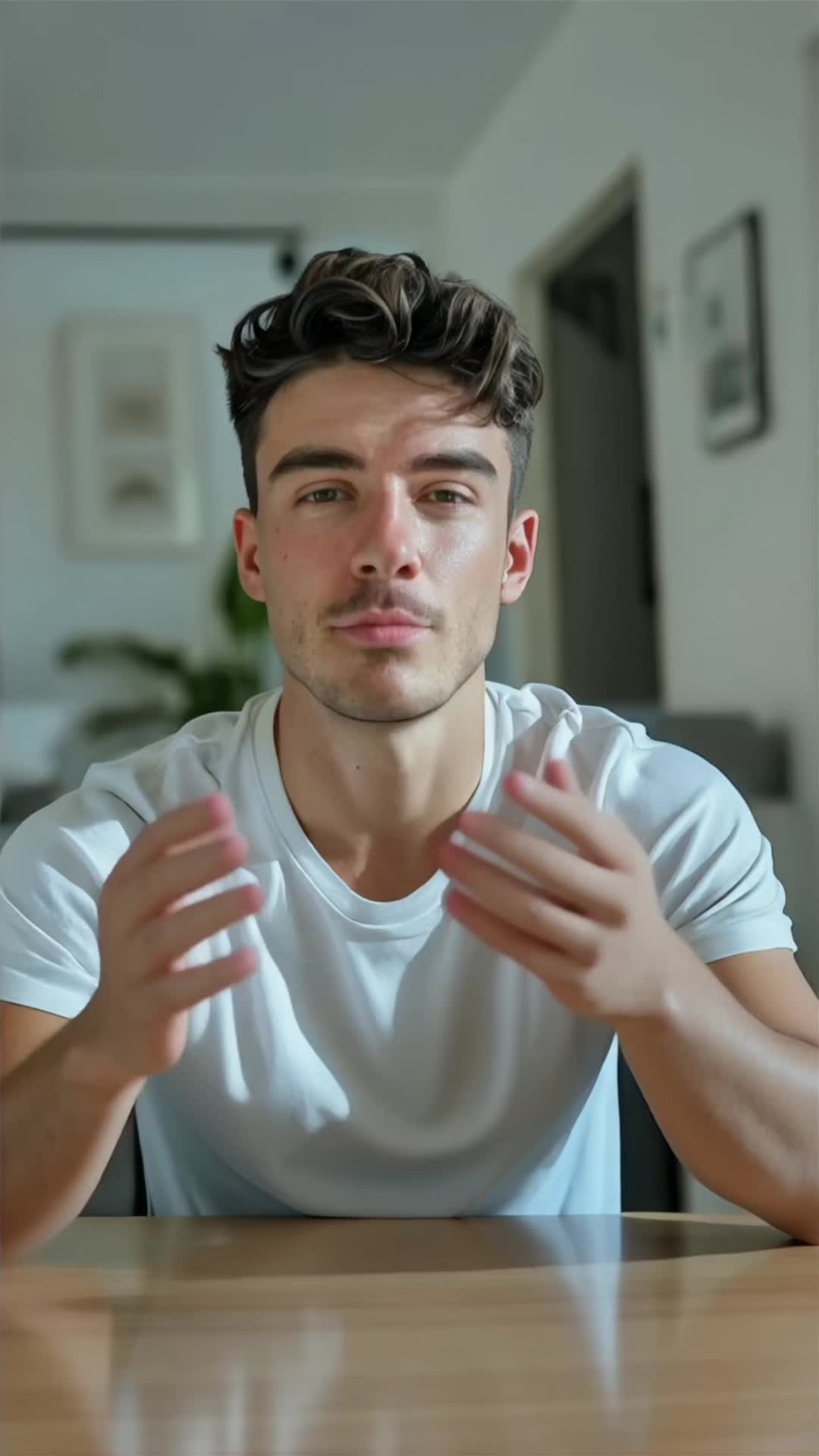
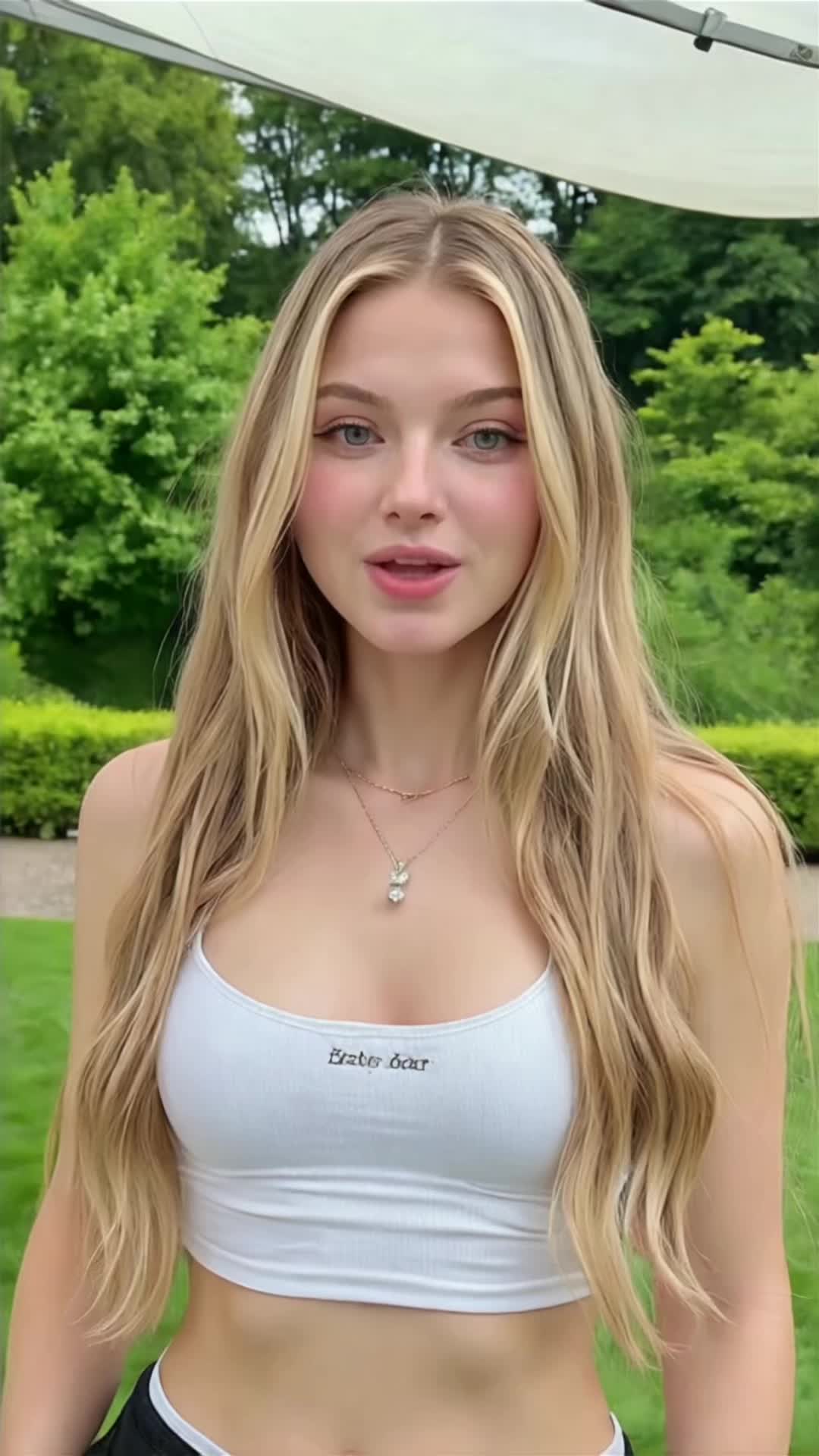
An AI talking avatar is a realistic digital presenter that speaks your script on screen — no camera, studio, or filming needed. VisionStory animates a photo or a ready-made avatar with natural facial expressions, head motion, and precise lip-sync, then voices your script in the language and tone you choose.
Can I turn my own photo into a talking avatar?
Yes. Upload a clear, front-facing photo and VisionStory turns it into a talking avatar that speaks your script with natural lip-sync. You can also start from one of the built-in stock avatars if you'd rather not upload a photo.
Is the AI avatar generator free to try?
Yes. You can start free with included credits — enough to generate and preview short avatar videos before choosing a plan. No credit card is required to try it; you only upgrade when you need more length, higher resolution, or more generations.
How many voices and languages are supported?
VisionStory supports 1,000+ voices across 100+ languages, so your avatar can speak in the language, accent, and tone that fit your audience. You can also clone a voice when a video needs a consistent personal or brand sound.
Are AI talking avatars safe to use commercially?
Yes. Videos you generate from your own script and approved avatars or photos can be used for marketing, ads, training, and social content. Always use a photo you have the rights to, and avoid impersonating real people without consent.
What can I use AI avatar videos for?
Talking avatars are built for marketing and UGC ads, product demos, explainers, training and onboarding, social posts, and multilingual content. Export in 720P or 1080P, or use green screen output to place the avatar into your own edits.