Turn a Video Clip into a GIF
Choose a short loop and fine-tune dimensions and frame rate before export.
Upload a video for GIF
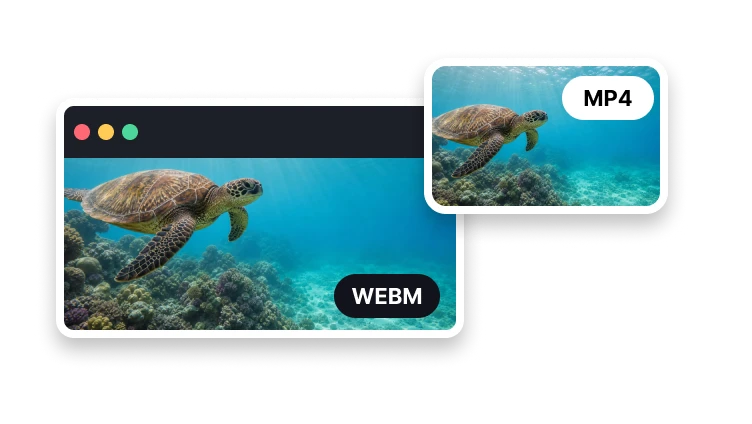
MP4, MOV, WebM, or M4V · up to 500 MB
Choose a short loop and fine-tune dimensions and frame rate before export.
MP4, MOV, WebM, or M4V · up to 500 MB
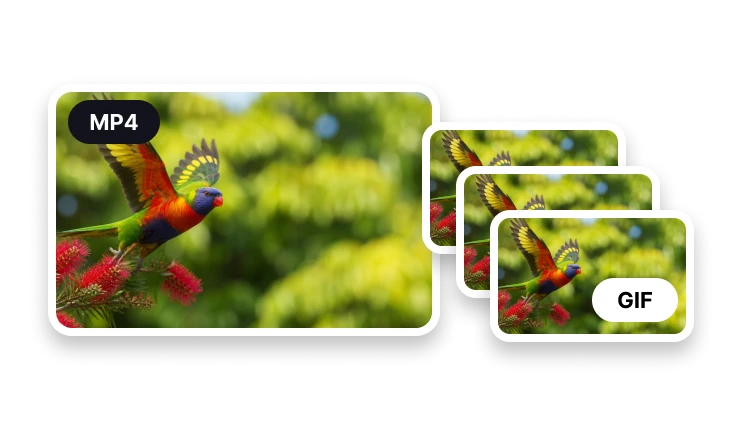
Animated loop
Keep the loop short enough for easy sharing.
Add the source that contains the moment you need.
Choose duration, width and frame rate.
Render and check the actual animated GIF.
GIF controls
Each setting affects smoothness and file size.
Use fewer frames for a lighter loop.
Prepare a practical size for chats and posts.
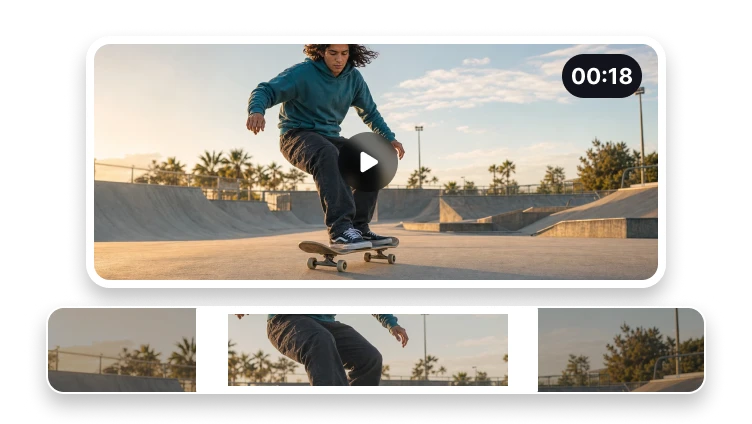
Select only the action that should repeat.
Short loops are easier to share and usually create smaller files.