Trim a Video to the Right Moment
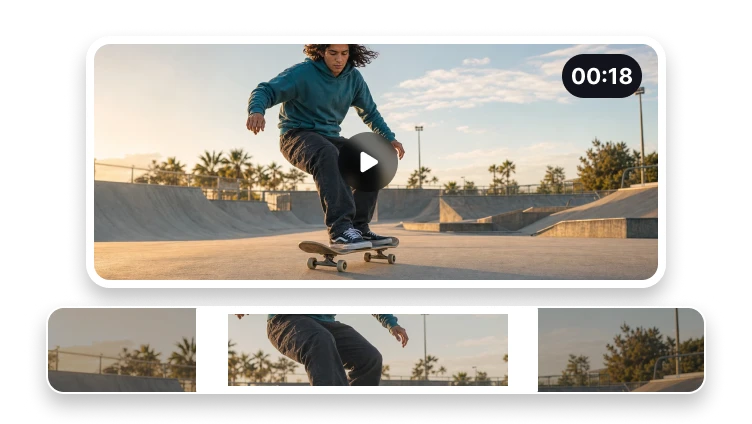
Preview a video and set the section you want to keep before export.
Upload a video to trim
MP4, MOV, WebM, or M4V · up to 500 MB
Preview a video and set the section you want to keep before export.
MP4, MOV, WebM, or M4V · up to 500 MB
Three steps
Choose the usable range before opening the export workflow.
Preview one supported source file.
Move the start and end controls to the moments you need.
Create and review the trimmed video.
Precise trimming
The workspace focuses on the clip boundaries that matter.
Control both the beginning and end of the clip.
Check the selected source before continuing.
Prepare a broadly playable video output.
Trimming defines a shorter time range. Final encoding choices are made in VisionStory.