A localization order is priced like manufacturing and scheduled like a booking agency. The quote is simple math—minutes times languages—while the delivery date depends on booths, talent calendars, and an approval round that belongs to someone on the client side. That gap between what you can quote and what you can promise is where a localization business either scales or stalls, and it tends to open in five predictable places.
Take the languages the booth calendar was blocking
A brand asks for a 12-minute product film in 9 languages, due in 3 weeks. The rate card is per minute per language, so the quote writes itself. The schedule doesn’t. There are two booths, 4 of the 9 voices are freelancers with their own calendars, and one language has a single usable talent in the city. You either quote a date the client won’t accept, or hand 3 languages to a partner and give away the margin on them.
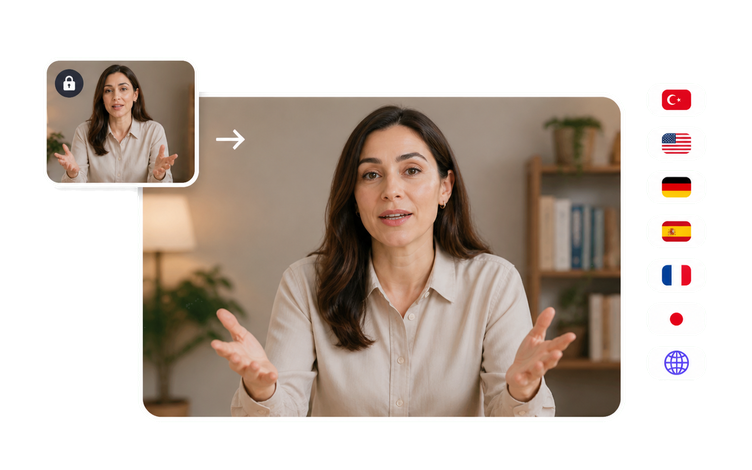
Generating those editions from the locked cut takes them off the booth calendar. The source stays one file and each language becomes a render rather than a session, so a 9-language order no longer depends on 9 bookings landing in the same two-week window. Studio time then goes where it earns the most: the hero language, the on-camera talent the client insisted on, and the pickups after review—instead of the long tail nobody wanted to schedule in the first place.
Fix a term once instead of in every language
The first pass renders the product name as a regular translated noun in five of the eight languages, converts none of the measurements, and chooses the everyday word for a term the client's legal team had already finalized in writing. Nothing is wrong in a dictionary sense, but it all comes back marked up in review—which is the expensive way to discover the glossary never reached the people doing the work.
Locking down the glossary before anything is dubbed is what keeps that round short. Product names, model numbers, legally reviewed phrasing, and the units the target market actually uses go into the script, and every edition inherits them. VisionStory doesn’t store your termbase or enforce it for you: someone on your side applies it, and the client’s reviewer confirms the result. The difference is that fixing a term costs one re-render instead of eight recording sessions.
Name the in-country reviewer before the first language renders
Every edition eventually comes down to one person: the distributor’s marketing lead in Munich, the compliance contact in Tokyo, the country manager in Sao Paulo. That person is the only one who can say a claim can’t be phrased that way in German, that the honorifics are wrong for the audience, or that a comparison isn’t allowed to run in that market at all. On most orders, nobody is named until the first edition is already built and sitting in a shared folder waiting for an opinion.
Ask for the name and working hours at kickoff, and a language stops being a place where the job disappears. Give that reviewer an edition with the dubbing, captions, and on-screen text already in place, and the notes come back specific instead of a vague sense that something is off. Each note becomes a re-render of one language from the same locked source rather than a booth you have to rebook. Approval still belongs to the client’s in-country reviewer, and nothing ships in a market until that person signs off.
Audio that fits—and a mouth that doesn’t
The client watches the first language they can personally judge—usually the one their CEO speaks—and within 10 seconds says something looks wrong. The wording is accurate, the read is well performed, the timing fits the shot, and the presenter’s mouth is still forming the English sentence. It’s the one flaw a non-linguist spots instantly, and it quietly undermines confidence in the seven languages they have no way to verify.
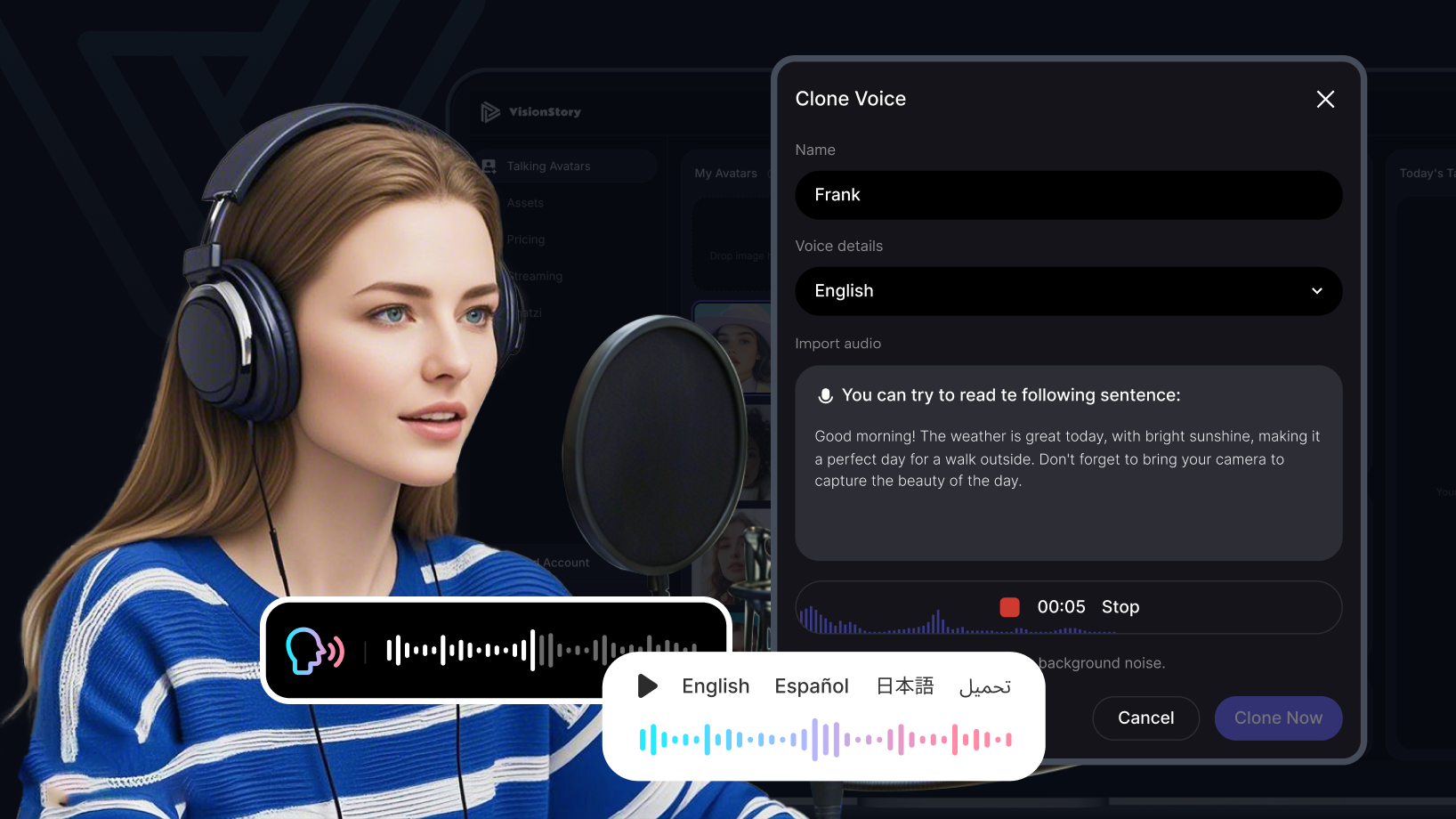
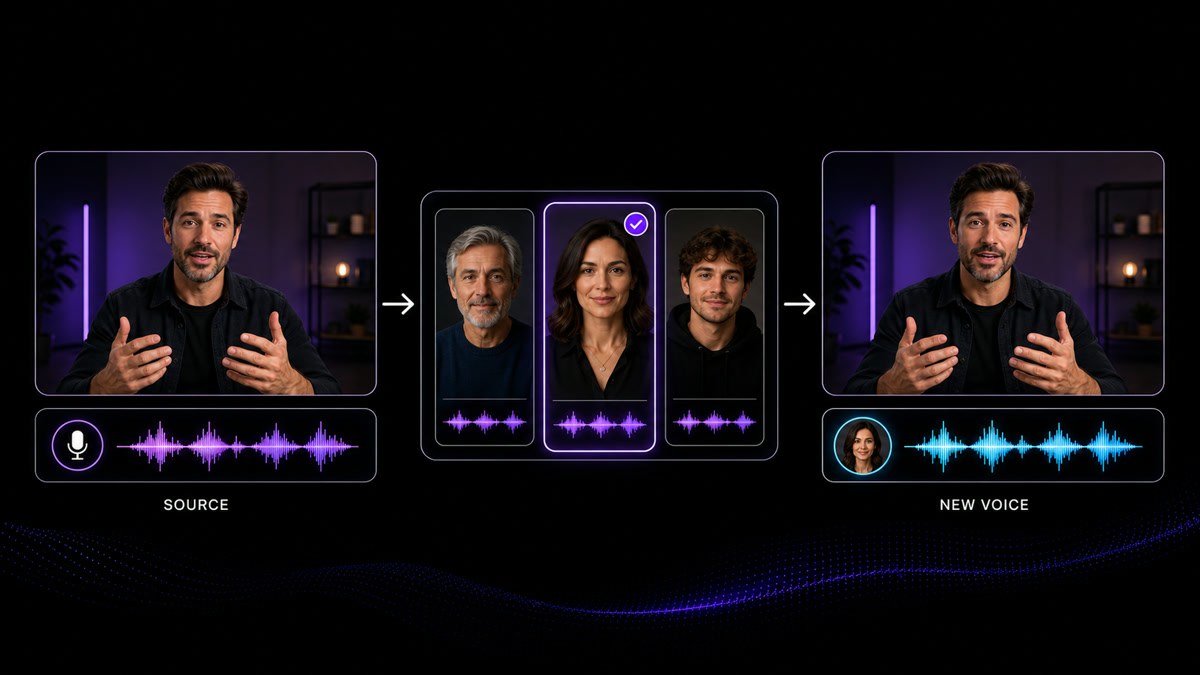
Lip-synced dubbing removes that giveaway. From the locked source cut, each language is generated with the speaker’s mouth matched to the new audio, so a viewer who doesn’t know the source language has no reason to notice there ever was one. Timing stays locked to the picture, which matters when a legal super or a claim lands on a fixed frame. If the client supplied a face they don’t have reuse rights to, it’s on them to provide that clearance before you build anything.
On-screen text breaks in ways audio never does
Dubbing is the part everyone plans for. What actually comes back marked up is the text on screen. German runs longer than the English it came from and pushes a caption out of the safe area or over a two-line lower third. A legal super sits on a fixed frame, and the translation no longer fits the seconds it’s allowed to occupy. Arabic and Hebrew need the layout mirrored—not just the words swapped. None of it shows up until the audio is finished and someone finally watches the file end to end.
So treat captions, lower thirds, and burned-in text as part of the build, not a final pass. Check the information-carrying frames first in the language that expands the most, and decide the right-to-left layout before anything renders—not after. Because every edition comes from the same locked cut, picture timing holds, so a claim or legal super still lands on the frame the client approved, and a caption fix is a re-render of one language rather than a rebuild of the whole batch.




Users Love VisionStory
Discover why content creators and marketers trust VisionStory for their AI video needs. From powerful features to an effortless user experience, our community can’t stop raving about the results they achieve with VisionStory.