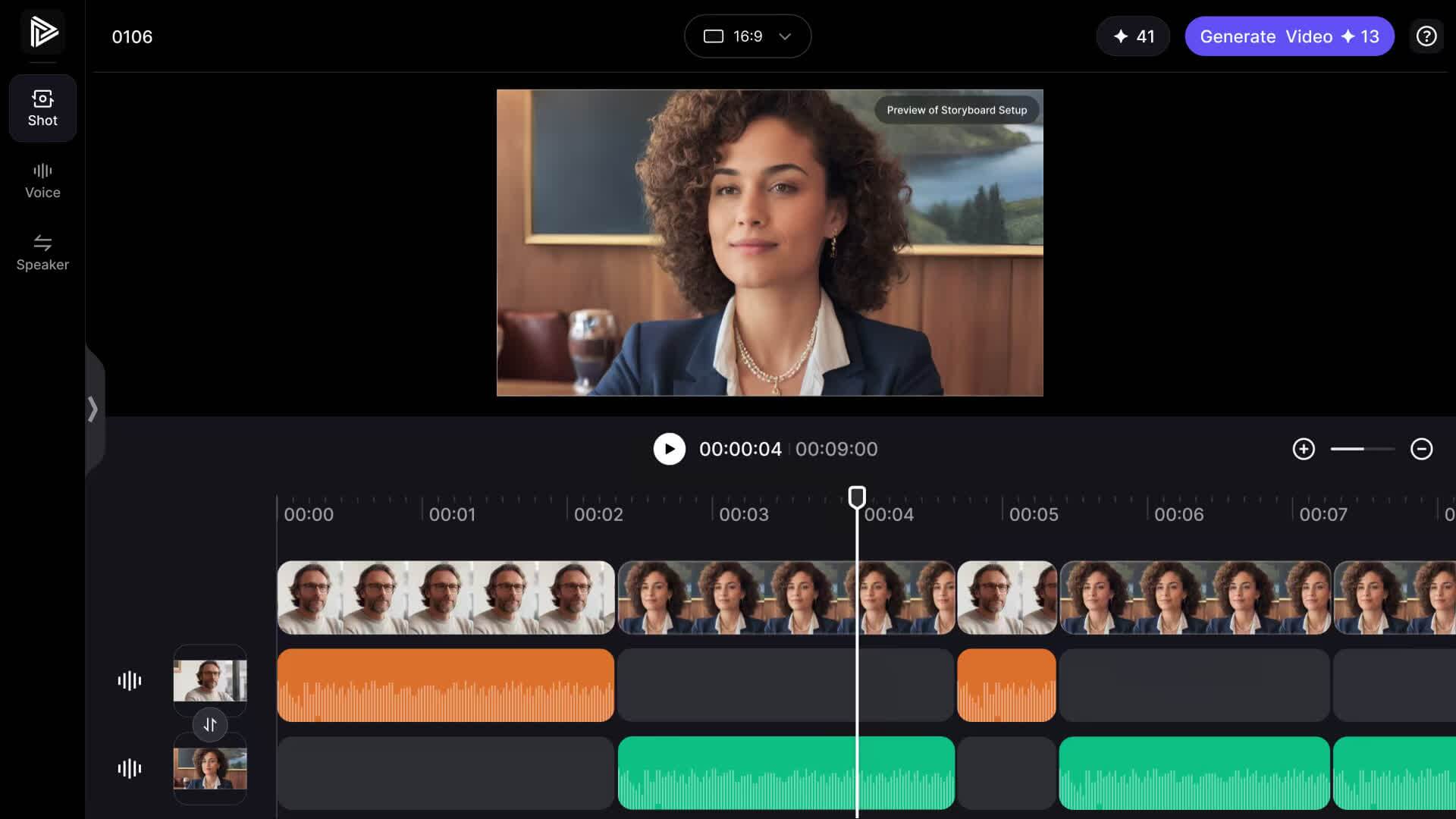
Type a topic, pick two AI hosts, and generate a video podcast where they discuss it in a natural, engaging conversation — no recording, no studio, no editing.
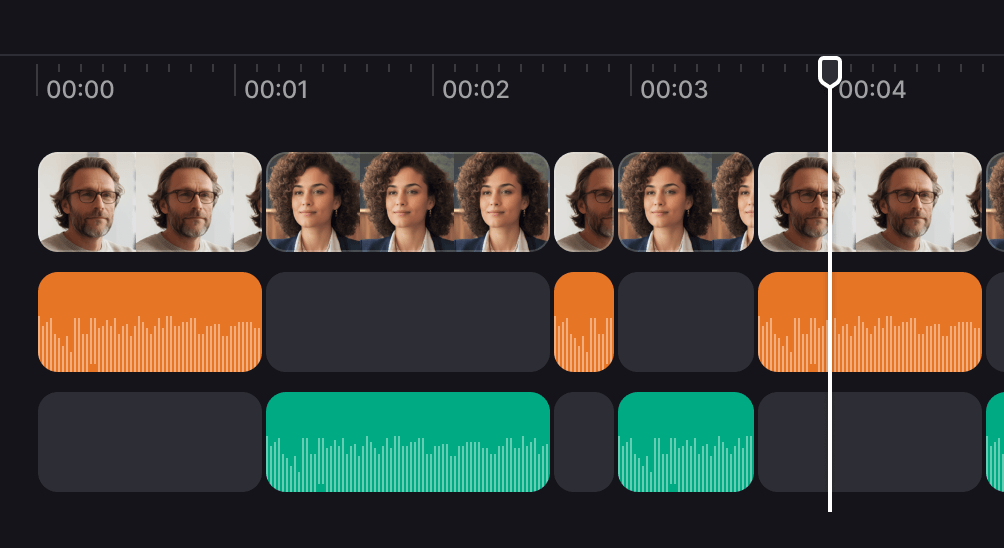
Two AI hosts in real conversation, on camera — not audio only
From a topic or script to a video episode in minutes
Perfect lip-sync, 100+ languages, share-ready social clips
Go from a topic to a two-host video podcast in three steps — add your topic, pick your hosts, and generate.
Step 1
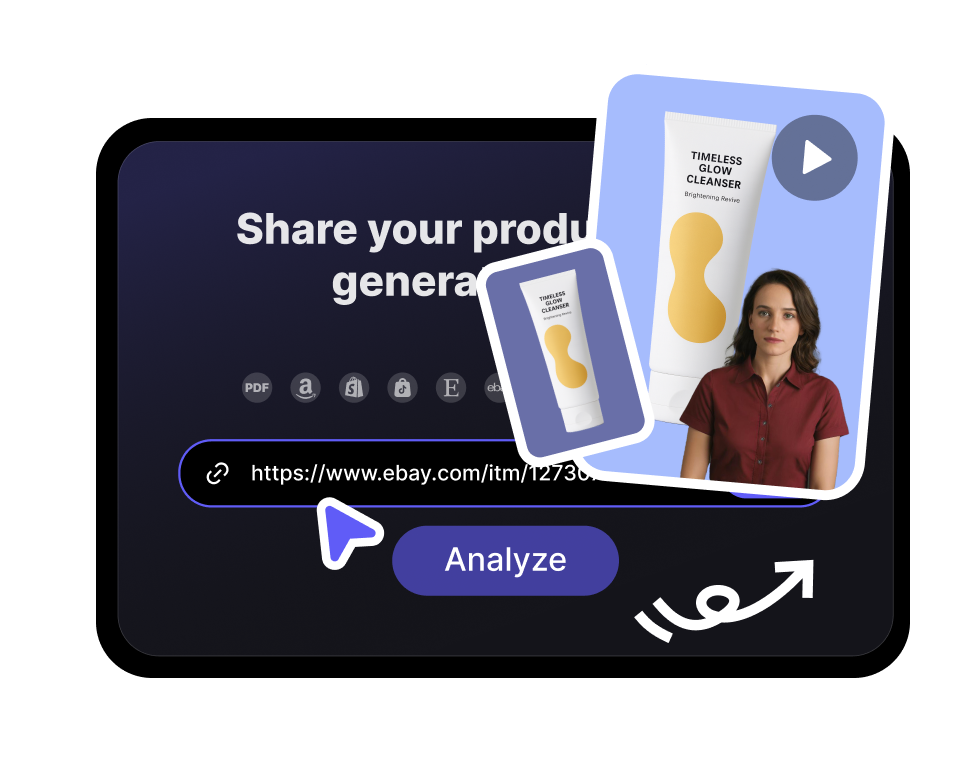
Add your topic or script
Type the topic you want covered or paste a full script — the AI shapes it into a natural back-and-forth conversation.
Step 2
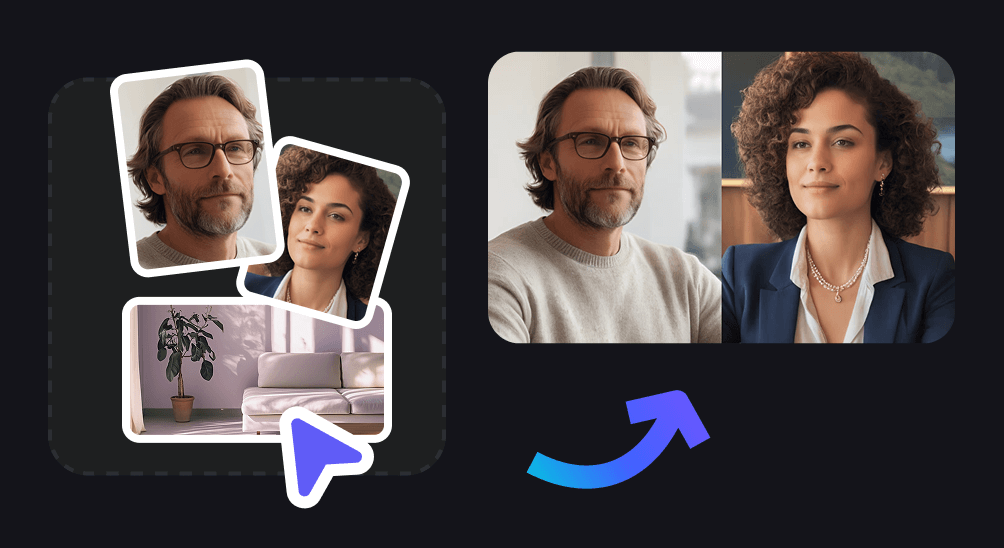
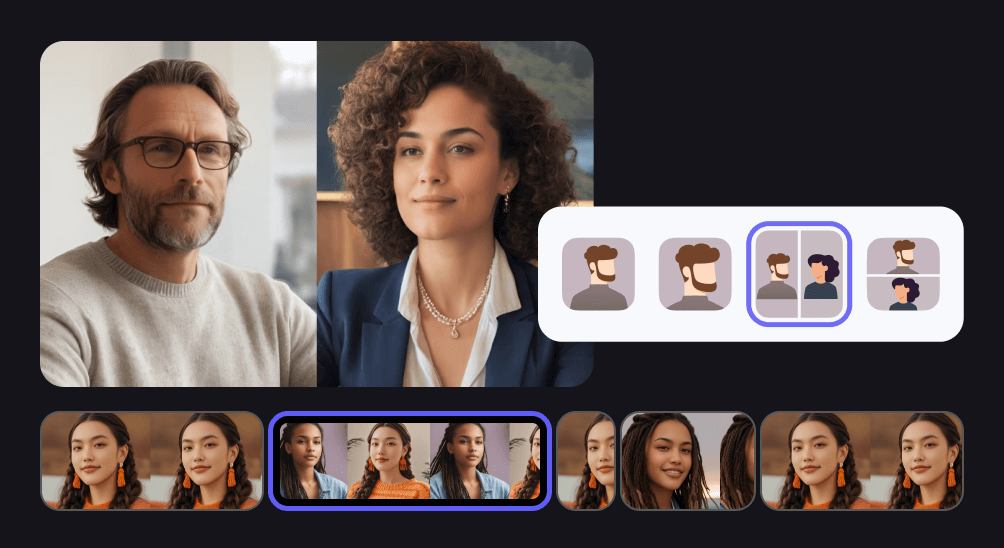
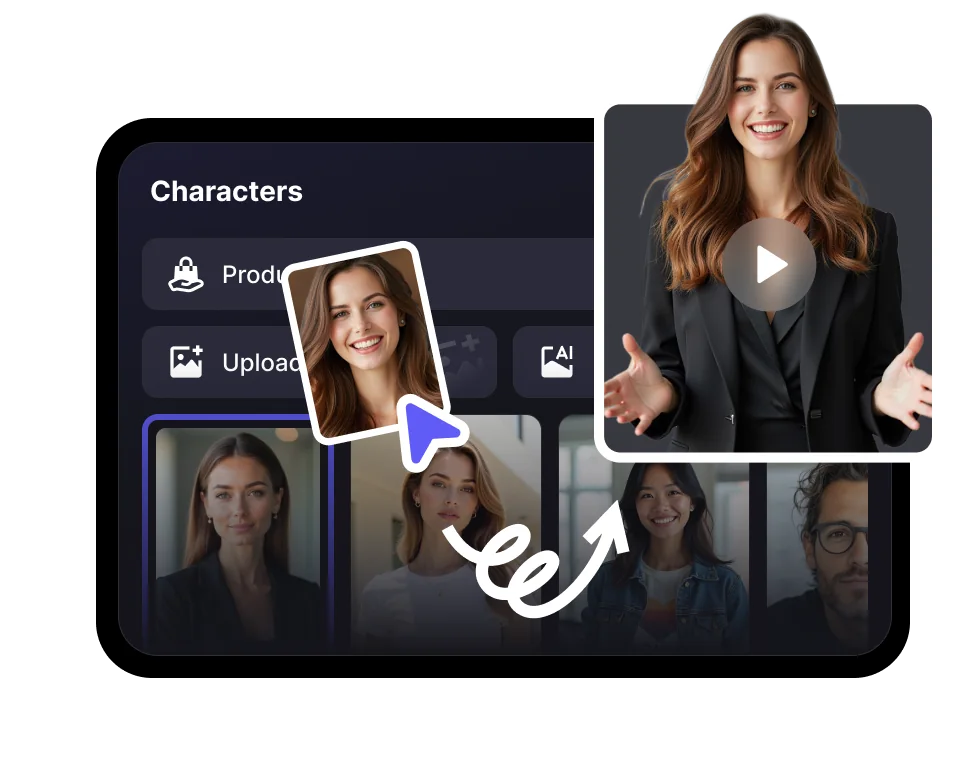
Pick your two AI hosts
Choose two lifelike AI avatars as your co-hosts, each with their own voice, so the episode feels like a real conversation.
Step 3
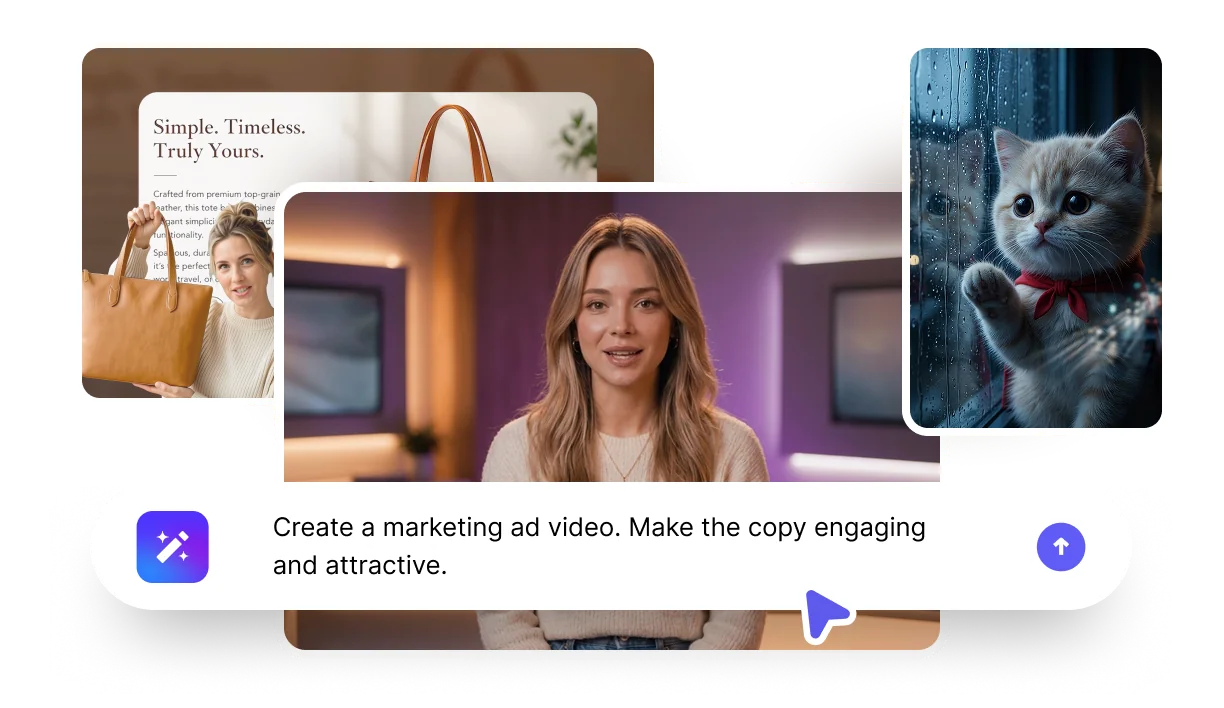
Generate your video podcast
Render a share-ready video podcast with on-camera hosts, natural lip-sync, and clips ready for YouTube, Spotify, and social.
Why VisionStory
Video Podcasts, Without the Studio
Two on-camera AI hosts, any language, and social-ready clips — produce a whole podcast from a topic, no mic or recording required.
Two AI hosts on camera
Unlike audio-only podcast tools, VisionStory puts two lifelike AI hosts on screen in real conversation, with natural expression and lip-sync.
From topic to episode in minutes
Skip scripting, recording, and editing — give a topic and get a structured, engaging episode, then iterate as fast as you can think of ideas.
Go global and social-ready
Produce episodes in 100+ languages and export short clips sized for YouTube, Spotify video, TikTok, and Reels.
Frequently asked questions
What is an AI podcast generator?
An AI podcast generator turns a topic or script into a podcast episode using AI voices. VisionStory goes further by creating a video podcast: two lifelike AI hosts appear on camera and discuss your topic in a natural conversation, with synchronized lip-sync — no mic, studio, or editing needed.
Is it a video podcast or audio only?
Video. Most AI podcast tools produce audio only; VisionStory puts two AI hosts on screen so you get a full video podcast you can publish on YouTube, Spotify video, and social — and you can still export the audio.
Can I choose the hosts?
Yes. You pick two AI avatars as your co-hosts, each with their own voice and look, so the conversation feels distinct and on-brand. Swap hosts anytime to change the dynamic.
Can I start from a topic or my own script?
Both. Type a topic and the AI shapes it into a natural back-and-forth conversation, or paste your own script and the hosts follow it line by line — useful when you want full control over the talking points.
Is the AI podcast generator free to try?
Yes. You can start free with included credits to generate and preview podcast episodes before choosing a plan. No credit card is required to try it.
What languages are supported?
VisionStory supports 100+ languages with natural voices and lip-sync, so your AI hosts can record the same episode for audiences around the world without re-recording.