Upscale Video

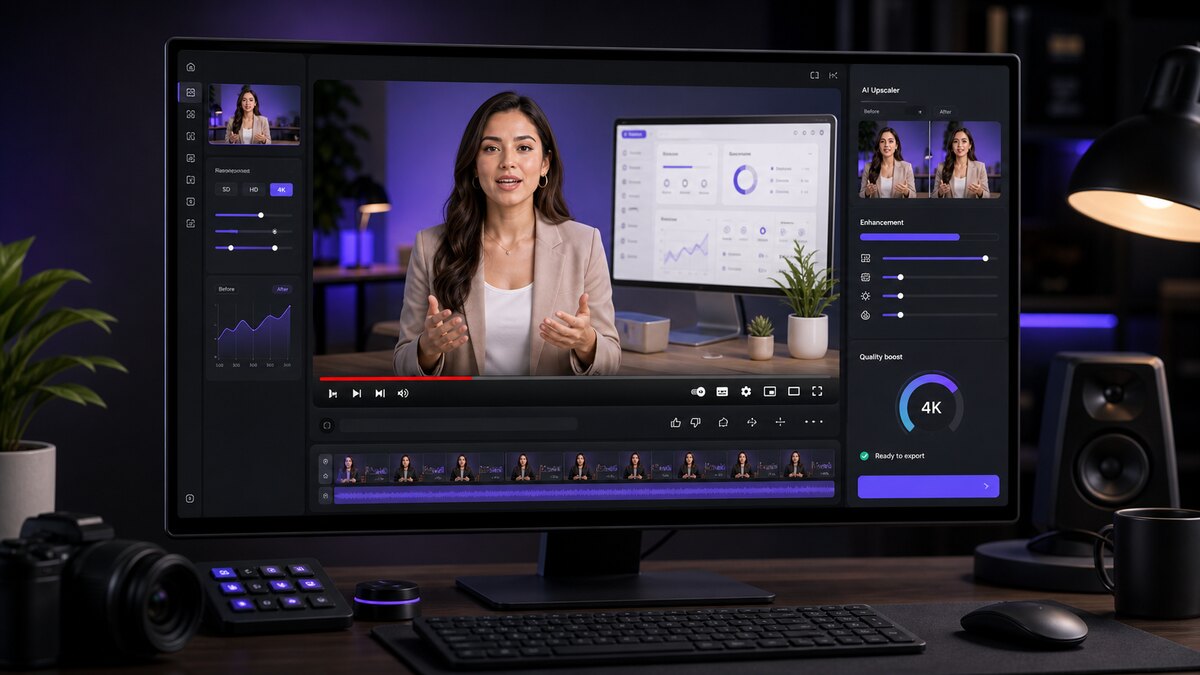
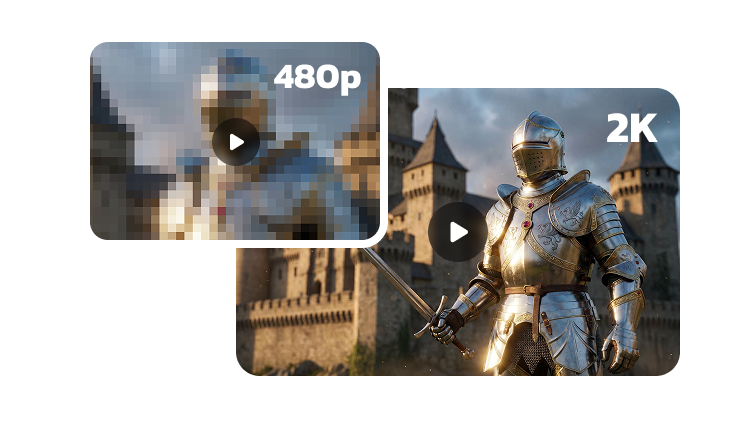
Upload your video and let AI upscale it to sharper, higher resolution — up to 4K. Cleaner faces, crisper detail, and publish-ready quality for ads, YouTube, presentations, and client work.

  • Sharper faces and finer detail
  • Upscale up to 4K resolution
  • Ready for ads, YouTube, and client reviews
Get Started for Free

Upload your video

Supported formats: MP4, MOV, WEBM

1,000+AI avatars
1,000+voices
100+languages
Freeto try

Upgrade the final cut

Make uploaded videos hold up on bigger screens

Upscaling is a finishing step for clips that need to look sharper after recording, editing, or compression. Upload one video, continue to upscale, and use the higher-resolution result across publishing channels.

01

Protect facial detail

Preserve facial clarity, lip-sync, and presenter detail in avatar-led videos.

02

Prepare for publishing

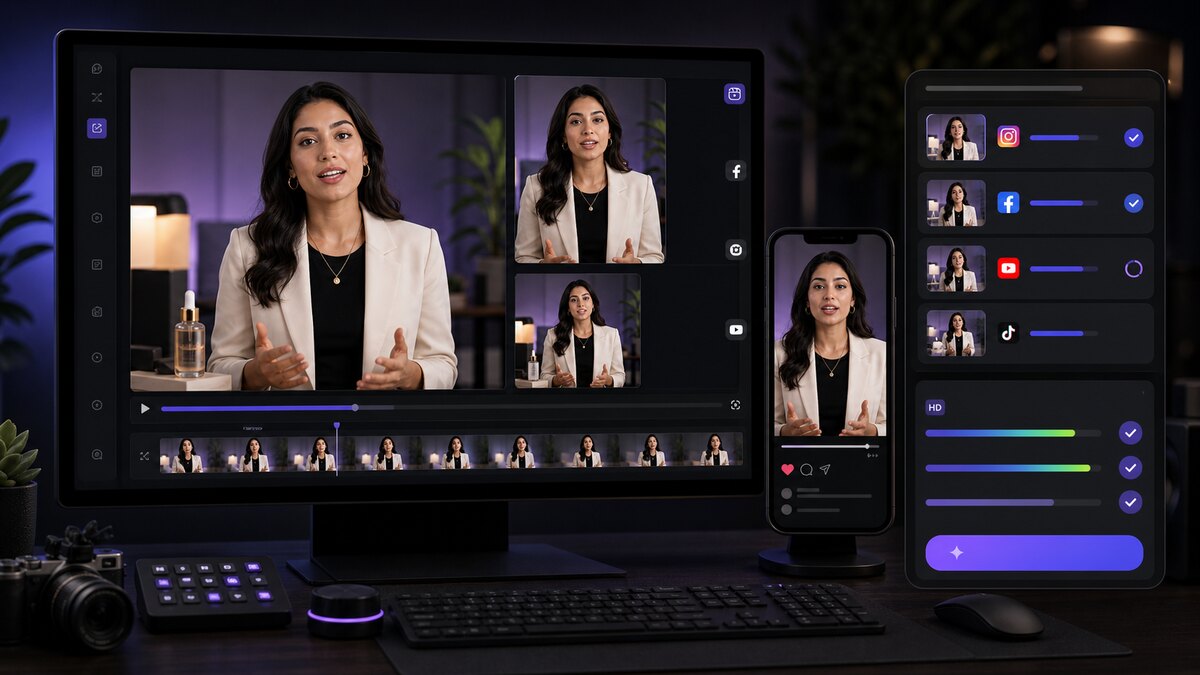
Create cleaner exports for YouTube, paid social, decks, and review links.

03

Hold up through edits and crops

Give editors a sharper source when clips need overlays, cropping, or republishing.

Upscale a video
Sharper upscaled AI video frame

Sharper presenter frame

Improve the perceived quality of avatar videos before final delivery.

Upscaled product introduction video use case
Product explainers
Upscaled campaign video ready for ads
Ad-ready exports

Preview upscale motion quality

Preview how upscaling sharpens faces, captions, product details, and presentation frames so they hold up on larger screens.

Output planning

Choose the output resolution when the destination needs detail

Choose the output resolution — up to 4K — based on where the video will be viewed: closely, cropped, embedded in decks, or compressed by publishing platforms.

Up to 4K

Sharper render

Better for YouTube, ads, presentations, and client deliverables.

Face

Cleaner avatar detail

Preserve lip-sync, eyes, and facial motion more clearly.

Edit

More flexible post-production

Higher-resolution inputs survive cropping, overlays, and republishing better.

Where upscaling makes a visible difference

Upscale your video when the publishing channel makes visual quality obvious: desktop playback, paid ads, training decks, or client review links.

  • Where upscaling makes a visible difference

    YouTube explainers

    Keep the presenter and on-screen elements crisp on desktop playback.

  • Where upscaling makes a visible difference

    Paid social ads

    Avoid blurry product details when clips are compressed by ad platforms.

  • Where upscaling makes a visible difference

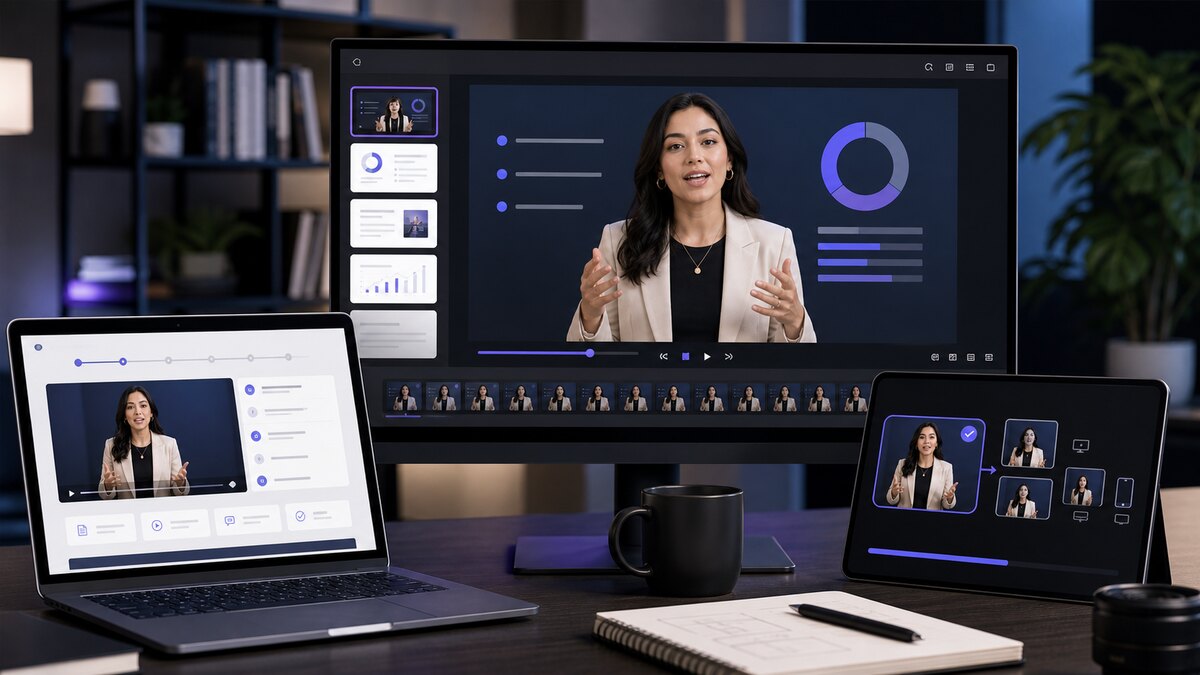
    Training decks

    Export videos that can be embedded into slides and course pages.

  • Where upscaling makes a visible difference

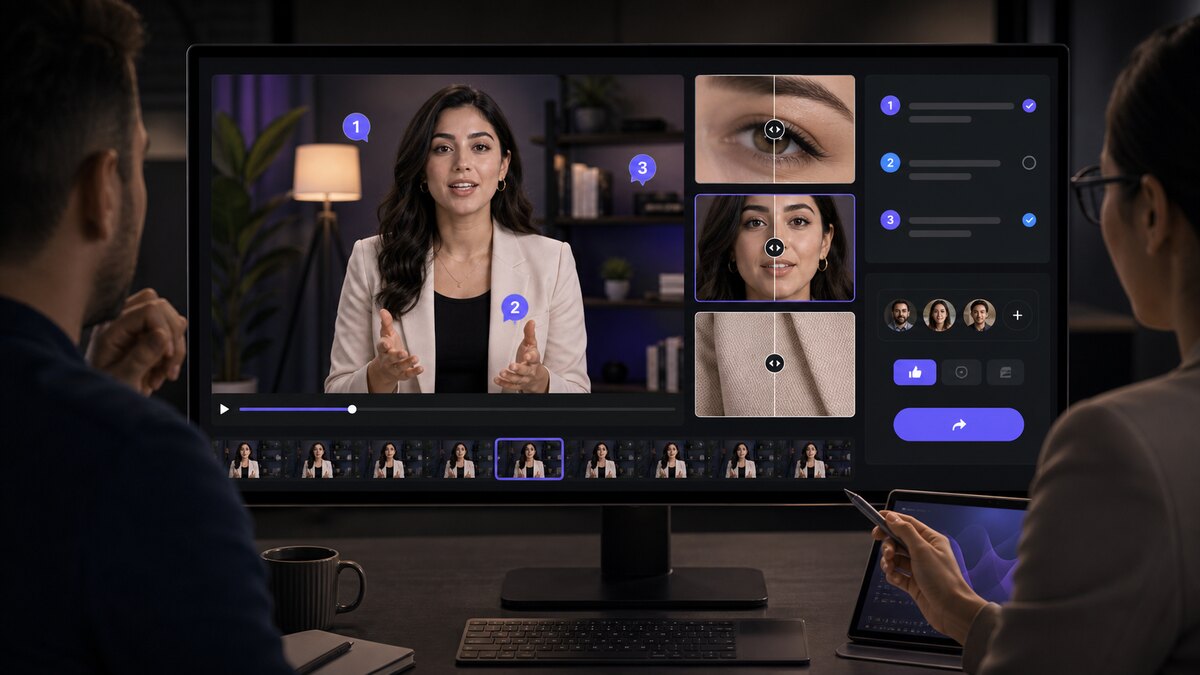
    Client reviews

    Send polished drafts that look professional before final edits.

Frequently asked questions

  • What does the AI video upscaler improve?

    Upload a video and it sharpens faces, scenes, and fine detail while upscaling to a higher resolution — up to 4K — for cleaner publishing or re-editing.

  • What resolutions can I upscale to?

  • Can I upscale avatar videos?

  • Does upscaling remove the need for editing?