Normalize Audio to a Consistent Loudness
Choose a target level and protect peaks for more even playback.
Upload audio to normalize
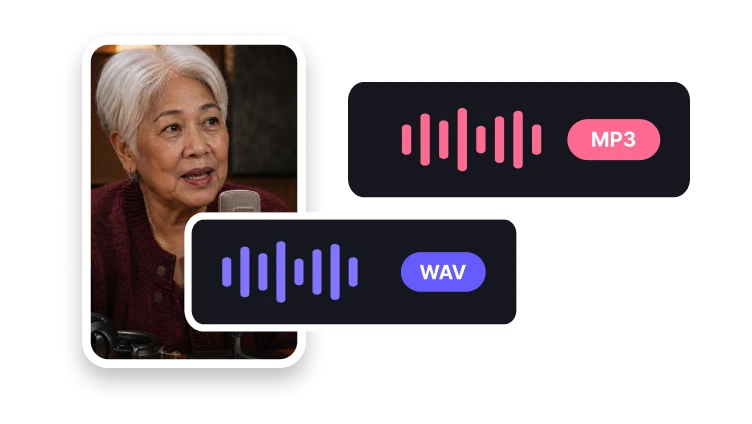
MP3, MP4, WAV, M4A, AAC, or FLAC · up to 200 MB
Choose a target level and protect peaks for more even playback.
MP3, MP4, WAV, M4A, AAC, or FLAC · up to 200 MB
Loudness control
Set a target appropriate for the destination.
Add one supported source track.
Choose the target level and peak protection.
Process and inspect the balanced output.
Level targets
Use practical targets for publishing contexts.
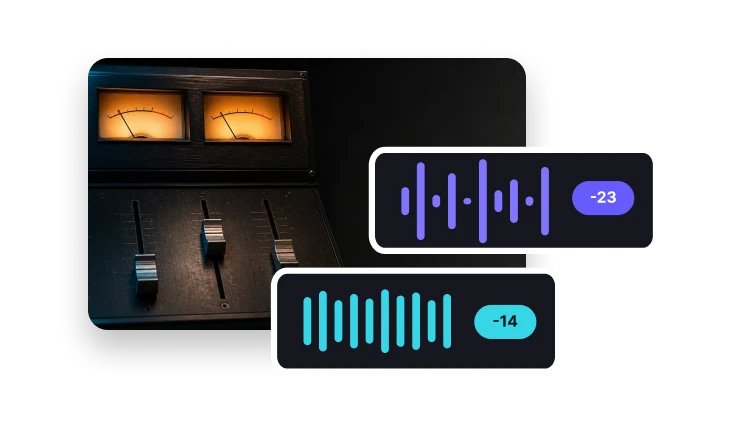
Prepare a common music-platform loudness level.
Balance spoken content for comfortable listening.
Choose a conservative, broadcast-oriented level.
It adjusts overall gain toward a target loudness while managing peaks.