AI Dance Generator

Make your photo dance. Motion control makes your photo copy the moves from any dance video, and Full body puts you into the video. Dance videos can run up to 3 minutes.

Your photo copies the moves. The person and background come from your photo.

Dance video

Add a dance video up to 3 minutes long, or pick a dance template

Add dance video

Your photo

Who’s dancing?

A clear photo of the person or character you want to animate.

Add your photo
Continue in VisionStory Face Swap

Opens VisionStory Face Swap with this mode selected. Free 4-second preview in 480p · 720p or 1080p with a subscription.
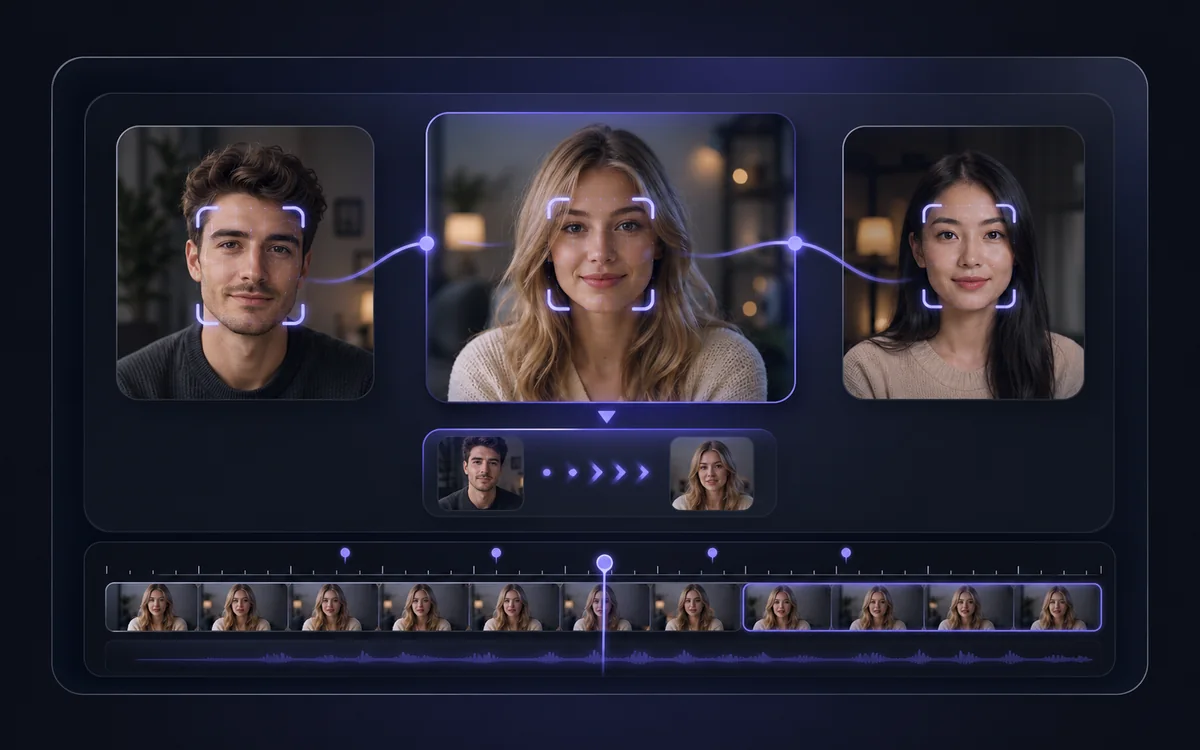
AI motion control: make your photo copy any dance

An AI dance video starts with a photo and a dance video. These synchronized examples show what each mode keeps from each input.

Motion control

Motion control: your photo copies the moves

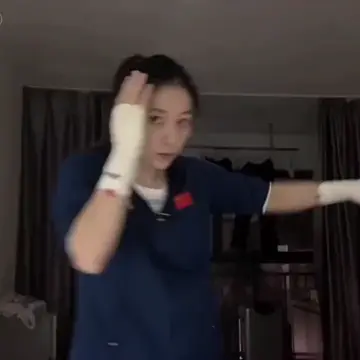
The person, clothing and background stay as they are in your photo. The actions and expressions come from the dance video.

Dance video
Your photo
Your photo
Example result
Full body

Full body: you step into the video

The person from your photo replaces the dancer. The scene, lighting and camera movement come from the dance video.

Dance video
Your photo
Your photo
Example result

These official examples show the two modes. Results vary with the photo and dance video you use.

Tips for a better AI dance video

Help the model see the dancer, follow the choreography and match the framing.

Show the dancer clearly

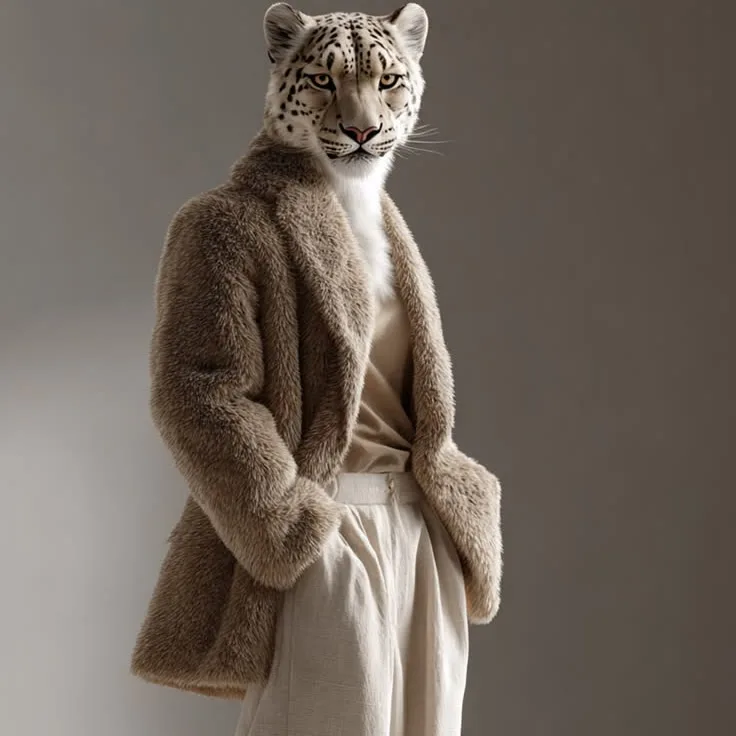
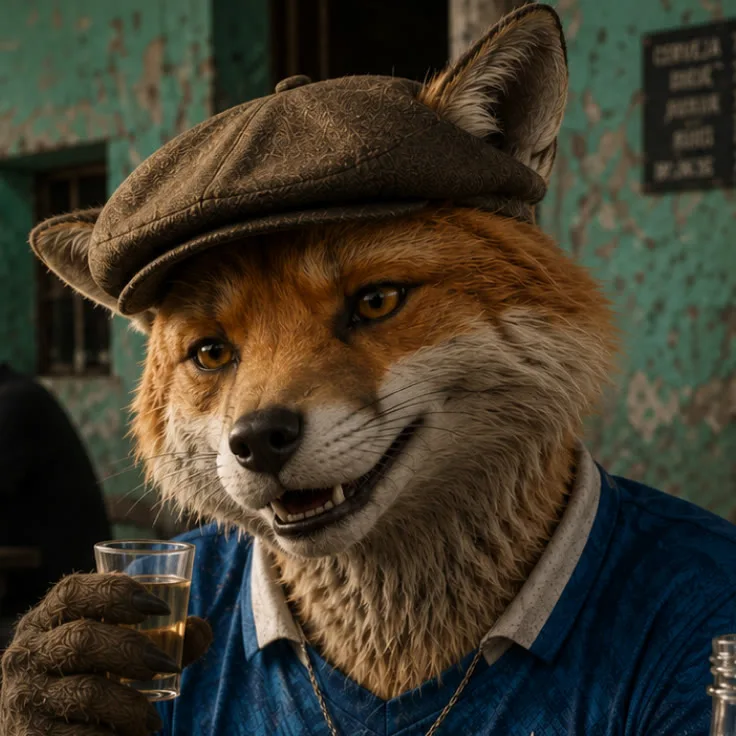
Choose a sharp image of one person or character. Keep the face visible and leave room around the body for the movement.

Keep the choreography visible

Use a steady dance video with one main performer, from 4 seconds up to 3 minutes. Avoid rapid cuts, crowds and anything that hides the arms or legs.

Match the shot to the dance

Use a full-body image for footwork or a full-body routine. Similar camera angles help the photo and dance video work together.

How to make a photo dance

Choose a mode here, then add your photo and dance video in VisionStory Face Swap.

01

Choose a mode

Pick Motion control to make your photo copy the dance, or Full body to put yourself into the dance video.

02

Add your photo and dance video

In VisionStory Face Swap, upload a clear photo and a 4–180 second dance video, or pick a dance template from the library.

03

Generate your dance video

Try a free 4-second preview in 480p, or subscribe to generate the full video in 720p or 1080p. The cost is shown before you confirm.

Frequently Asked Questions

  • An AI dance generator turns a photo into a dance video. You provide a photo of a person or character and a dance video, and the AI makes the person in your photo perform the same moves. In VisionStory, this runs in Face Swap with two dance modes: Motion control and Full body.