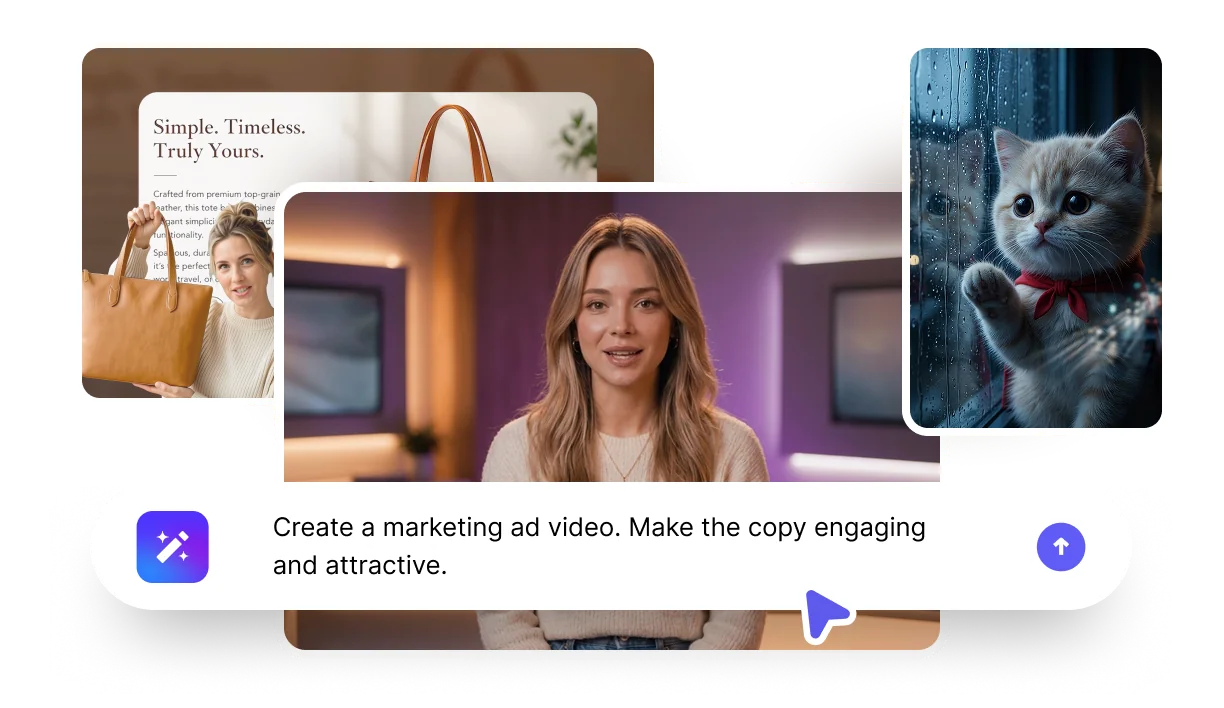
From a Prompt to a Finished Video — in One Conversation

Describe what you want and VisionStory's AI agent plans the shots, writes the script, generates a scene for each one, and adds voiceover and captions — all editable by chat before you render.

  • 01

    Describe your video

    Pick a digital avatar and say what you want in plain language. Add a landing-page URL, PDF, deck, or doc and the agent reads it — or let it web-search a brand or product for you.

  • 02

    The agent plans your shots

    VisionStory's AI agent breaks your idea into shots, writes the spoken script for each, and generates a matching scene image — with voiceover and optional captions.

  • 03

    Refine by chat

    Ask in plain language: shorten a shot, rewrite the hook, translate to another language, change the voice, or fix one detail in a scene. Only what you change gets regenerated.

  • 04

    Generate & share

    Hit Generate to render a finished talking-avatar video in 16:9, 9:16, or 1:1 — ready to download and share.

Start Free

One AI Video Agent for Marketing, Training, and Product Videos

  • MARKETING & ADVERTS

    Marketing & advert videos

    Turn a prompt, landing page, or brief into a talking-avatar promo or social video, sized for TikTok, Reels, Shorts, or YouTube.

  • TRAINING & EXPLAINERS

    Training & explainer videos

    Drop in a PDF, deck, or SOP and the agent turns it into onboarding, product, or training videos — translated for global teams.

  • PRODUCT & DEMO

    Product & demo videos

    Paste a product page or upload images and the agent scripts a presenter-led product video or demo you can refine by chat.

Start Free

Everything VisionStory's AI Video Agent Does

Plan, script, visualise, voice, caption, translate, and edit your video — all in one conversational AI video agent.

  • Prompt, URL & document to video

    Start from a sentence, a web page, or a PDF, deck, or doc — the agent reads your material, and web-searches anything it doesn't recognise.

  • AI agent shot planning

    The agent turns your brief into a multi-shot storyboard and writes a natural spoken script for every shot.

  • Talking-avatar presenter

    Every video is led by a consistent digital avatar, with a voice you pick, clone, or let the agent recommend.

  • A scene image for every shot

    The agent generates a matching visual per shot — and you can fix one detail in an image without redoing the rest.

  • Edit by chat

    Refine any shot in plain language — shorten, rewrite, reorder, swap the voice — and only what you change gets regenerated.

  • Voiceover, captions & translation

    Natural AI voiceover, optional burned-in captions, and one-click translation into other languages and regional variants.

Start Free

WHY CHOOSE OUR AI VIDEO AGENT

One AI video generator for the full production cycle

Most AI tools only handle one step: scriptwriting, AI avatars, image generation, voiceover, captions, or editing. VisionStory's AI video agent plans the shots, scripts them, generates the visuals, voices and captions them, and lets you refine the whole thing by chat.

What you needSingle-purpose toolsVisionStory AI Agent
Prompt, URL, or document to videoLimitedBuilt-in
Shot planning & scriptingSeparate stepAutomatic
Talking avatar, voiceover & captionsMultiple toolsIntegrated
A scene image for every shotStock or manualGenerated per shot
Edit by chat, regenerate only changesManual re-editsConversational
Translate & localiseRedo from scratchOne click

AI Video Generator FAQs

  • How does VisionStory's AI video agent work?

    Pick a digital avatar and describe your video in plain language — optionally with a URL or document. The agent plans a multi-shot storyboard, writes the script, generates a scene image for each shot, and adds voiceover and captions. You refine anything by chatting, then hit Generate to render the finished video.

  • What can I start from — a prompt, a URL, or a document?

  • Do I have to choose an avatar, and can I use my own voice?

  • Can I edit the video just by chatting?

  • Can the agent research a topic or brand for me?

  • Can I make the same video in other languages?

  • What do I get at the end, and what video sizes are supported?

Ready to Create Your First AI Video?
Start free today
No credit card required