AI video face swap

AI Video Face Swap

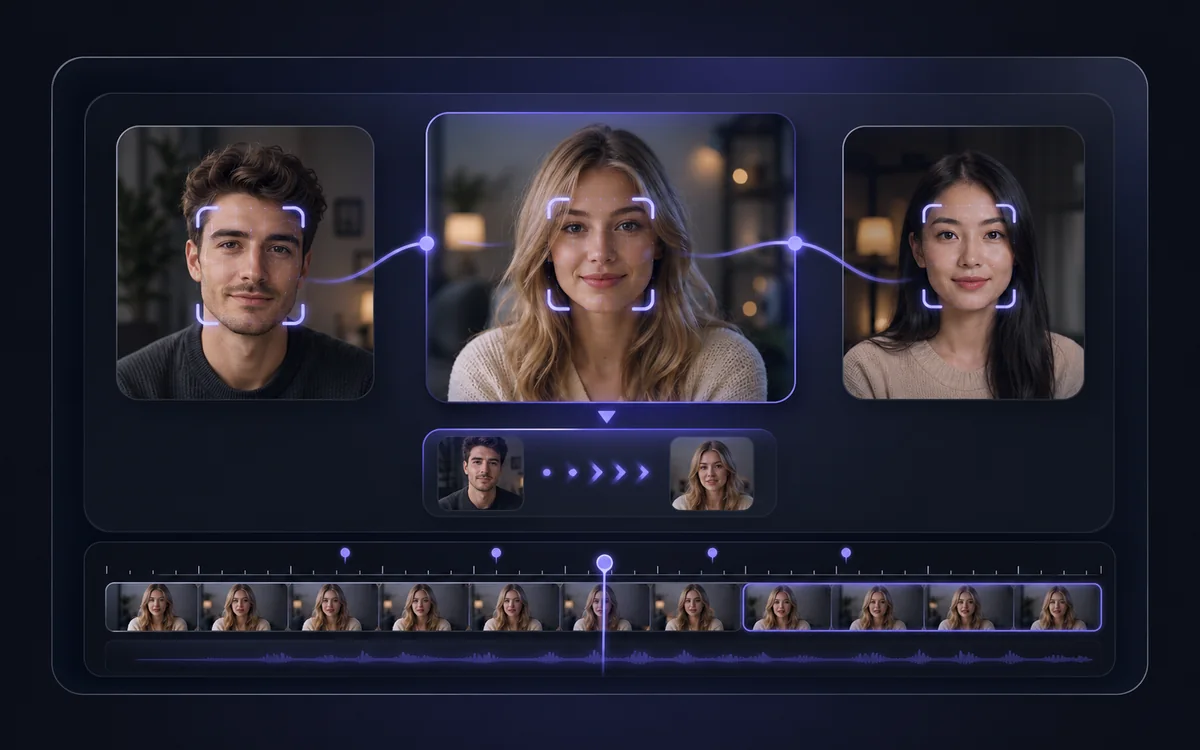
Upload a face and a video, and AI swaps it in across every frame — tracking expression, head movement and lighting for a realistic result. Free, no watermark, no installs.

  • Face tracked consistently across the whole clip
  • Free, no sign-up, no watermark — HD output
  • Handles multiple faces in one video
Swap Face in Video

Upload the face

Upload the target video

Free · no watermark · your files are auto-deleted after processing
Freeno sign-up
HD1080p output
Nowatermark
Multiface support

How it works

How to Swap a Face in a Video

Reface any video clip in three steps — upload the face, upload the video and generate.

Step 1

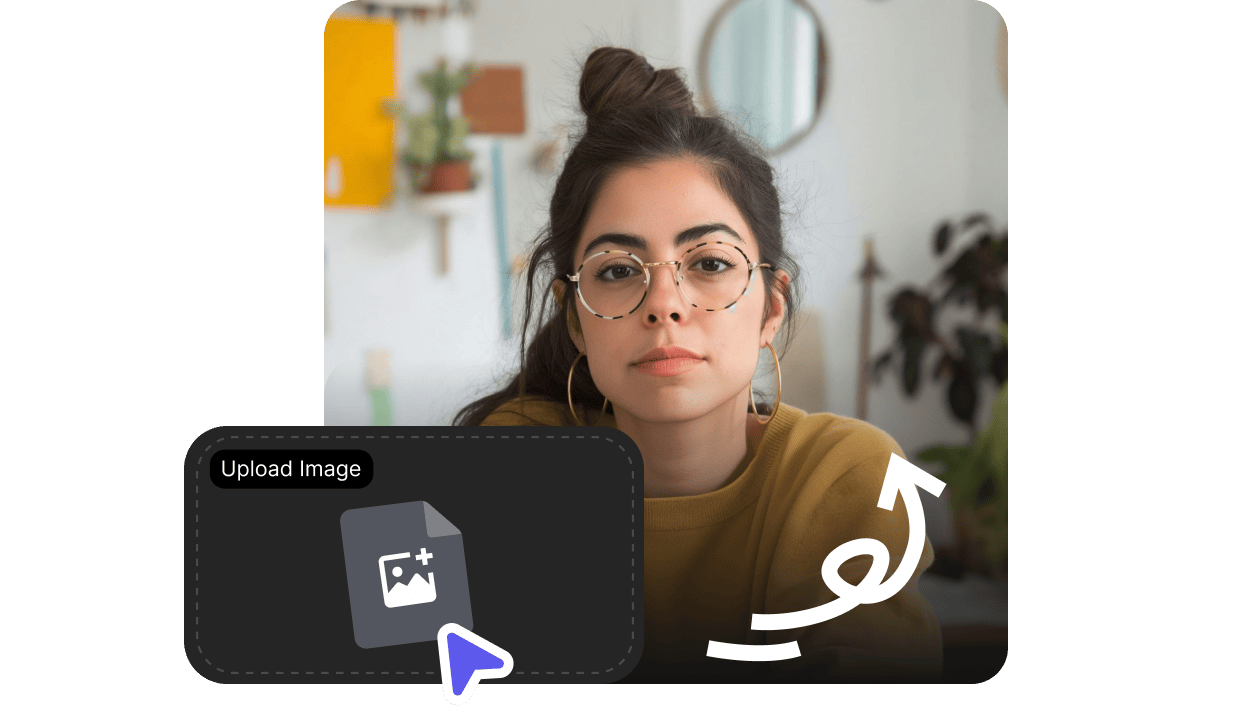
Upload the face

Add a clear, front-facing photo of the face you want to swap in — a selfie or headshot works best.

Step 2

Upload your video

Add the video clip to swap the face into. AI detects and tracks the face across every frame, even with movement.

Step 3

Generate your video face swap

Get a realistic refaced video with consistent expression and lighting throughout — HD, no watermark, ready to share.

Why VisionStory

Realistic Video Reface, Free and Private

Frame-accurate face tracking, clean HD output and privacy by default — swap faces in any clip without filming or editing.

VisionStory frame-accurate video face swap

Consistent across every frame

AI tracks the face through movement, expressions and angles, so the swap stays stable and natural for the whole clip — not just a single frame.

VisionStory HD watermark-free video face swap

HD output, no watermark

Download refaced videos in sharp HD with no watermark, ready for social, memes or creative edits.

VisionStory multi-face private video reface

Multiple faces, private by default

Swap one or several faces in the same video, and your uploads are processed privately and auto-deleted after your result is ready.

Examples

Video Face Swaps Made with VisionStory

See how a single face photo refaces an entire clip.

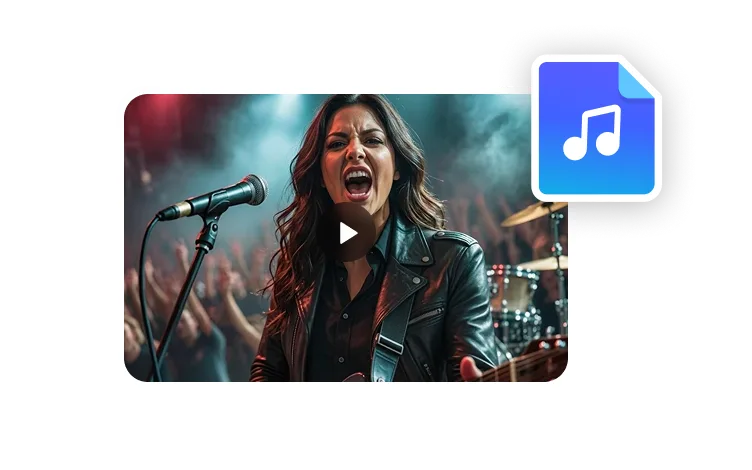
Video face swap example talking head
Reface a talking-head clip
Video face swap example scene
Swap into film scenes
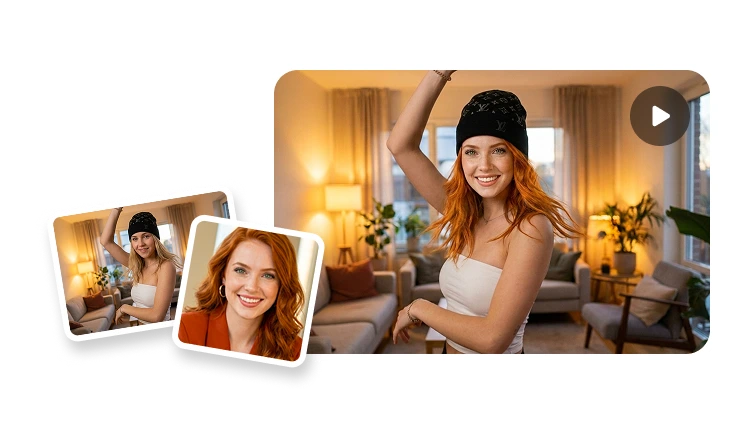
Video face swap example social
Fun reface for social
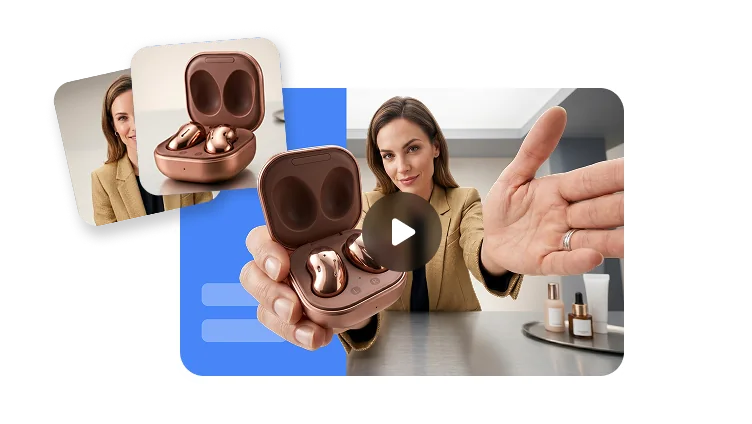
Video face swap example multi-face
Multiple faces in one clip

Frequently asked questions

  • What is AI video face swap?

    AI video face swap replaces a face throughout a video with another face. You upload the face you want to use and a target video, and the AI tracks the original face across every frame, matching expression, head movement and lighting for a realistic refaced clip.

  • How is this different from photo face swap?

  • Is the video face swap free, and is there a watermark?

  • Is my data private?

  • Is video face swap legal?