Free · no watermark · your files are auto-deleted after processing
Freeno sign-up
4Koutput
Nowatermark
Privateauto-deleted
How it works
How to Swap Faces with AI
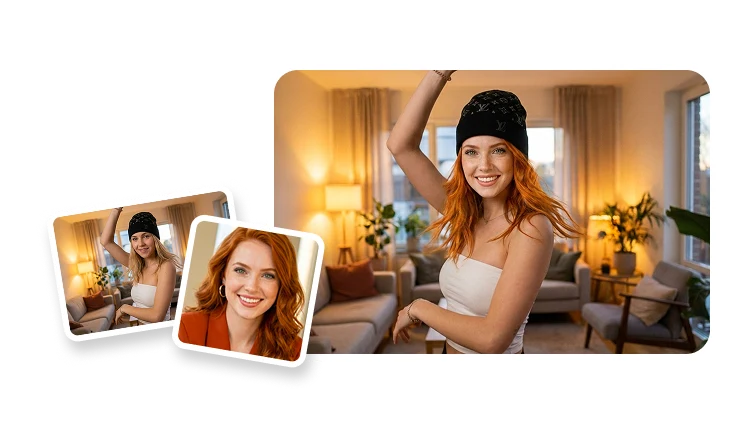
Swap a face into any photo or video in three steps — upload the face, upload the target, and generate.
Step 1
Upload the face
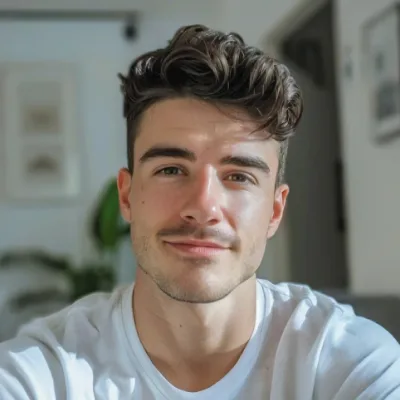
Add a clear, front-facing photo of the face you want to use — a selfie, portrait, or any headshot works.
Step 2
Upload the target photo or video
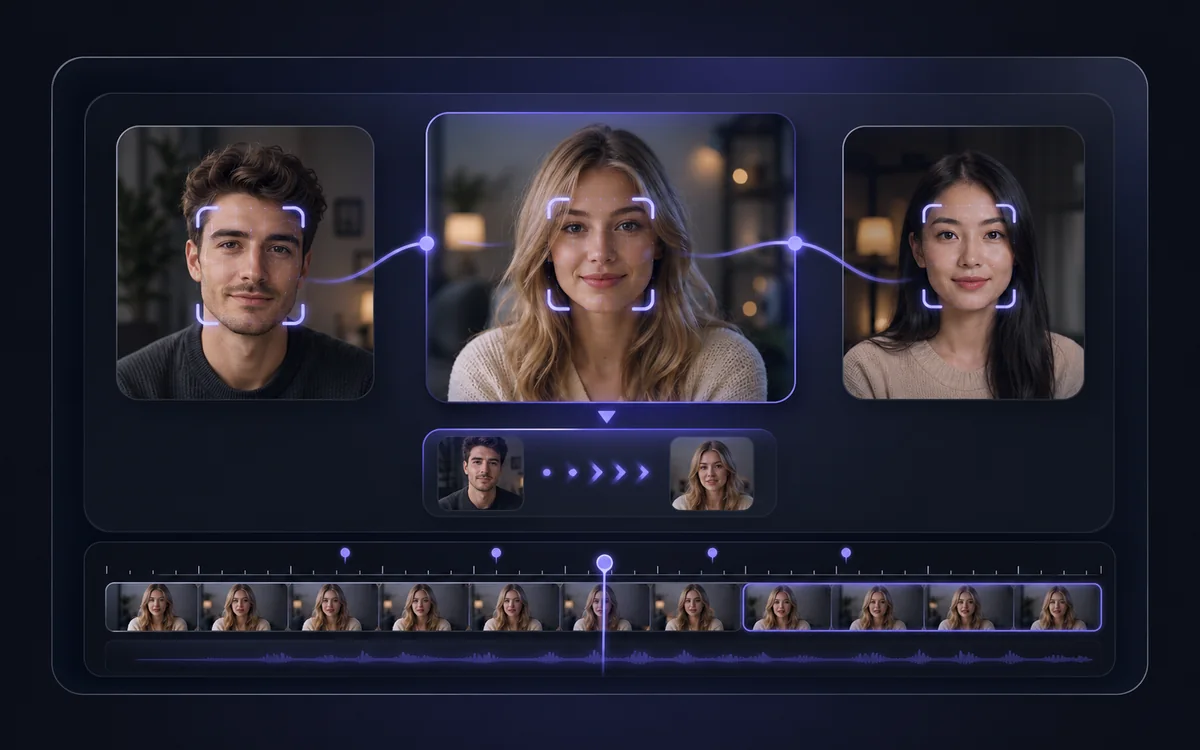
Add the photo or video you want to swap the face into — AI detects the face and aligns expression and lighting.
Step 3
Generate your face swap
Get a realistic face swap in seconds, ready to download — no watermark, and your files are auto-deleted afterwards.
Why VisionStory
Realistic Face Swaps, Free and Private
Photo and video face swap with clean output, fast results, and privacy by default — no watermark, no account required to try.
Photos and videos, single or multiple faces
Swap a face into a still photo or a full video, and handle multiple faces in one image — for memes, content, and creative edits.
Clean, watermark-free, up to 4K
Download realistic swaps with no watermark, in sharp resolution up to 4K, ready to post or drop into your edits.
Private by default
Your uploads are processed privately and automatically deleted after your result is generated — nothing is kept or shared.
Examples
Face Swaps Made with VisionStory
From photo memes to video reface — see the kinds of swaps you can create.
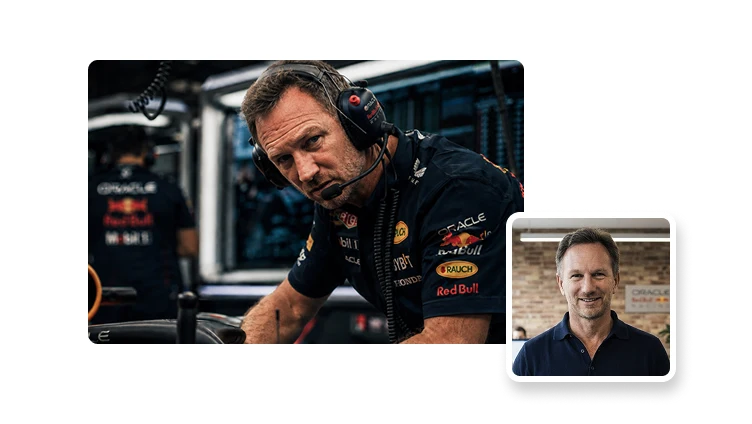
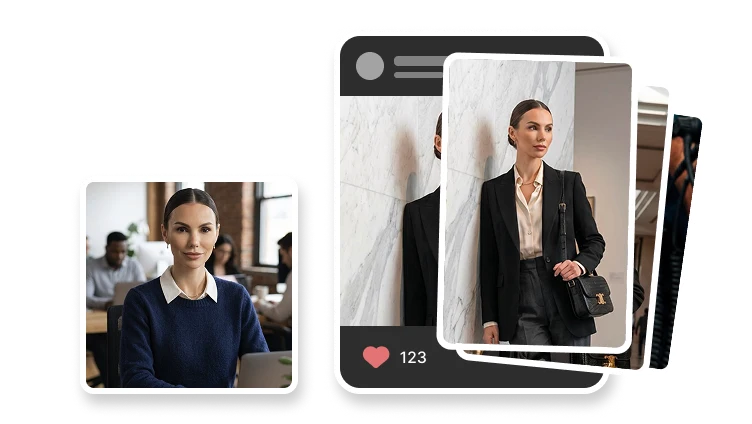
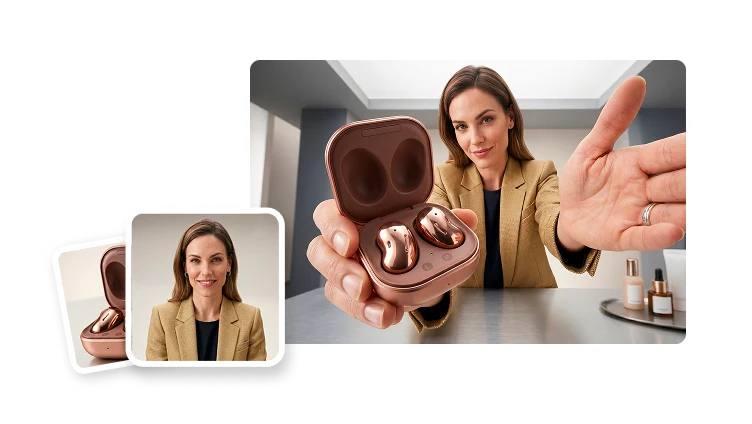
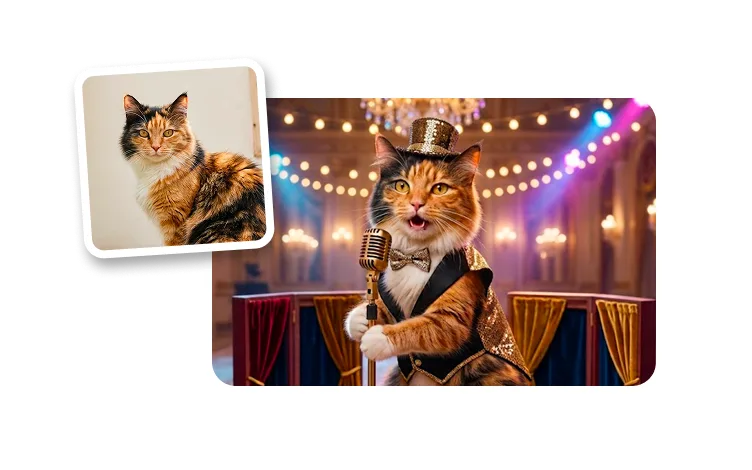
Swap a face into any portraitReface characters and scenesVideo face swap, frame by frameFun swaps for social
Frequently asked questions
What is AI face swap?
AI face swap automatically replaces a face in a photo or video with another face, using AI to match expression, angle, and lighting for a realistic result. You upload the face you want to use and a target photo or video, and the AI does the swap in seconds.
Is the AI face swap free, and is there a watermark?
Yes, you can start for free with no sign-up, and results come without a watermark on the free tier. Higher resolution and longer videos may require a plan, but you can try a swap before deciding.
Does it work for videos as well as photos?
Yes. You can swap faces in both still photos and videos. For video, the AI tracks the face across frames so the swap stays consistent throughout the clip.
Is my data private?
Your uploads are processed privately and automatically deleted after your result is generated. Nothing is stored or shared beyond producing your swap.
Is face swap legal?
Face swapping is legal for fun, creative, and consensual uses. Always get consent from the people whose faces you use, only use content you have the rights to, and never use a face swap to deceive, impersonate, or harm someone. Don't create misleading deepfakes of real people without their permission.