Change Audio Speed Without Losing Control
Choose a faster or slower playback rate and decide whether pitch should stay natural.
Upload audio to retime
MP3, MP4, WAV, M4A, AAC, or FLAC · up to 200 MB
Choose a faster or slower playback rate and decide whether pitch should stay natural.
MP3, MP4, WAV, M4A, AAC, or FLAC · up to 200 MB
Time stretch
Change duration while controlling how voices and notes sound.
Add one supported track.
Choose a rate and pitch-preservation behaviour.
Create and review the retimed audio.
Speed control
Tune the timing for the listening context.
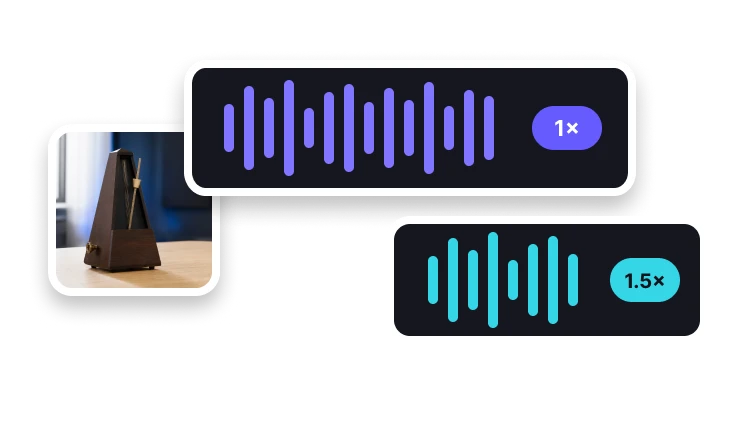
Lengthen audio for study or close listening.
Return to the source playback rate.
Shorten spoken or reference material.
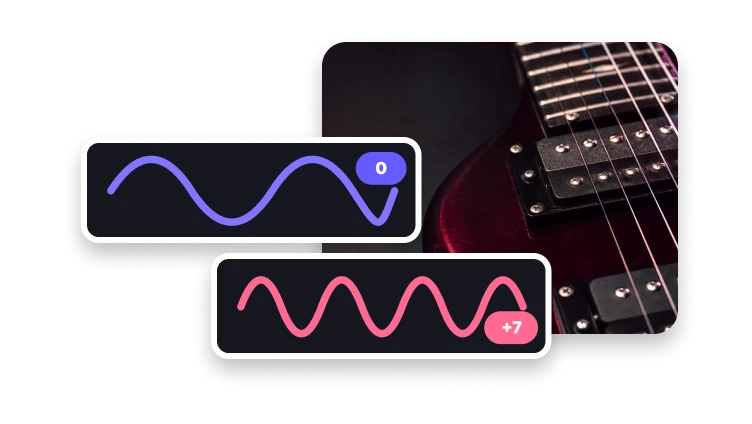
Enable pitch preservation when you want voices and notes to remain closer to their original tone.