What goes in and what comes out

Who it is for

Outbound, business development, and growth teams

Reps who touch a few hundred strangers a week, the managers who run their sequences, and the sales leader who owns what those messages are allowed to claim.

What you start with

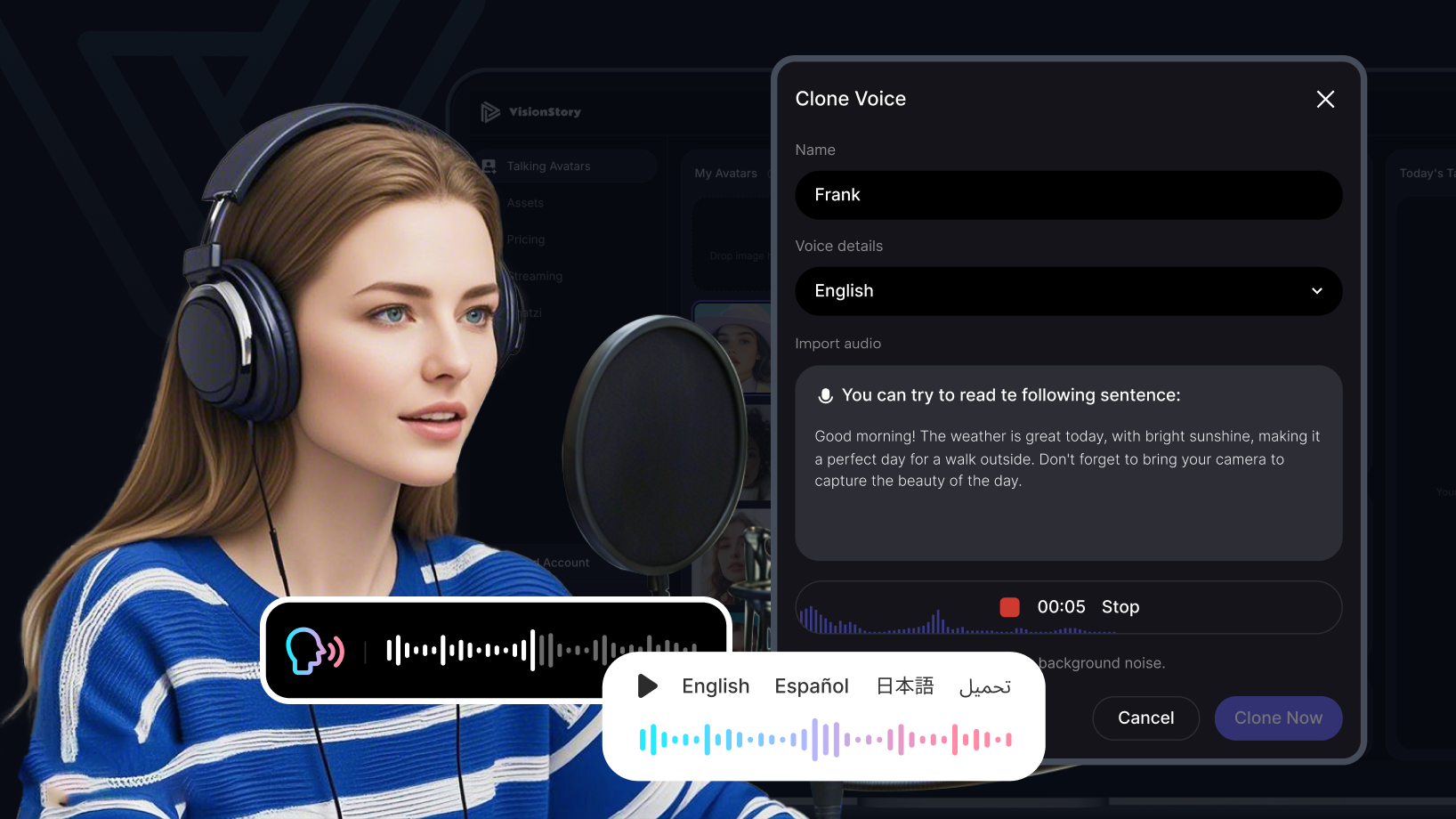
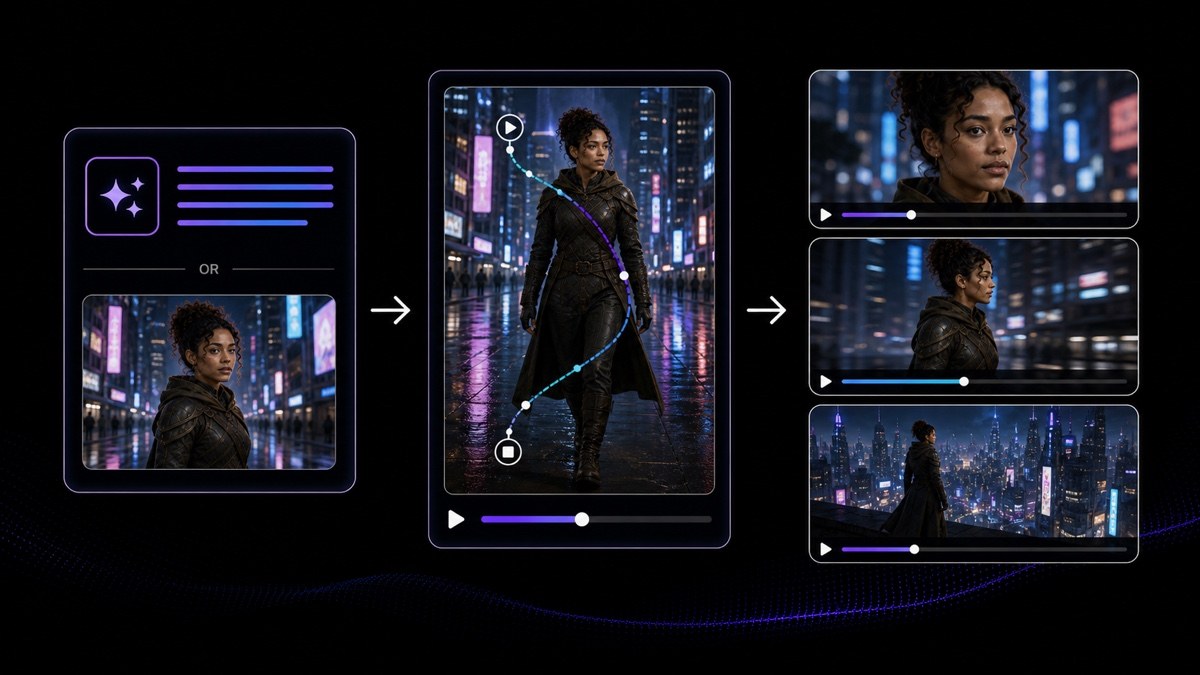
A proven message and one authorized recording

The outreach your team already sends in writing, the segments you send it to, and one clean recording made by the rep whose face and voice will front the campaign.

What you get

Personalized prospecting videos in volume

One version per segment or per account, lip-synced and consistent, exported as files your team attaches to email, posts on LinkedIn, or embeds on a landing page.

Outbound video that ships while the names are still worth working

Video gets recommended to outbound teams as the way to stand out, and then quietly abandoned somewhere around the fifteenth recording. The idea is almost never the problem. The production model behind it is: one rep, one camera, one take at a time, meeting a list of three hundred names that is rebuilt every week. Change that step, and what limits the campaign is the quality of the list and the writing—not how much of the file a rep can get through before it changes underneath them.

The list you exported on Monday isn’t the list on Thursday

Pull 40 accounts out of the CRM on Monday and the export starts going stale the moment it lands. By Thursday, the contact at 2 of them has changed jobs, 1 account has been reassigned to another rep, another has closed a round and no longer belongs in the segment the message was written for, and a colleague has already emailed 4 of the names. Working through that file one recording at a time means the last videos in the batch are addressed to a version of the account that’s since been overwritten.

What matters is that the batch and the export still match. One approved wrapper, one selected likeness, and one authorized voice produce every version in a single pass—so the whole batch reflects a single read of the list instead of 4 different days of it, and a name that drops off on Wednesday is simply removed before the send. Deciding which accounts belong on the list, checking ownership and prior contact before anything is generated, and keeping the list inside your own systems all stay with your team.

Swapping in a name isn’t personalization

Anyone who’s been on a prospecting list for a year knows the trick. The opener says the company name, maybe the city, maybe a job title—and then it slides into the same paragraph everyone else got. On video it’s even more obvious, because the tone doesn’t change when the variable does. The recipient stops watching around second 6, and the effort spent producing 300 versions bought nothing at all.

What’s worth varying is the reason you’re reaching out to this account and not the one next to it: the hiring pattern you noticed, the stack they published, the launch their own blog announced last week. Write the script so one section is authored per segment or per account and the rest stays fixed, then generate a version for each. The wrapper is reusable. The 30 seconds that earn a reply aren’t—and no generator can do that research for you.

The video still has to survive the inbox

Most prospecting videos get judged before anyone hears a word: an attachment nobody opens, a player that won’t run inside the email client, a thumbnail that’s a black frame with a play triangle stamped on it, an opening second where the rep is still finding the camera. Whatever gets said in the next 30 seconds never even gets a chance to be evaluated.

So treat the frame as part of the message. Pick the still your team will use as the thumbnail, make sure the first second is already speaking instead of settling in, and put the file on a page where it plays next to the offer rather than asking for a download. HD and 2K output keeps it sharp when a landing page scales it up. Where the file is hosted, and how it’s linked from the email or message, stays your team’s decision.

Be the person the prospect looks up

The reply that never comes has a predictable pattern. The prospect watches 4 seconds, doesn’t recognize the face, opens the sender’s profile in another tab, and finds a different person—or nobody at all. A polished presenter who doesn’t work at your company reads like an ad, and an ad in a cold inbox gets treated like every other ad.

So the presenter has to be whoever the signature says it is. Build the avatar from that rep, and the voice from a recording they made and authorized in writing—so the face in the video and the face on the profile a prospect opens in the next tab are the same person, and it holds up to the 10 seconds of checking they’re going to do. When the account is worth a live call later, whoever joins that call is clearly the person who sent the video.

Send while the trigger is still true

Outbound has a shelf life. A funding round is news for about a week. A new department head is worth writing to in their first month, not their third. The conference is next week only once. A recording session booked for Thursday means the reason for reaching out has aged past the point where it explains anything—and the message lands as a generic pitch with a stale detail stuck inside it.

Taking the studio step out of the loop is what keeps the timing intact. A rep writes the trigger paragraph in the morning, generates the versions that need it, and has the files ready the same day—because nothing is waiting on a room, a camera, or a colleague’s calendar. The call on whether that trigger is genuinely relevant, and whether the account should be contacted at all, is still made by a person before anything is generated.

How outbound and prospecting teams use VisionStory

You come in with 3 things: the outreach your team already sends in writing, 1 clean recording from the rep whose name is in the signature, and a list exported from your CRM or sequencer on a particular day. That export date is where this workflow usually goes wrong—because between the pull and the send, contacts change jobs, accounts get reassigned, and a teammate quietly edits part of the file—so ownership and the trigger have to be checked against the live record before a batch is generated from it.

Before a single video is sent, a sales leader confirms the product claims, pricing, and any on-camera commitments are accurate and approved, that the personalized section says something true about that account, and that the list was built lawfully and includes the consent and opt-out handling your markets require. VisionStory delivers files; the decision to contact anyone remains yours.

  1. 01

    Draft the reusable message once, using material you already have

    Point AI Video Agent at the assets your offer already lives in—a customer one-pager, a product page URL, the deck your team sends after a first call—and it comes back with an editable multi-scene draft: scenes ordered, a script written, a presenter chosen, and captions generated. Trim it down to the segments that hold true for every account, keep the runtime short, and leave the opening intentionally blank so a rep can write the account-specific reason into it later. Then double-check that opening against the source data before you merge it across a batch, because the company name, job title, and any reference to a previous conversation have to match the account they’re attached to—and a merge that’s off by one row gives every name after it someone else’s history.

    Feature AI Video Agent
    AI Video Agent
    Turn a prompt, URL, PDF, or script into an editable multi-shot video draft with an avatar, voiceover, and captions.
  2. 02

    Generate one version per segment or per account

    Once the wrapper is set, AI Avatar produces a lip-synced talking version of each script from the selected likeness, the script, and the voice—using the same person every time—so a prospect who gets two touches sees the same face twice. Run the personalized opening as its own short version instead of rebuilding the entire video for every name. Then review the first three seconds and the account name in each version before it goes out, because a mispronounced company name is the one mistake a recipient notices immediately.

    Tool AI Avatar
    AI Avatar
    Create a lip-synced presenter video from a selected avatar, script, and voice.
  3. 03

    Make the voice the rep’s own, with their permission on file

    Voice Cloning turns a single recording the rep makes (and authorizes) into a reusable voice, so 100 versions sound like the person whose name is on the email—not a stock narrator. Record it in a quiet room, read enough material to cover the tone your outreach needs, and keep the written authorization somewhere your team can produce it. Only clone the person who agreed: a colleague’s voice, a customer’s voice, or a public figure’s voice isn’t yours to reuse, no matter how good the sample is.

    Tool Voice Cloning
    Voice Cloning
    Create one reusable voice from an authorized source recording.
  4. 04

    Reissue a finished video for a list in another language

    When outreach crosses borders, AI Video Translator takes one source video that’s already final and produces dubbed, lip-synced editions across 88 languages—instead of asking a rep to deliver the message in a language they don’t speak. Only dub after sign-off, and have someone who actually sells in that market review the result before the batch goes out.

    Tool AI Video Translator
    AI Video Translator
    Create dubbed, lip-synced language versions from one approved source video.

Frequently asked questions

  • Split the message in two. One part is the wrapper that’s true for everyone on the list, drafted once with AI Video Agent from material your team already uses. The other is a short opening written per segment or per account—where the reason for the outreach lives. AI Avatar then generates a lip-synced version of each script from the same likeness and the same voice, so your volume comes from generation, not from a rep repeating themselves on camera.

Users Love VisionStory

Discover why content creators and marketers trust VisionStory for their AI video needs. From powerful features to an effortless user experience, our community can’t stop raving about the results they achieve with VisionStory.

See all reviews on G2