Extract Audio from a Video
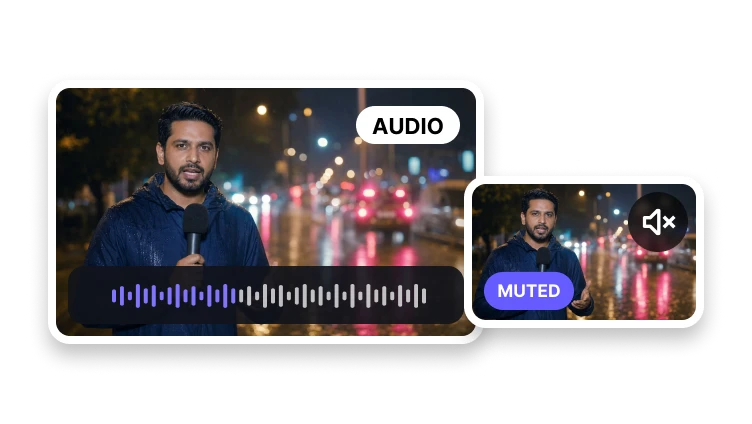
Inspect the source track and prepare a clean, audio-only export.
Upload a video
MP4, MOV, MKV, WebM, or AVI · up to 100 MB
Inspect the source track and prepare a clean, audio-only export.
MP4, MOV, MKV, WebM, or AVI · up to 100 MB
Audio Extraction
Prepare the source and output settings before extraction.
Add one video with an audio track.
Select the destination format and quality.
Process the source and download the audio file.
Audio-Only Output
Prepare speech, music, or recorded sound for another workflow.
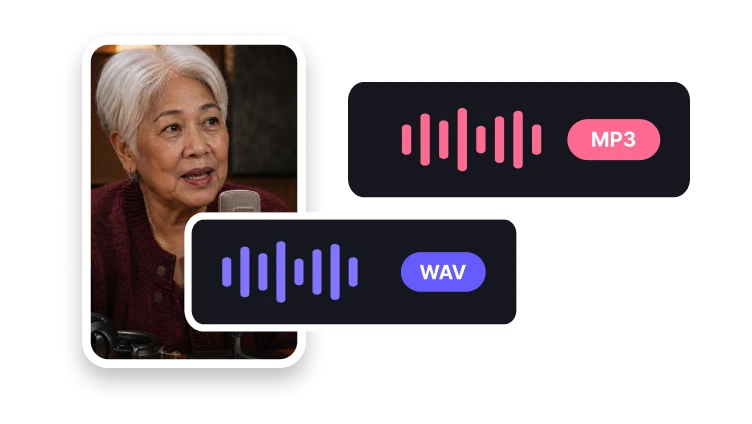
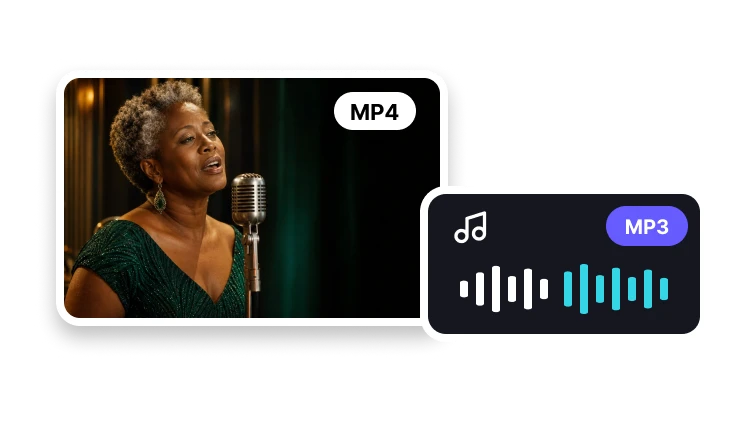
Create a familiar compressed audio file.
Choose an uncompressed format for production.
Prepare an efficient audio-only file.
Yes. Select a supported video and choose the audio format you need.