Remove Audio from a Video
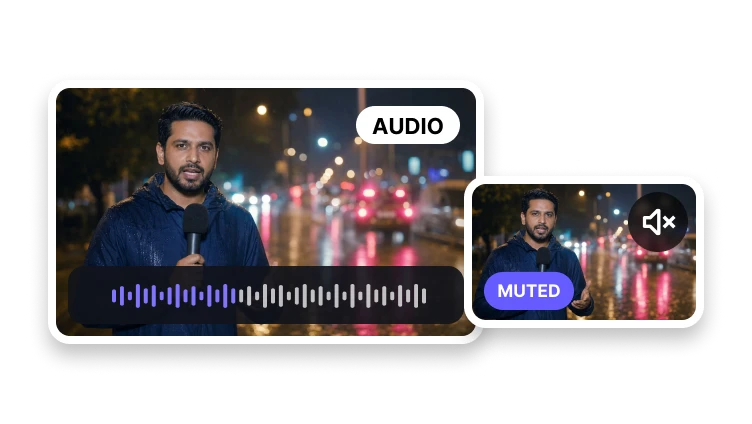
Keep the picture and prepare a silent version without an audio track.
Upload a video to mute
MP4, MOV, WebM, or M4V · up to 500 MB
Keep the picture and prepare a silent version without an audio track.
MP4, MOV, WebM, or M4V · up to 500 MB
Silent video
Confirm the source and create a clean muted copy.
Preview the source you want to mute.
Choose the video format and quality behavior.
Create and download the silent video.
Track removal
The visual track remains the center of the result.
Prepare an output with no audible soundtrack.
Keep the selected picture intact.
Use a common output format for publishing.
The goal is to remove the audio track while preserving the video image.