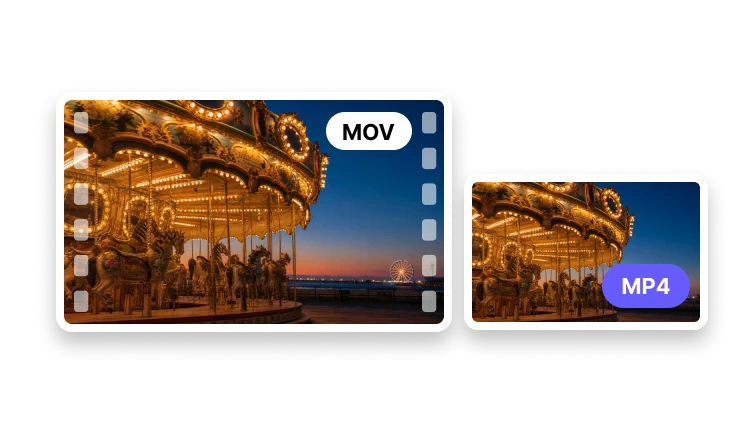
Convert MOV Video to MP4
Choose compatible codecs and preserve the resolution you need.
Upload a MOV Video
MOV · up to 1 GB
Choose compatible codecs and preserve the resolution you need.
MOV · up to 1 GB
Format Conversion
Set a compatible MP4 output before conversion.
Add one QuickTime video source.
Choose codecs and output resolution.
Create and review the actual MP4 file.
Compatibility
Use MP4 when a workflow doesn't accept MOV.
Prepare playback across browsers and devices.
Keep sound in a common MP4 audio codec.
Avoid downscaling when the destination supports it.
MP4 is accepted by more browsers, mobile devices, upload forms, and social platforms.