Convert WebM Video to MP4
Prepare a web video for wider playback on phones, desktops, and social platforms.
Upload a WebM video
WebM · up to 1 GB
Prepare a web video for wider playback on phones, desktops, and social platforms.
WebM · up to 1 GB
Format conversion
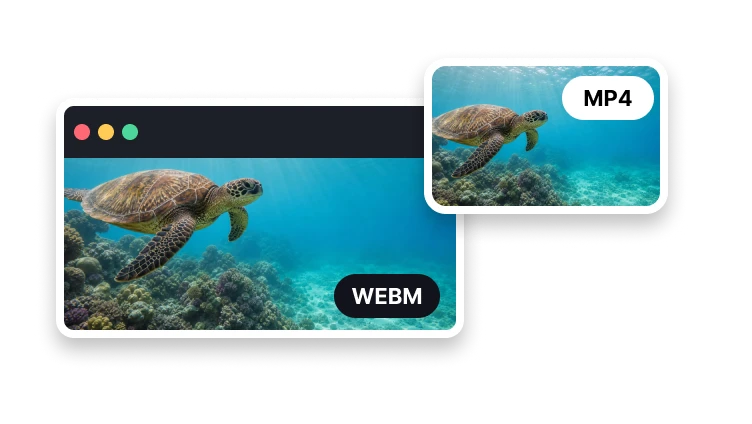
Prepare an MP4 version for devices and apps with limited WebM support.
Add one supported web video.
Choose video, audio, and frame-rate settings.
Create and review the real MP4 file.
Playback support
Use common MP4 codecs for broad delivery.
Prepare a codec supported by common players.
Choose a familiar frame rate for most content.
Keep audio compatible with the output container.
MP4 has broader support in mobile apps, editing software, and social upload workflows.