AI 對口型虛擬人像生成器
把任何照片或現成虛擬人像變成栩栩如生的對口型說話影片。加入講稿、從 1,000+ 種音色中挑選,並以自然唇形同步生成——非常適合行銷、培訓與社群內容。
- 1,000+ 種音色,涵蓋 88 種語言
- 使用現成虛擬人像,或把你的照片變成虛擬人像
選擇虛擬人像
輸入你的講稿
用任何語言說話




把任何照片或現成虛擬人像變成栩栩如生的對口型說話影片。加入講稿、從 1,000+ 種音色中挑選,並以自然唇形同步生成——非常適合行銷、培訓與社群內容。
從精緻的內建虛擬人像開始,再依你想觸及的受眾,搭配合適的音色、語言與表達方式。

清晰表達,適合新人訓練與產品教學。

專業形象,適用報告、更新與解說內容。
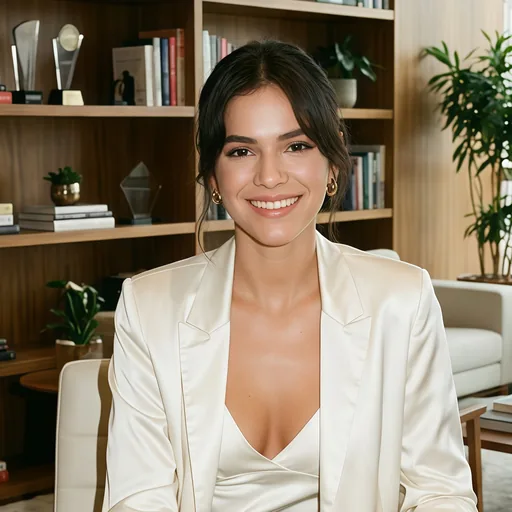
親切直接,社群內容隨時可用。

用符合在地文化的主講人,完成活動在地化。

適合用於公告、重點回顧與正式講稿。
選對形式
依你的目標選擇最合適的流程:最快上手、最具個人感的主講人,或最方便後製的輸出。
最快上手
需要快速產出乾淨的影片、且不需要自訂臉孔時,選擇現成主講人最省時。
最具個人感
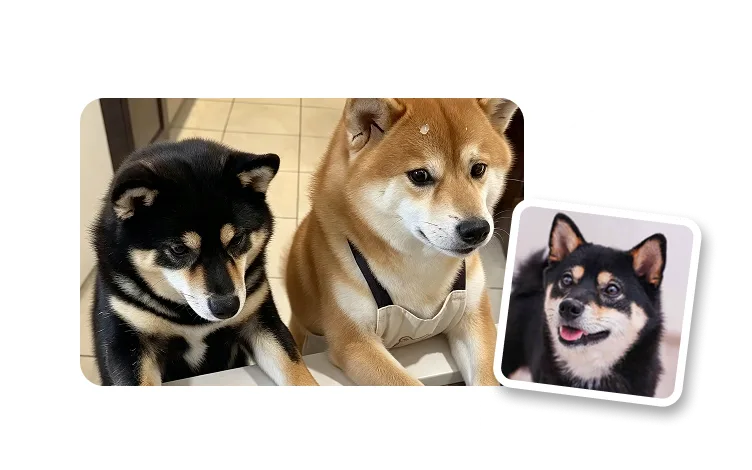
把清晰的人像照變成會說話的虛擬人像,適用個人訊息、創辦人影片與品牌解說內容。
最方便後製
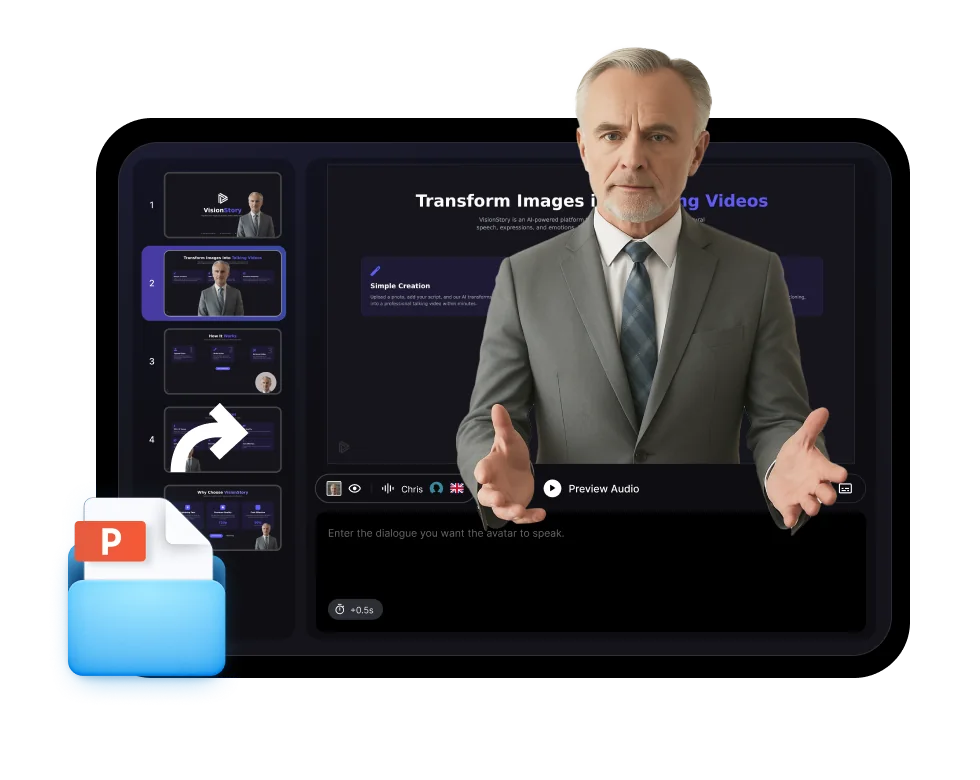
先獨立生成虛擬人像,再合成到產品影片、投影片或自訂場景中。
製作流程
選擇主講人、用合適的音色加入訊息,接著匯出可重複使用的虛擬人像影片,用於行銷活動、培訓或社群內容。
從內建主講人開始,或使用已獲授權、且符合品牌、受眾與渠道的人像照片。
貼上訊息內容、調整語氣與長度,然後選擇內建音色、分身語音或在地化音色。
以高畫質影片或綠幕影片輸出,保留同一個虛擬人像身分,隨時用於未來活動。
在製作流程中檢視主講人、講稿與最終畫面構圖,確保每支虛擬人像影片都能直接上各平台。
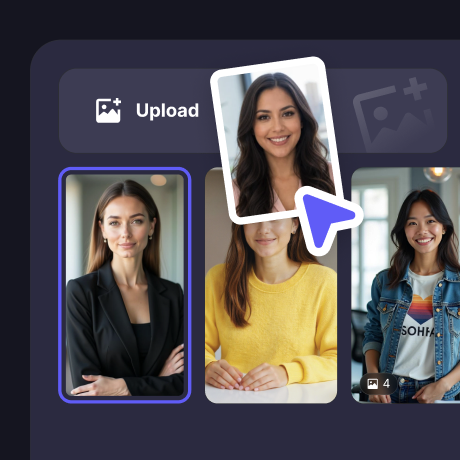
從正確的身分設定開始
在撰寫內容前,先上傳已獲授權的人像照片或選擇內建虛擬人像。
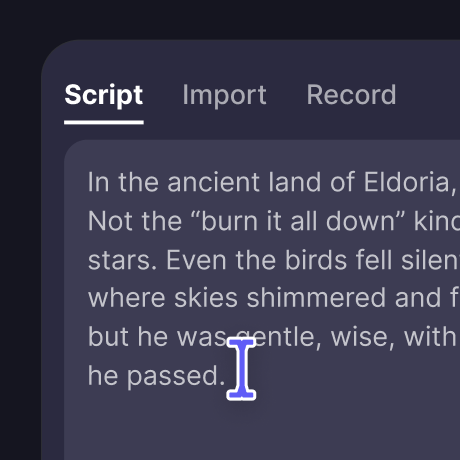
微調口說內容
把文字轉成語音、調整語速與節奏,讓表達方式貼合行銷活動需求。

預覽完成的主講人畫面
在匯出用於社群、銷售或培訓之前,先確認虛擬人像在畫面上的呈現效果。
輸出範例
用同一位主講人身分,橫跨短影音社群內容、高層更新、客戶教育與多語系公告。

創辦人更新與個人品牌影片

固定主講人的社群公告

高層簡報與內部更新

客戶教育與產品導覽
使用情境
用 AI 虛擬人像製作可重複使用的影片內容;一致的主講人能節省時間,並讓訊息更清楚。
用一致的主講人介紹功能、定價與新手上手內容。
把內部文件變成由主講人帶領的課程,不必安排拍攝檔期。
保留同一位講者,同時為各地區更換語言與音色。
I like VisionStory AI because it delivers strong ROI through intelligent automation. It helps me create high-quality video content much faster and at a lower cost than traditional production. The AI understands prompts well, produces natural results, and makes it easy to test creative ideas quickly.
VisionStory is able to create high-quality talking videos at a very competitive cost. The video generation cost can be less than $1 per minute, while the final result is comparable to leading AI video models.
I like that VisionStory AI is very easy to apply and extremely easy to use. You don't really need to know much about AI or these types of systems to get started. I also appreciate that it helps me a lot by simply saying what I want to generate, I make a brief speech or what the character is going to say and let VisionStory AI do everything. Moreover, the initial setup was very simple, as I did it through my Google account and it was extremely easy. Apart from a few details, it is an excellent application.
I love the podcast feature the best, although making other videos work great too. I can't believe that you can upload one audio file with 2 different people talking back and forth, and the program can automatically put the correct sections of the audio to the right character. That is such a time saver!
What I like best about VisionStory AI is its PPT-to-video feature. As a technical team leader, I often need to create internal training materials, project updates, and presentation videos for my team. VisionStory AI lets me turn slides into video content much faster, without having to spend extra time recording, editing, or coordinating production resources. Overall, it makes knowledge sharing and internal communication far more efficient.
In my daily work, I often need to present slides in video format, and VisionStory handles that perfectly. I just upload my PPT, add my own photo and voice, and it quickly creates a presentation video that’s ready to use. It saves me a lot of time and really improves my workflow.
AI 口說虛擬人像是一位擬真的數位講者,能在畫面上說出你的腳本——不需要相機、攝影棚或拍攝。VisionStory 會用自然的臉部表情、頭部動作與精準唇形同步,將照片或現成虛擬人像動起來,並以你選擇的語言與語氣為腳本配音。

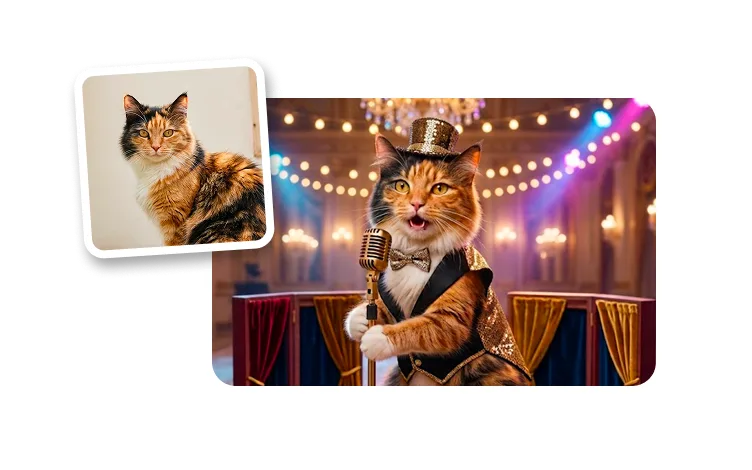
用戶愛用 VisionStory
了解內容創作者與行銷人員為何信賴 VisionStory 滿足他們的 AI 影片需求。從強大功能到流暢體驗,我們的社群對 VisionStory 的成果讚不絕口。