말하는 사진 생성기
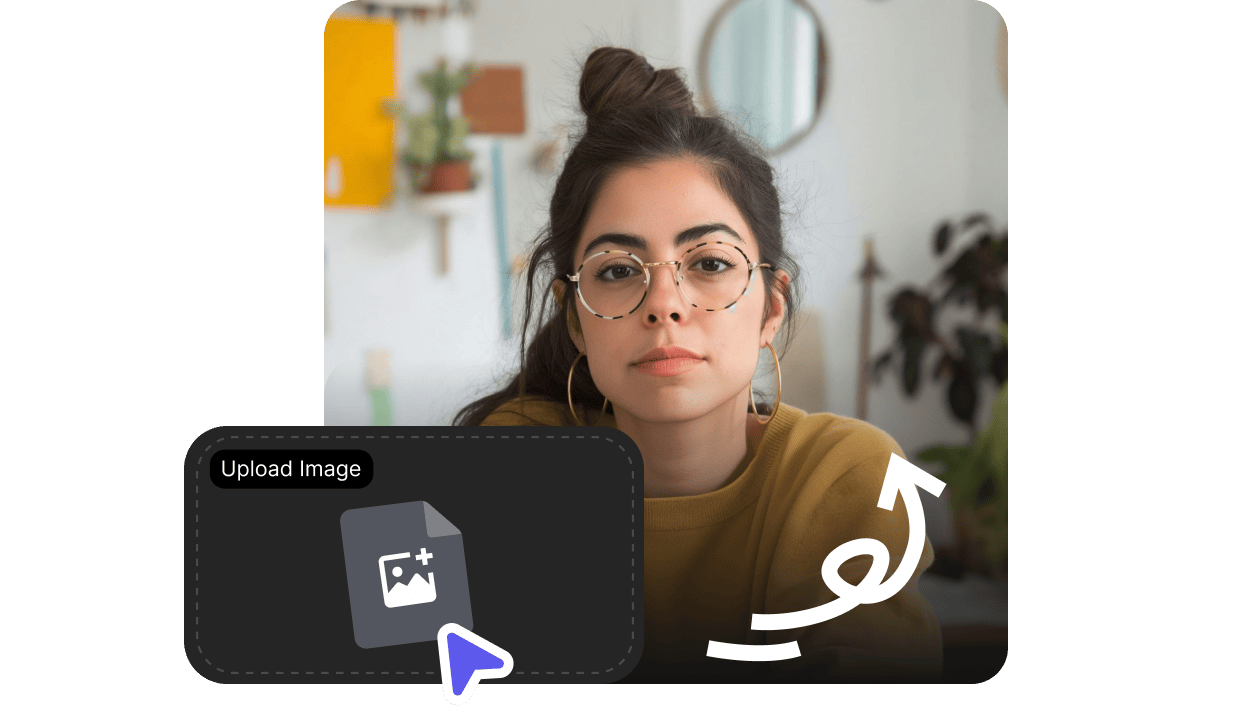
얼굴이 선명한 사진을 업로드하고 한 줄을 입력하면, 자연스러운 음성과 립싱크가 적용된 말하는 비디오로 바뀝니다 — 인사 영상, 소셜 훅, 설명 영상, 캐릭터 클립에 딱이에요.
- 어떤 사진이든 몇 초 만에 말하는 비디오로
- 88개 언어로 1,000개 이상의 음성
- 자연스러운 립싱크, 촬영·편집 스킬 불필요
얼굴이 선명한 사진을 업로드하고 한 줄을 입력하면, 자연스러운 음성과 립싱크가 적용된 말하는 비디오로 바뀝니다 — 인사 영상, 소셜 훅, 설명 영상, 캐릭터 클립에 딱이에요.
정지 이미지 한 장이 표정, 음성, 입 모양 동기화까지 갖춘 짧은 말하는 클립으로 바뀌는 과정을 확인해 보세요.
얼굴이 선명하고 사용 권한만 있다면, Talking Photo는 다양한 원본 이미지에서 작동합니다.
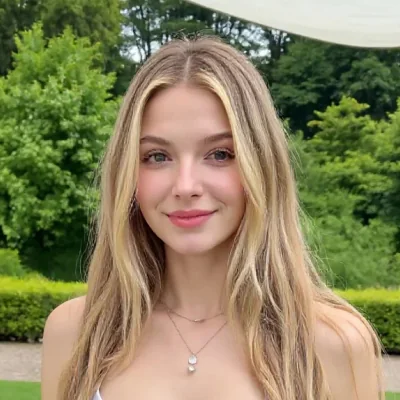
대표 인사말, 프로필 비디오, 소셜 인트로.
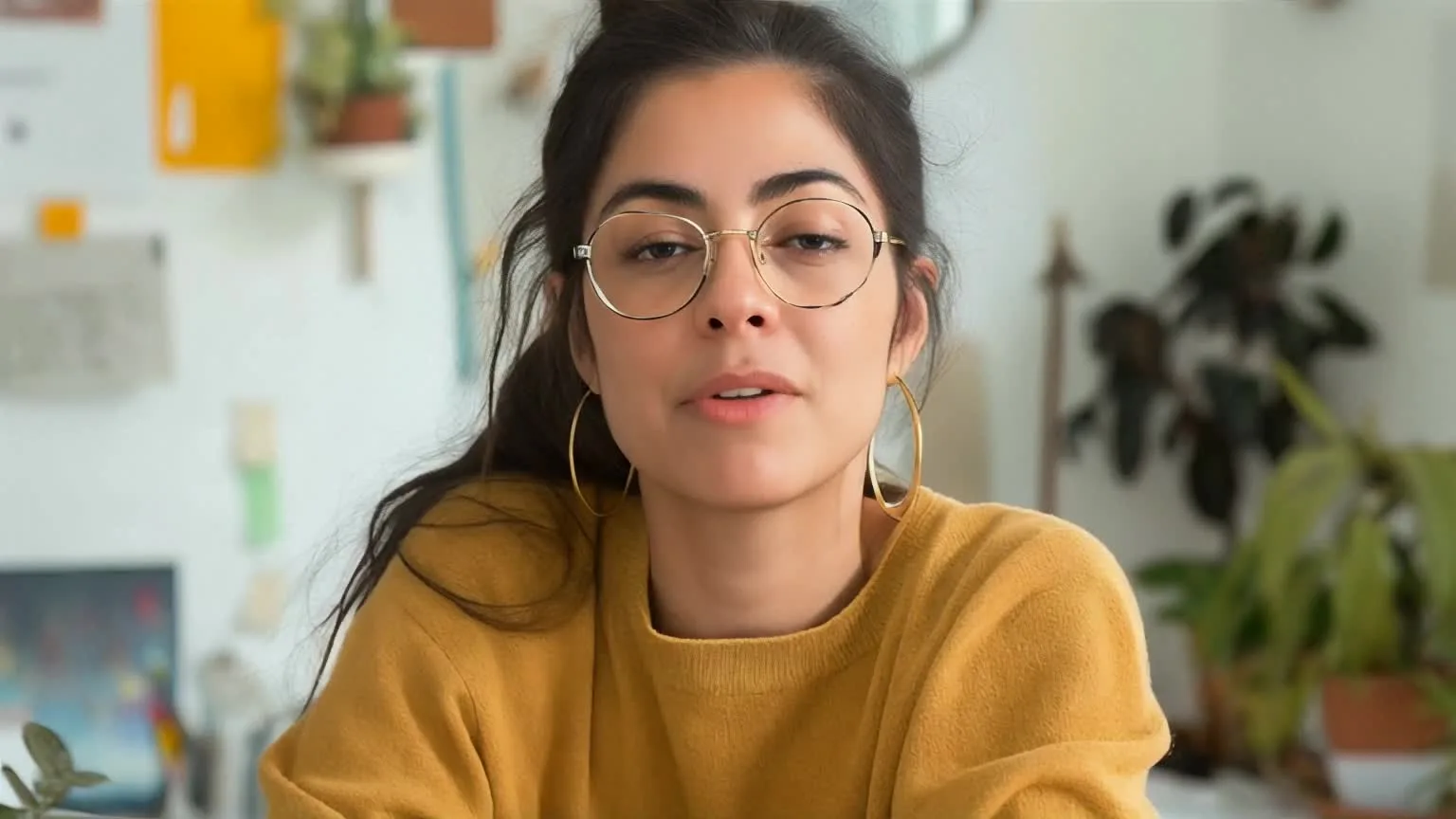
가상의 캐릭터나 AI 생성 캐릭터를 짧은 장면으로 생생하게 불러오세요.

촬영 일정을 잡지 않아도 캠페인 비디오를 더 개인적으로 만들 수 있어요.
3단계 흐름
가장 빠른 방법은 간단해요. 얼굴을 고르고, 대사를 쓰고, 공유하거나 편집할 준비가 된 클립을 생성하세요.
조명이 좋고 한 사람의 얼굴이 또렷하게 보이며, 가림이 거의 없는 이미지를 사용하세요.
스크립트를 작성하고 음성을 선택한 뒤, 예상 길이를 미리 확인하세요.
인사 영상, 설명 영상, 짧은 소셜 게시물용 립싱크 클립을 만드세요.
왜 VisionStory인가요
사실적인 립싱크, 방대한 음성 라이브러리, HD 비디오 출력까지 — 스튜디오 없이도 한 장의 이미지로 바로 공유할 수 있는 말하는 비디오를 만들어 보세요.

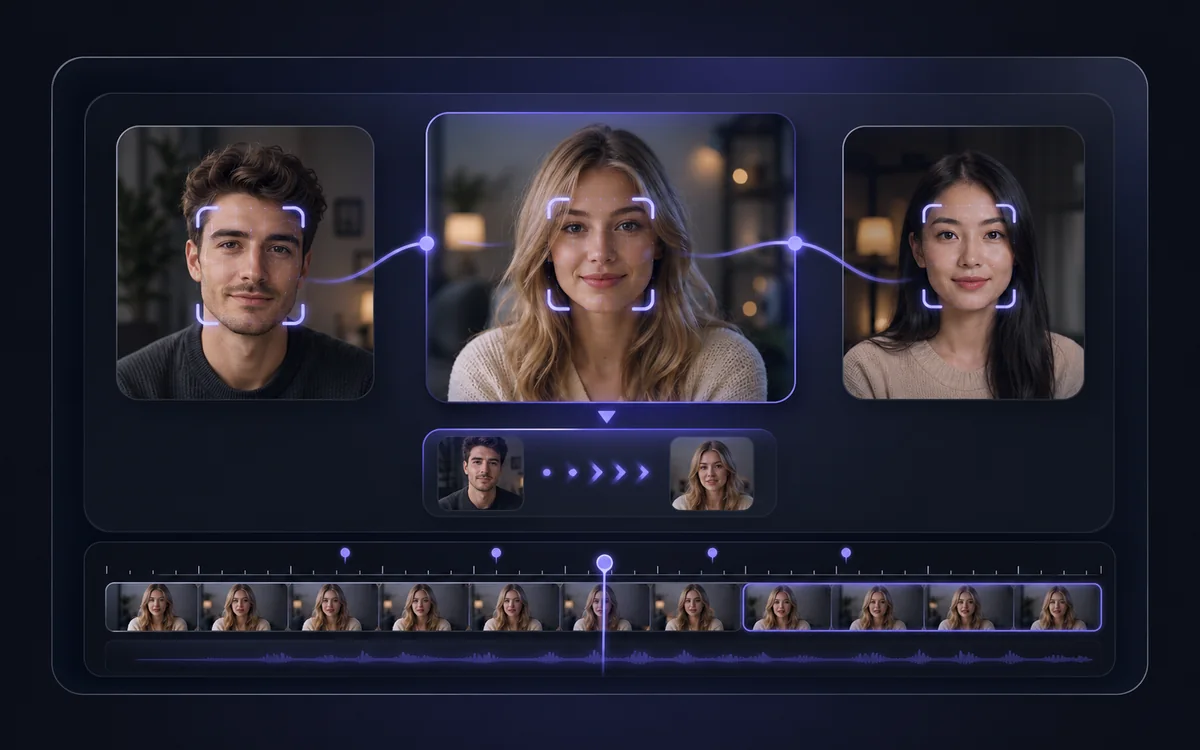
셀카, 인물 사진, 제품 이미지, AI 생성 얼굴까지 — VisionStory가 얼굴을 감지하고 스크립트에 맞춰 입 모양을 동기화합니다.
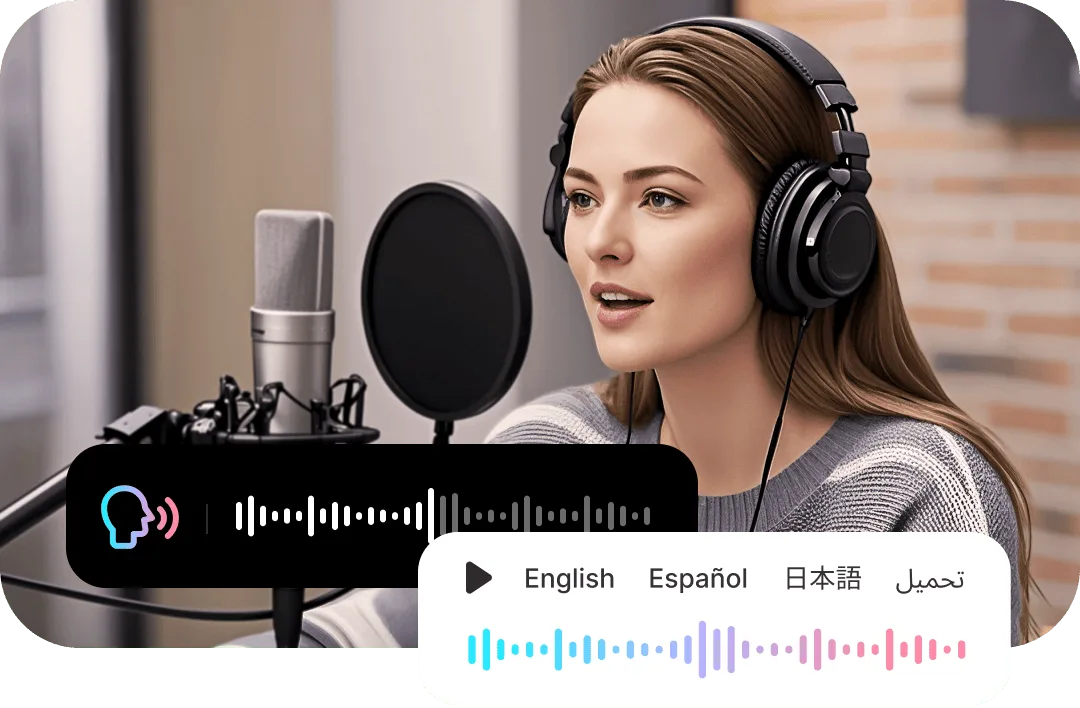
사진에 딱 맞는 음성과 억양을 입히고, 수십 개 언어로 현지화하거나, 내 목소리를 클론해 더 개인적인 느낌을 더해 보세요.
720P 또는 1080P 출력으로 자연스러운 입 움직임과 표정을 구현해, SNS에 바로 공유하거나 편집에 바로 넣어 사용할 수 있어요.
정지 이미지에 이미 딱 맞는 얼굴이 있지만, 비디오로 메시지를 전달해야 할 때 말하는 사진을 활용해 보세요.

인사 비디오
프로필 사진이 짧은 환영 인사, 행사 초대, 감사 메시지를 전하게 하세요.
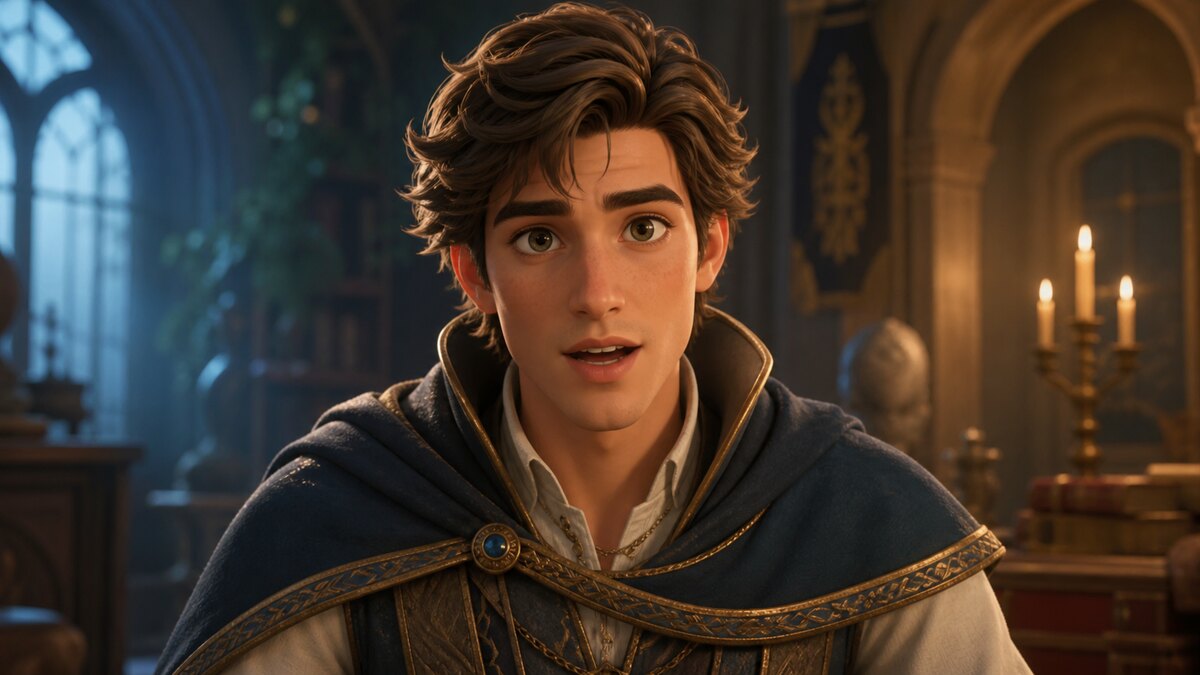
캐릭터 내레이션
일러스트나 AI 인물 사진을 짧은 스토리를 들려주는 말하는 캐릭터로 바꿔보세요.
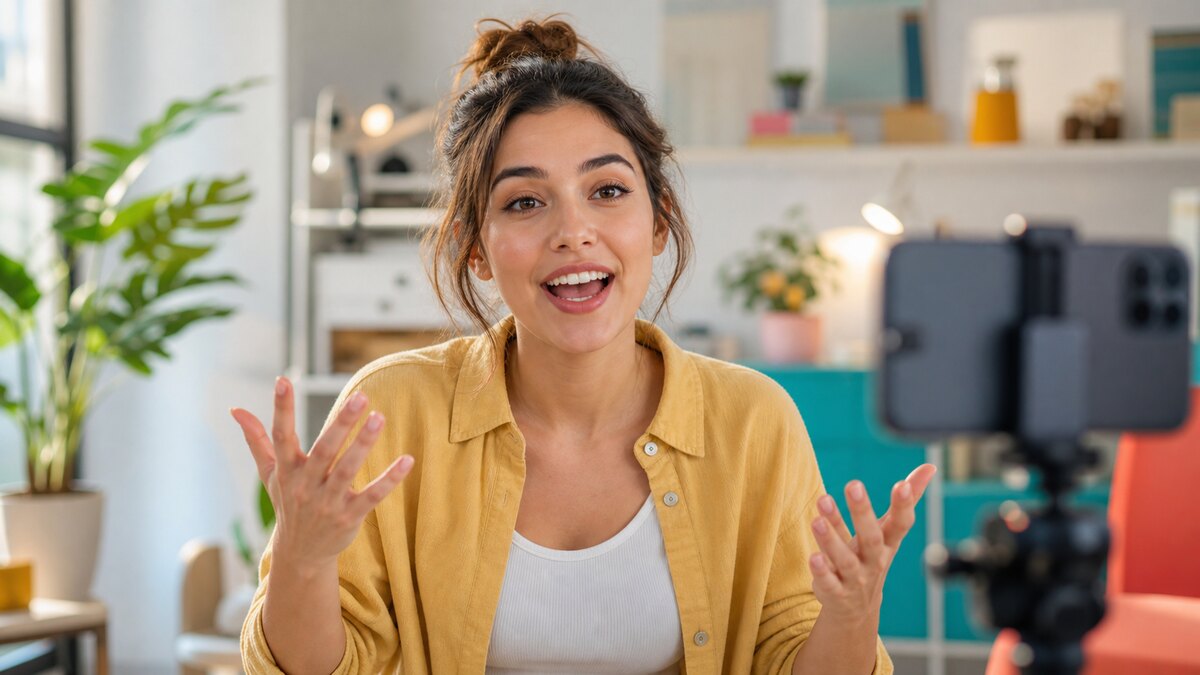
소셜 훅
Reels, Shorts, TikTok, 제품 티저용 빠른 말하는 클립을 만드세요.
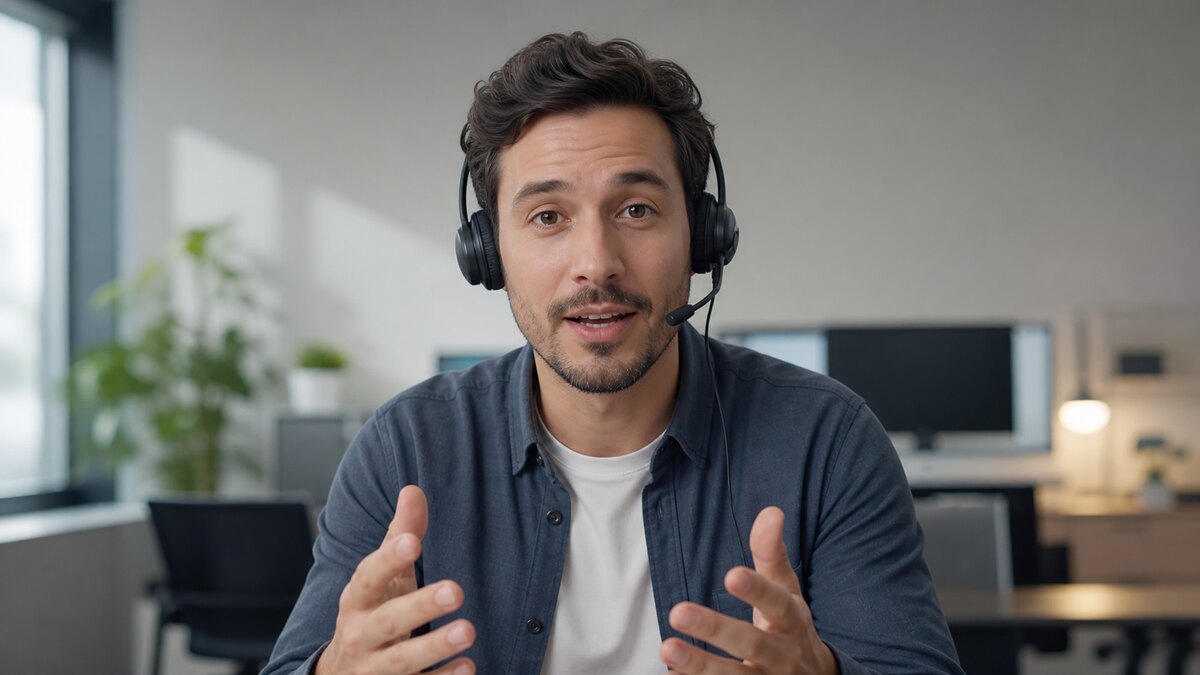
지원용 짧은 클립
친근한 얼굴로 자주 묻는 제품 질문이나 온보딩 단계를 설명하게 하세요.
AI 말하는 사진은 정지 이미지를 음성과 동기화된 비디오로 바꾸는 기능입니다. VisionStory는 사진 속 얼굴을 애니메이션으로 움직이고, 스크립트를 읽는 AI 음성에 맞춰 입 움직임을 동기화해 한 장의 사진을 생생한 말하는 비디오로 만들어 줍니다.
I like VisionStory AI because it delivers strong ROI through intelligent automation. It helps me create high-quality video content much faster and at a lower cost than traditional production. The AI understands prompts well, produces natural results, and makes it easy to test creative ideas quickly.
VisionStory is able to create high-quality talking videos at a very competitive cost. The video generation cost can be less than $1 per minute, while the final result is comparable to leading AI video models.
I like that VisionStory AI is very easy to apply and extremely easy to use. You don't really need to know much about AI or these types of systems to get started. I also appreciate that it helps me a lot by simply saying what I want to generate, I make a brief speech or what the character is going to say and let VisionStory AI do everything. Moreover, the initial setup was very simple, as I did it through my Google account and it was extremely easy. Apart from a few details, it is an excellent application.
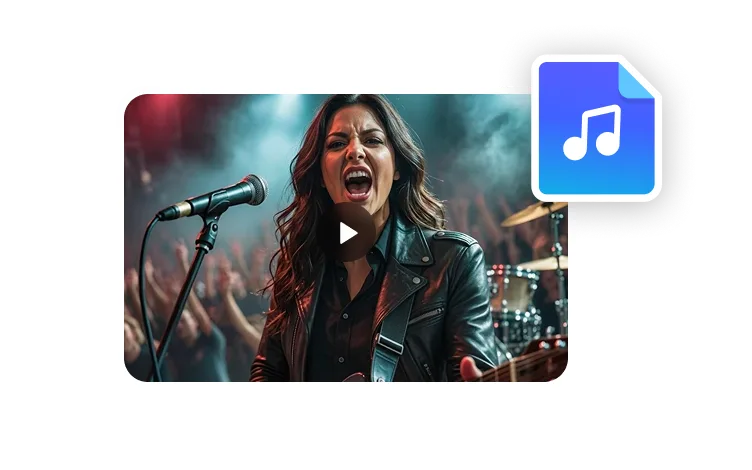
I love the podcast feature the best, although making other videos work great too. I can't believe that you can upload one audio file with 2 different people talking back and forth, and the program can automatically put the correct sections of the audio to the right character. That is such a time saver!
What I like best about VisionStory AI is its PPT-to-video feature. As a technical team leader, I often need to create internal training materials, project updates, and presentation videos for my team. VisionStory AI lets me turn slides into video content much faster, without having to spend extra time recording, editing, or coordinating production resources. Overall, it makes knowledge sharing and internal communication far more efficient.
In my daily work, I often need to present slides in video format, and VisionStory handles that perfectly. I just upload my PPT, add my own photo and voice, and it quickly creates a presentation video that’s ready to use. It saves me a lot of time and really improves my workflow.

사용자들은 VisionStory를 사랑합니다
콘텐츠 제작자와 마케터가 AI 비디오 요구 사항에 VisionStory를 신뢰하는 이유를 알아보세요. 강력한 기능부터 수월한 사용자 경험까지, 우리 커뮤니티는 VisionStory로 얻은 결과에 대해 칭찬을 멈추지 않습니다.