AI Presentation Video Maker

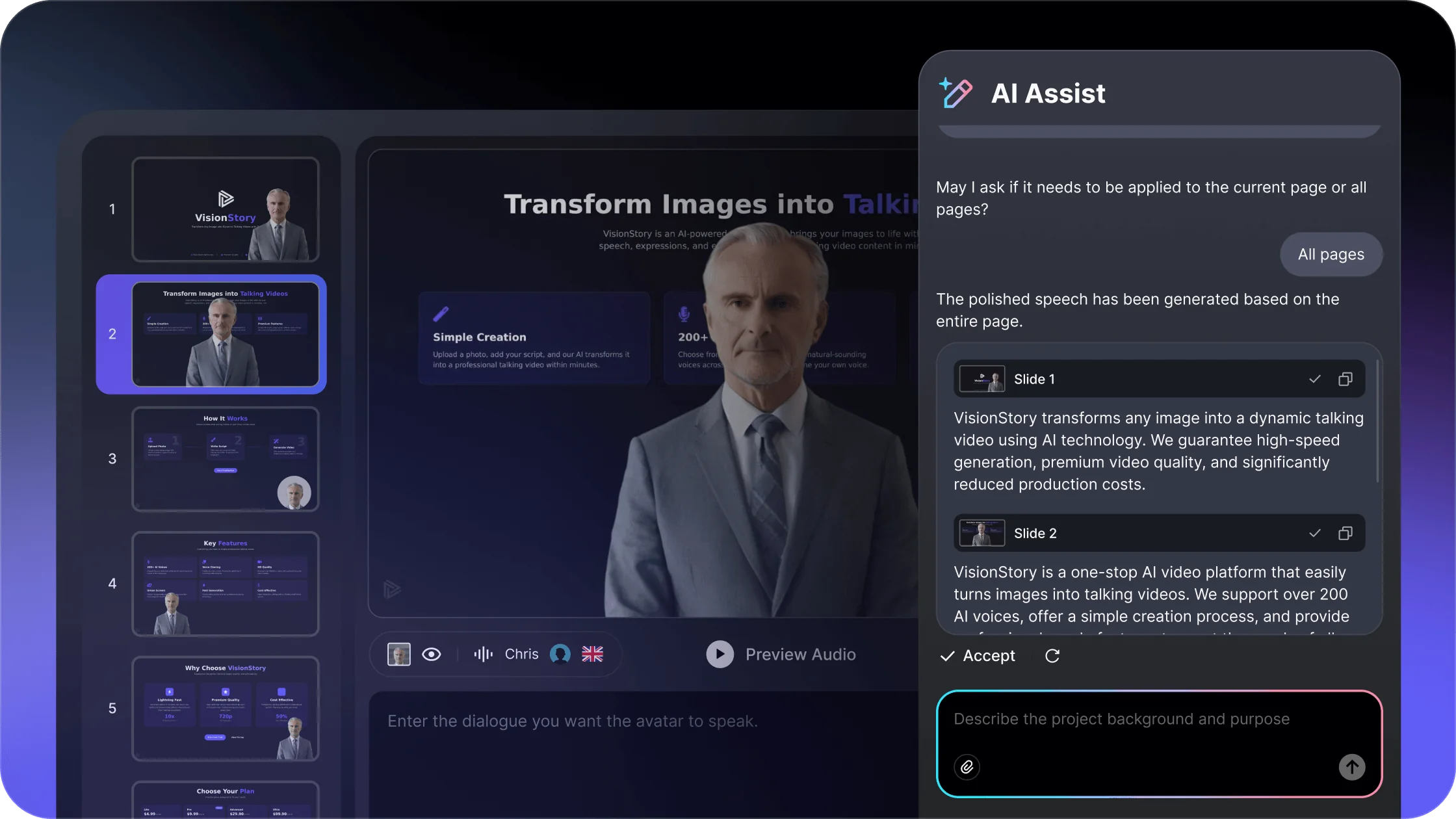
Upload your slides, pick an AI avatar presenter, and turn a PowerPoint or PDF into an engaging presentation video — narrated in 88 languages, no camera or recording.

  • Turn PowerPoint or PDF into a narrated video
  • An AI avatar presents your slides on camera
  • 88 languages, no filming or editing skills
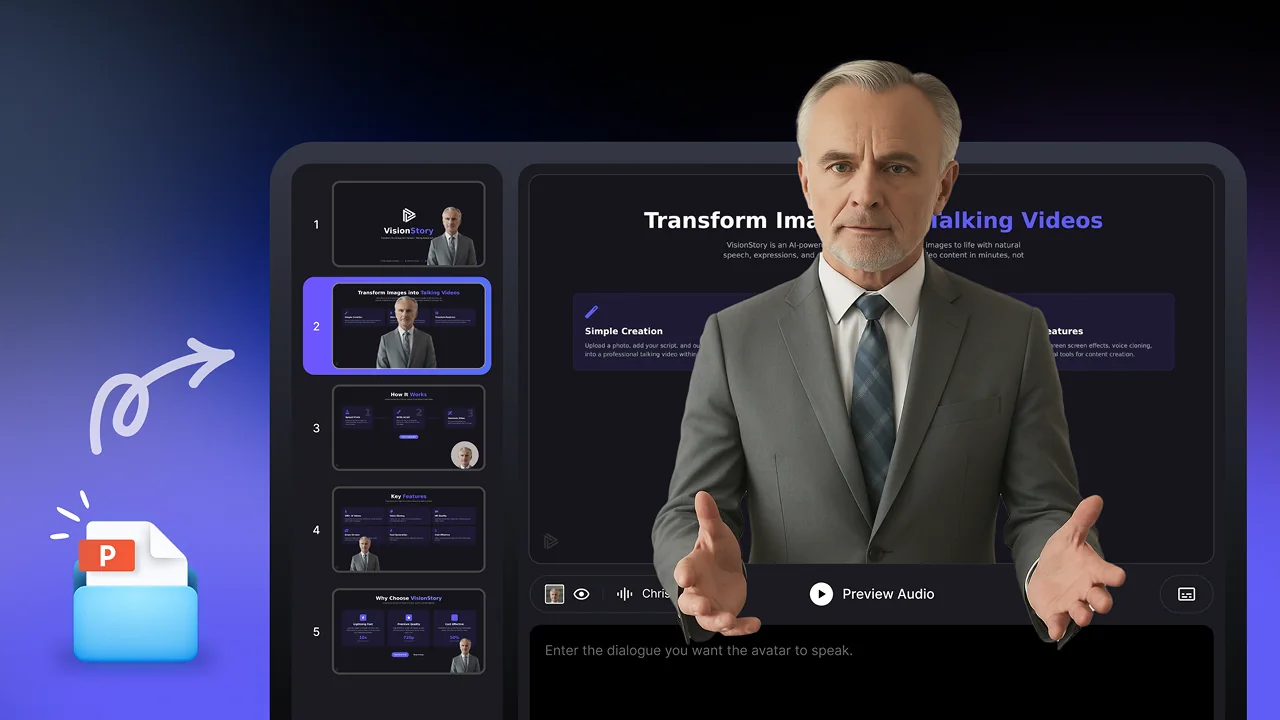
Create presentation video

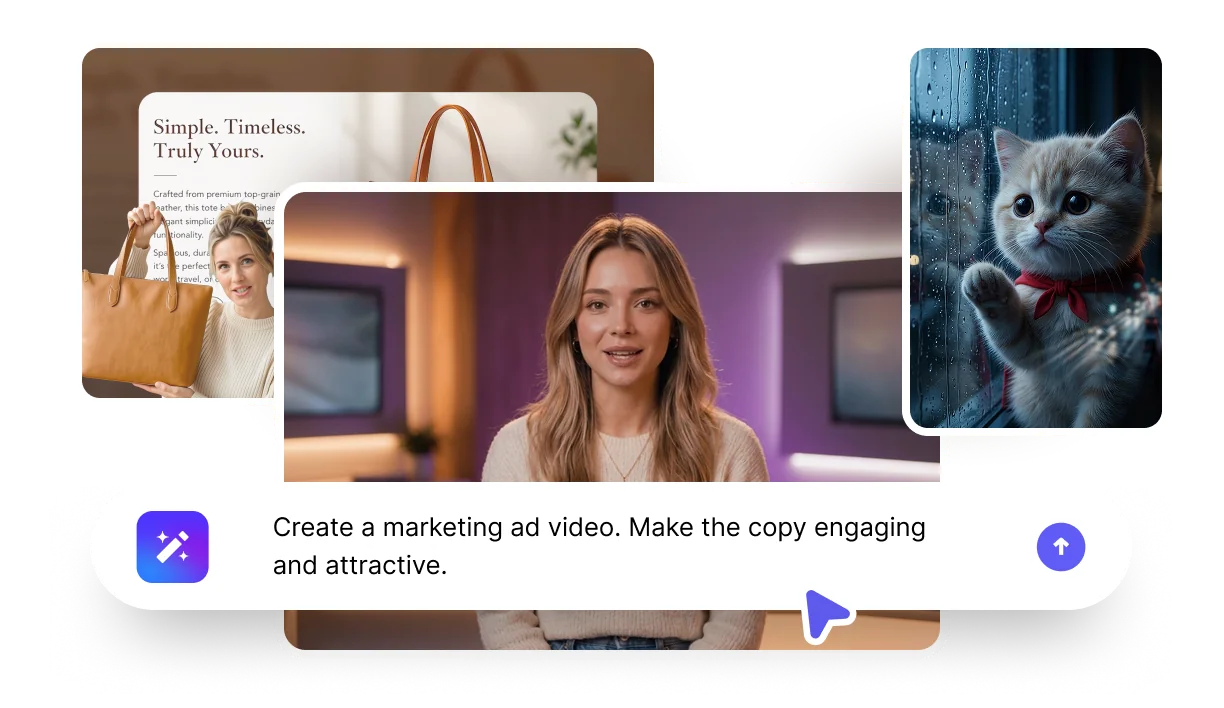
What should the presenter say?

Upload your slides

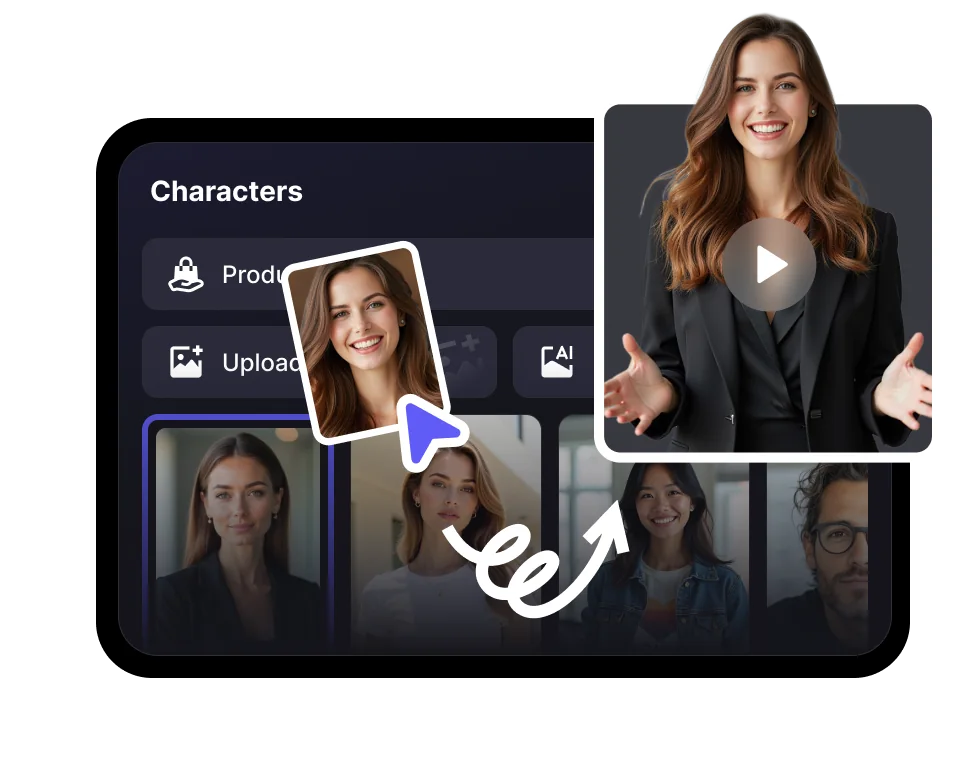
Pick your AI presenter

1,000+AI avatars
1,000+voices
100+languages
Freeto try

Deck to video flow

Turn presentation material into a presenter-led video

Turn existing slide material into a video people can watch anytime, with narration, presenter presence, and a clear delivery flow.

01

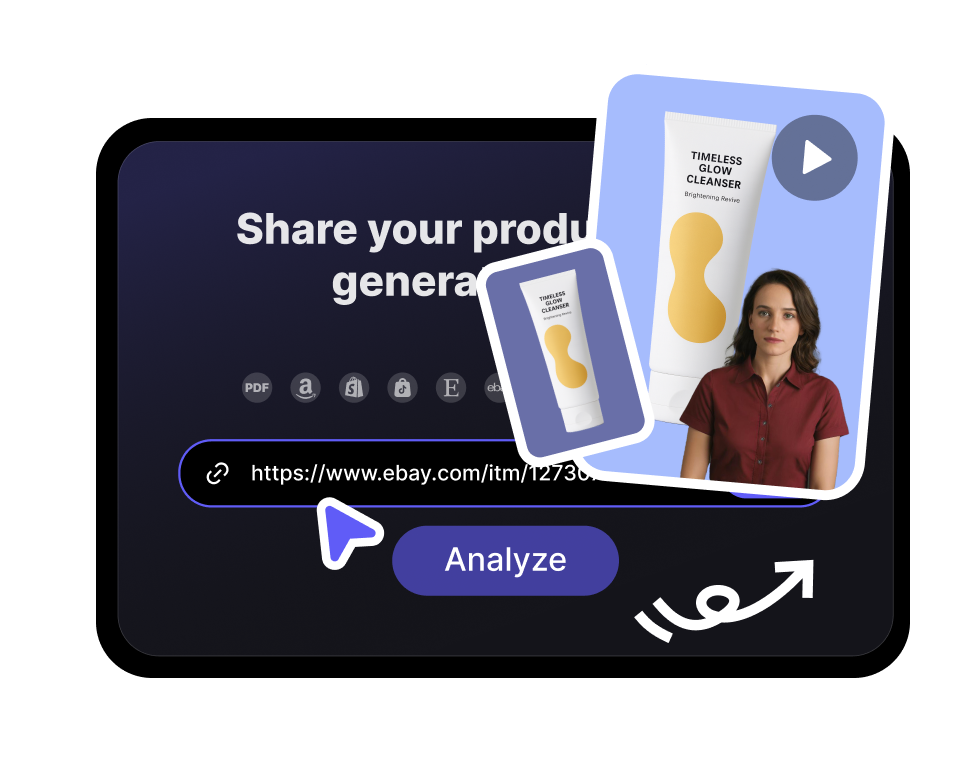
Add topic or slides

Start from a deck outline, existing material, or the message you need to present.

02

Generate narration

Create a clear script that matches the slide structure and audience level.

03

Choose presenter style

Select an avatar, voice, and tone that fit training, sales, education, or internal updates.

04

Export the video

Publish a presenter-led explainer that can be watched without a live meeting.

Preview presentation video output

Use AI presentation videos for lessons, product walkthroughs, investor updates, and internal communication.

Presentation formats that need different structure

Different decks need different delivery styles. Choose the structure that matches the audience and outcome.

  • Presentation formats that need different structure

    Training module

    Convert policies, onboarding docs, and courses into presenter-led lessons.

  • Presentation formats that need different structure

    Product walkthrough

    Explain features with a consistent presenter and clear visual pacing.

  • Presentation formats that need different structure

    Sales enablement

    Create repeatable talk tracks for reps, partners, and customer success teams.

Global delivery

One presentation can become many localized videos

Use voice, captions, and avatars to adapt the same deck for several audiences.

100+

Languages

Localize scripts and narration for each region.

Avatar

Consistent presenter

Keep the same speaker style across every version.

HD

Reusable export

Publish in a format suitable for training libraries and sales hubs.

Frequently asked questions

  • It turns a slide deck into a video where an AI avatar presents your content on camera. Instead of recording yourself, you upload a PowerPoint or PDF, pick an avatar presenter and voice, and VisionStory narrates each slide as an engaging presentation video.