AI Voice Generator

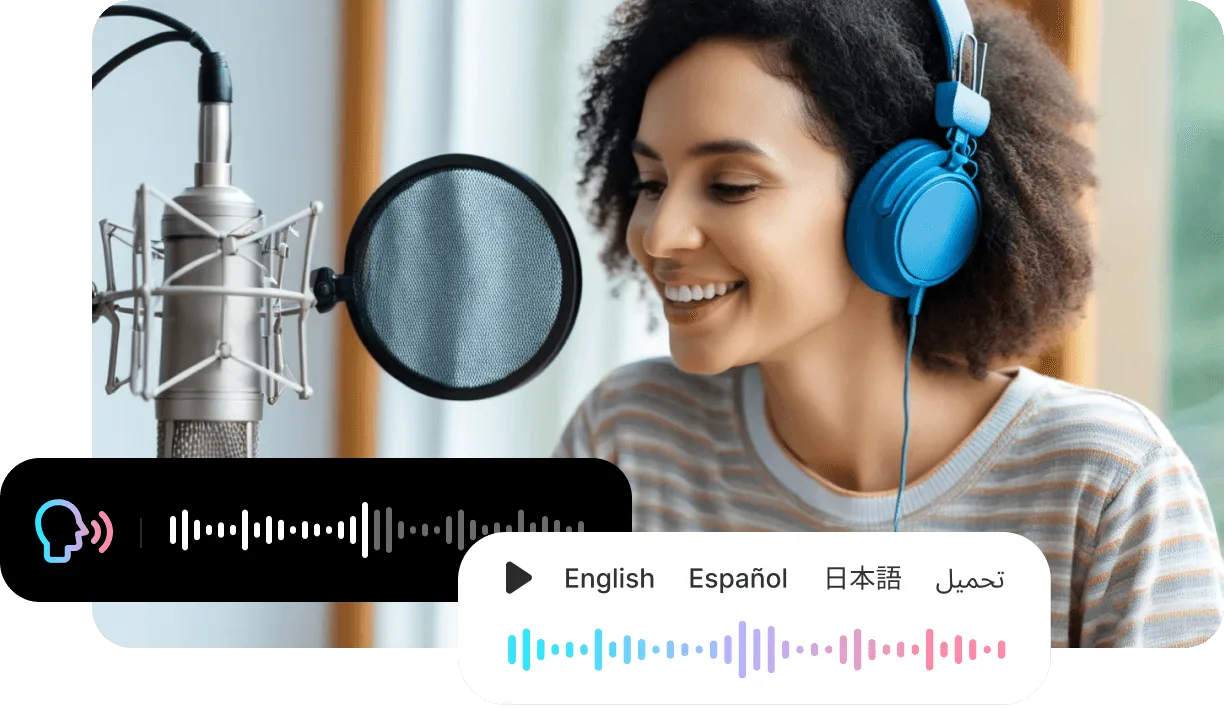
Type your text, pick a voice and emotion, and generate a natural AI voiceover in seconds — built for video, narration, and content in 100+ languages.

  • 1,000+ expressive voices in 100+ languages
  • Control emotion and delivery, line by line
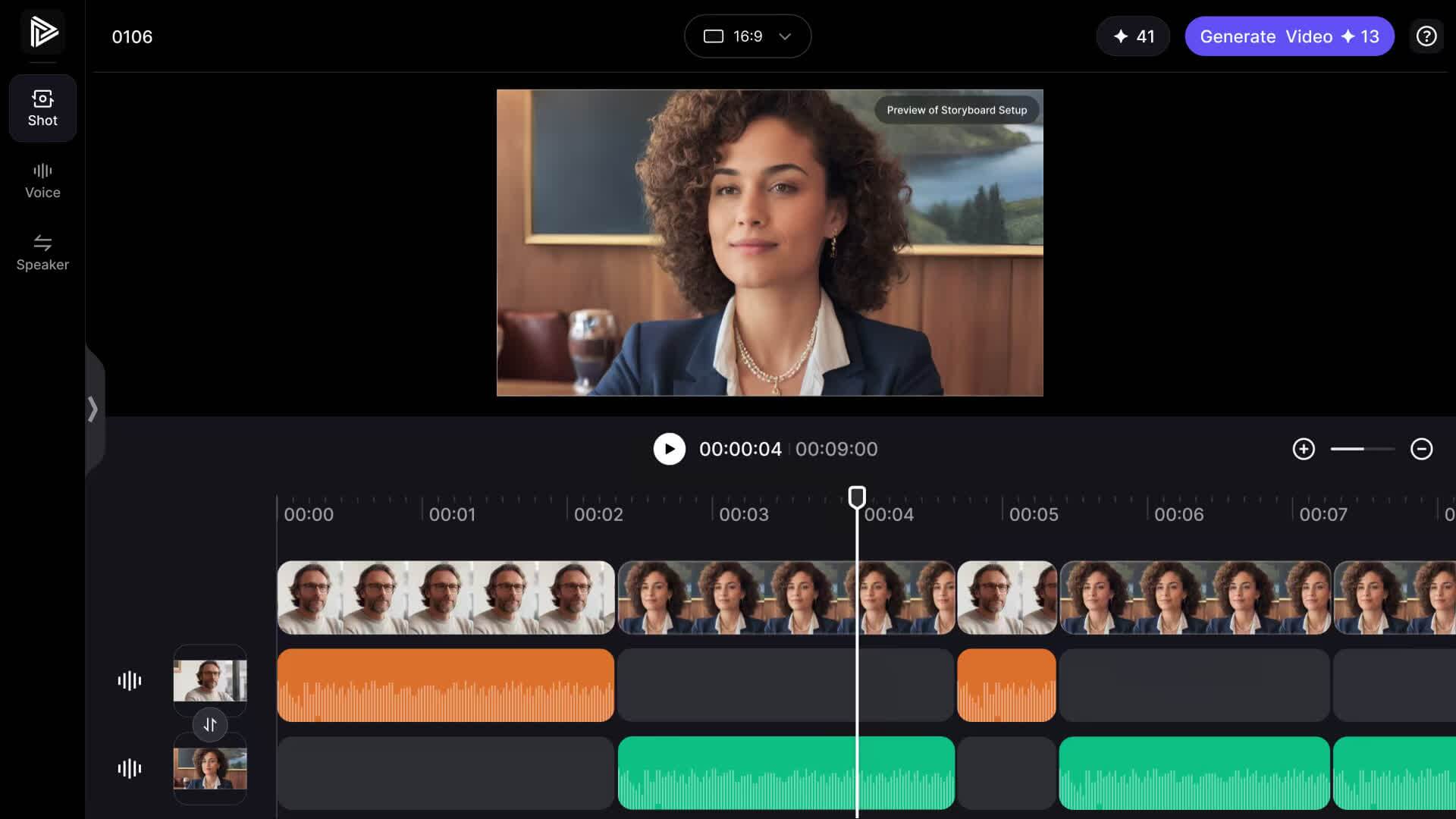
  • Made for video — pair any voice with an AI avatar

Generate voice

Type your text

Pick a voice

Choose an emotion

1,000+AI avatars
1,000+voices
100+languages
Freeto try

Hear how one script changes by voice style

Listen to the same script in different delivery styles before choosing the voice that fits your video.

Welcome to your product walkthrough. In the next minute, we will show the fastest path from idea to finished video.
Narration
Business
E-learning
Podcast
Play

Voiceovers that connect to video

Use generated speech as a standalone voiceover or connect it directly to avatar, podcast, and campaign workflows.

  • Voiceovers that connect to video

    Avatar scripts

    Generate the voice that drives a talking avatar or UGC actor.

  • Voiceovers that connect to video

    Training narration

    Create repeatable voiceovers for courses, explainers, and internal lessons.

  • Voiceovers that connect to video

    Podcast intros

    Draft intros, sponsor reads, and short podcast segments with consistent pacing.

How it works

How to Generate an AI Voice

Turn any script into a natural, expressive AI voiceover in three steps — type, pick a voice and emotion, and generate.

Step 1

Type or paste your text

Add the script you want spoken — a video voiceover, narration, ad, or social caption — in any of 100+ languages.

Step 2

Pick a voice and emotion

Choose from 1,000+ voices and set the emotion and delivery, so the read sounds natural and on-brand instead of robotic.

Step 3

Generate and use anywhere

Render a natural voiceover in seconds, then pair it with an AI avatar video or download it for your edits.

Frequently asked questions

  • What is an AI voice generator?

    An AI voice generator is software that turns written text into natural, human-sounding speech. VisionStory uses AI voices that capture tone, emotion, and pacing, so you can create voiceovers, narration, and video audio without recording anything yourself.

  • How does the AI voice generator work?

  • Is the AI voice generator free to use?

  • How many voices and languages are supported?

  • Can I use the AI voice for videos and commercial projects?