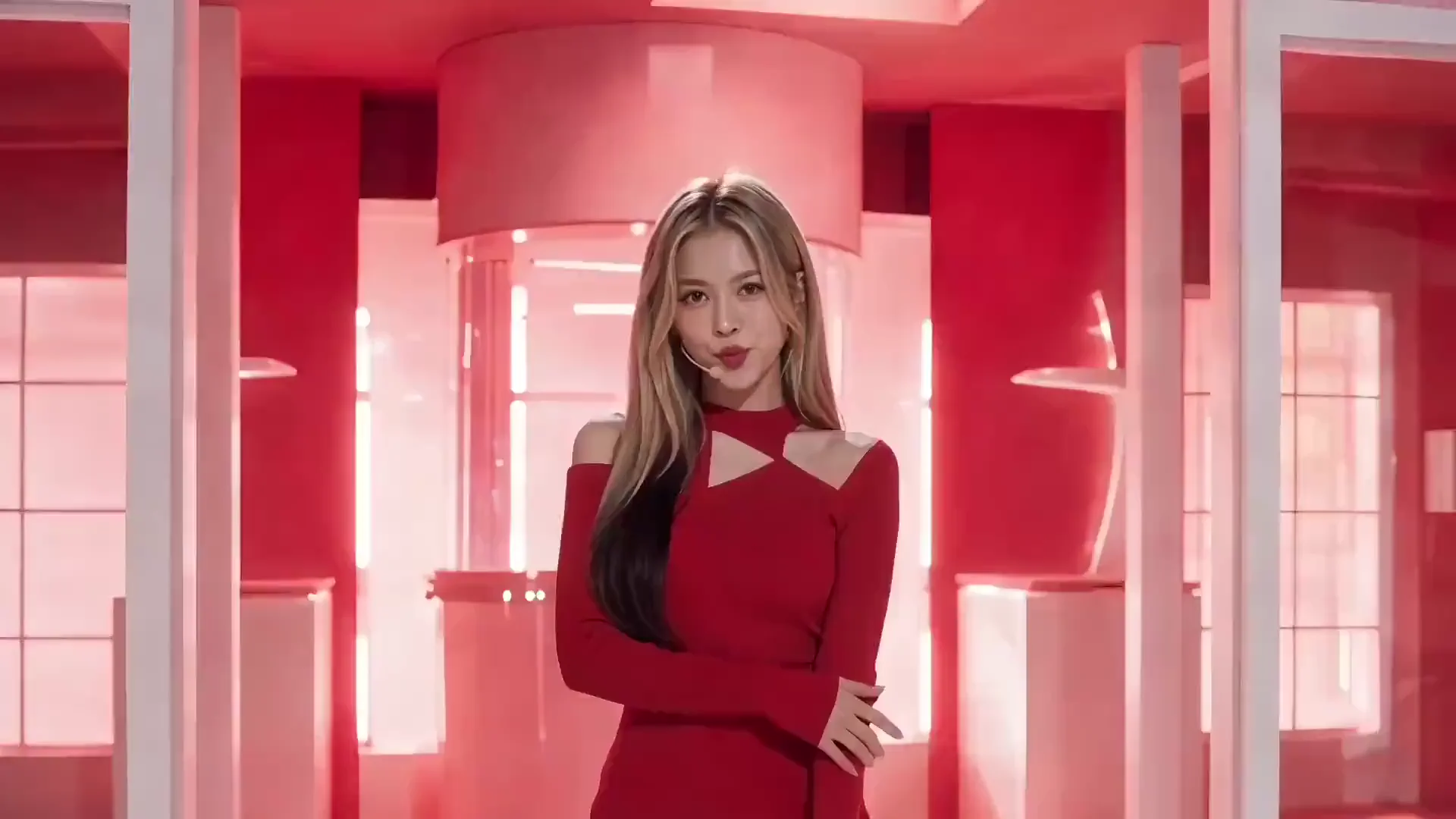
Select a reference face to preview the result. Each clip plays through before the demo switches to the next face.
Video face swap example 1
Create Longer Video Face Swaps—and Refine the Result
Videos up to 3 minutes
Create video face swaps up to 180 seconds long, from short reactions to longer performances.
1080p output, no watermark
Export your finished video in up to 1080p, without a watermark. Results created for free are watermark-free too.
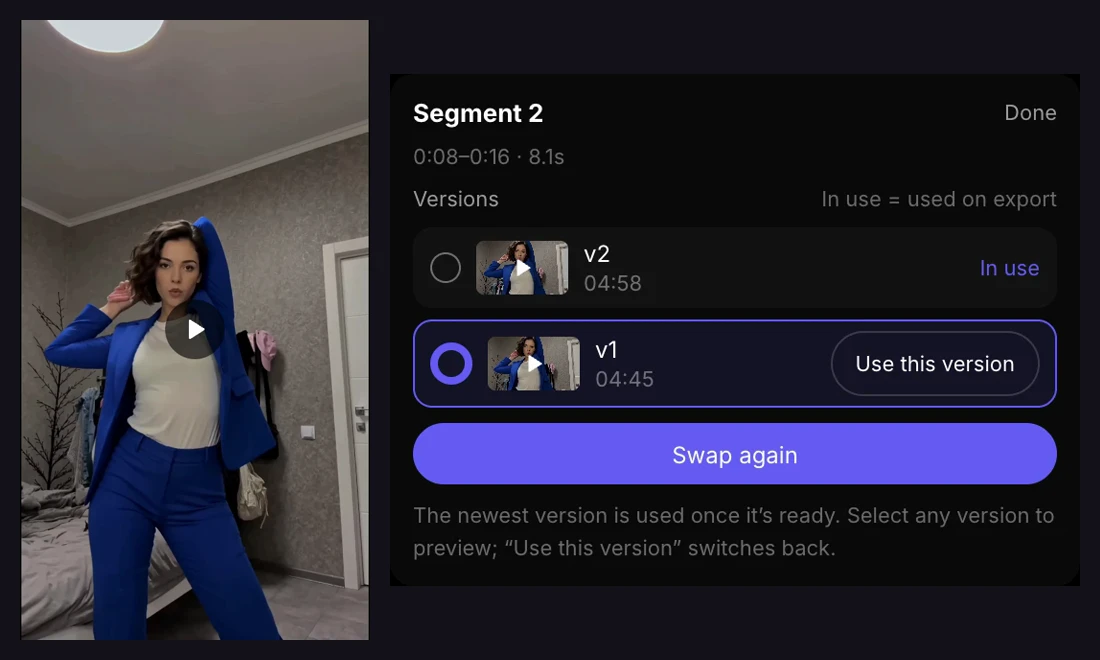
Refine individual segments
Regenerate selected segments, compare versions, and keep the results you prefer before exporting the complete video.
Change the Face, or the Person’s Look
Choose how much of the reference person to bring into your video.
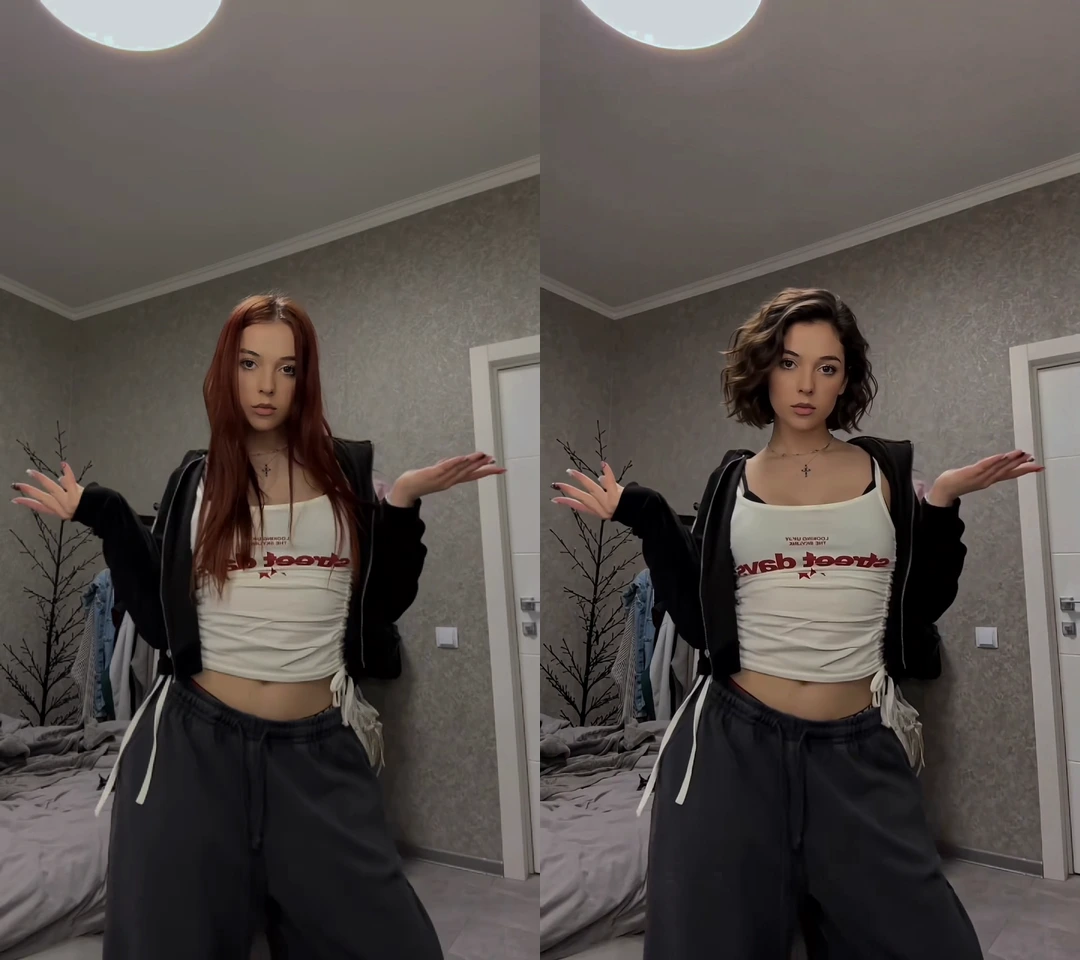
Face only
Source (left) / Face only result (right)
Replace the face while keeping the source body, outfit, and performance. Use a reference image with a clear, unobstructed face.
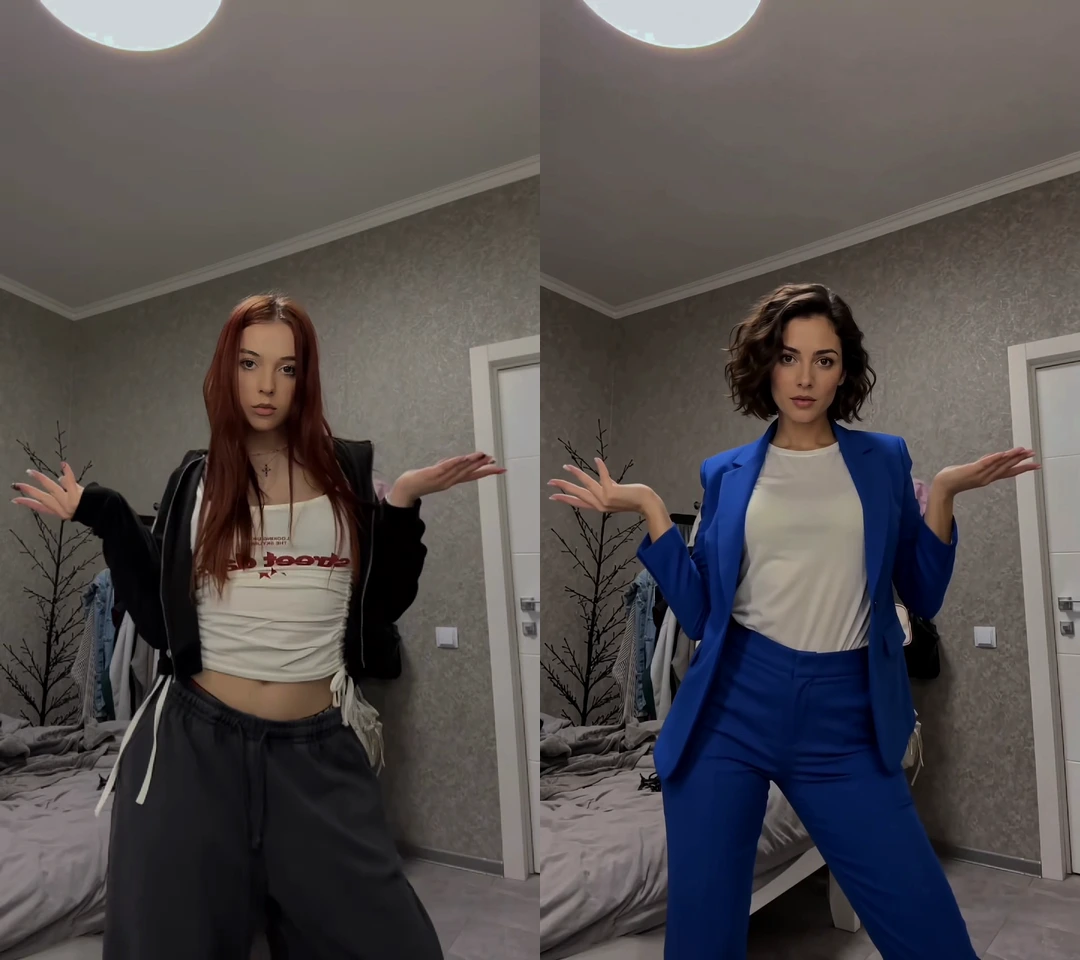
Full body
Source (left) / Full body result (right)
Bring in the reference person’s face, hairstyle, and clothing while following the source performance. Show the full person and outfit in your reference image.
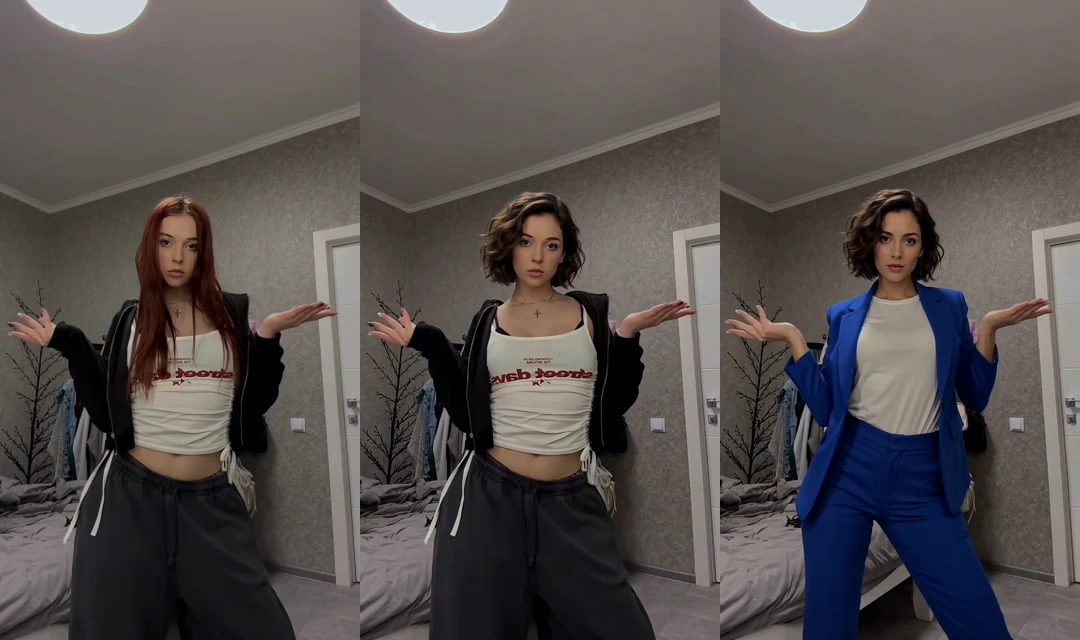
Both modes use the source video’s scene and keep its original audio. These are real outputs from the same source and reference image; generated details can vary.
How to Make a Face Swap Video
01
Upload your video
Add a video with a clearly visible main subject. You can also choose a video from your Assets or start with a Trending Template.
02
Choose a reference image
Use a clear face for Face only, or show the person and outfit for Full body. Only use images you have permission to use.
03
Select a mode and generate
Choose Face only or Full body, select the output resolution, and start your video face swap.
04
Review, refine, and download
Watch the result, refine selected segments in Workspace if needed, and export the finished video.
AI video face swap replaces a face throughout a video using a reference image, following the subject’s movement and expressions. VisionStory also offers Full body mode to bring in the reference person’s hairstyle and clothing. Both modes keep the source video’s scene and original audio; they do not replace the voice or use the reference photo’s background.
Yes. You can try video face swap for free, with no watermark. You'll need to pay to create more videos afterward.
VisionStory supports videos up to 180 seconds (3 minutes).
Video face swap supports output up to 1080p. Both free and paid results are watermark-free.
Your uploads are processed privately and automatically deleted after your result is generated — nothing is stored or shared beyond producing your video.
Video face swapping is legal for fun, creative, and consensual uses. Always get consent from the people whose faces you use, only use footage you have the rights to, and never use a face swap to deceive, impersonate, or harm someone. Don't create misleading deepfakes of real people without their permission.
Users Love VisionStory
Discover why content creators and marketers trust VisionStory for their AI video needs. From powerful features to an effortless user experience, our community can’t stop raving about the results they achieve with VisionStory.
VisionStory AI Delivers Strong ROI with Fast, High-Quality Video Creation
I like VisionStory AI because it delivers strong ROI through intelligent automation. It helps me create high-quality video content much faster and at a lower cost than traditional production. The AI understands prompts well, produces natural results, and makes it easy to test creative ideas quickly.
AGAKI G.Small-Business · International Trade and Development
High-Quality Talking Videos at a Competitive Price
VisionStory is able to create high-quality talking videos at a very competitive cost. The video generation cost can be less than $1 per minute, while the final result is comparable to leading AI video models.
TLTony L.Small-Business · Animation
Easy-to-Use Tool, Ideal for Educational Content
I like that VisionStory AI is very easy to apply and extremely easy to use. You don't really need to know much about AI or these types of systems to get started. I also appreciate that it helps me a lot by simply saying what I want to generate, I make a brief speech or what the character is going to say and let VisionStory AI do everything. Moreover, the initial setup was very simple, as I did it through my Google account and it was extremely easy. Apart from a few details, it is an excellent application.
AMAaron Misael G.Small-Business · Animation
Podcast Feature That Auto-Splits Two Speakers—A Huge Time Saver
I love the podcast feature the best, although making other videos work great too. I can't believe that you can upload one audio file with 2 different people talking back and forth, and the program can automatically put the correct sections of the audio to the right character. That is such a time saver!
JHJill H.Small-Business · Entertainment
Fast, Efficient PPT-to-Video Creation for Training and Team Updates
What I like best about VisionStory AI is its PPT-to-video feature. As a technical team leader, I often need to create internal training materials, project updates, and presentation videos for my team. VisionStory AI lets me turn slides into video content much faster, without having to spend extra time recording, editing, or coordinating production resources. Overall, it makes knowledge sharing and internal communication far more efficient.
YDYanlong D.Mid-Market · Computer Software
VisionStory Turns PPTs into Ready-to-Use Presentation Videos in Minutes
In my daily work, I often need to present slides in video format, and VisionStory handles that perfectly. I just upload my PPT, add my own photo and voice, and it quickly creates a presentation video that’s ready to use. It saves me a lot of time and really improves my workflow.

Users Love VisionStory
Discover why content creators and marketers trust VisionStory for their AI video needs. From powerful features to an effortless user experience, our community can’t stop raving about the results they achieve with VisionStory.