AI Video Enhancer

Enhance video quality online with AI. Improve clarity, reduce blur and noise, restore detail, and make low-quality footage look cleaner—right in your browser.

  • Enhance video quality
  • Restore clarity and detail
  • Reduce blur and noise
Try It Now

Upload a video to enhance

Supported formats: MP4, MOV, WEBM
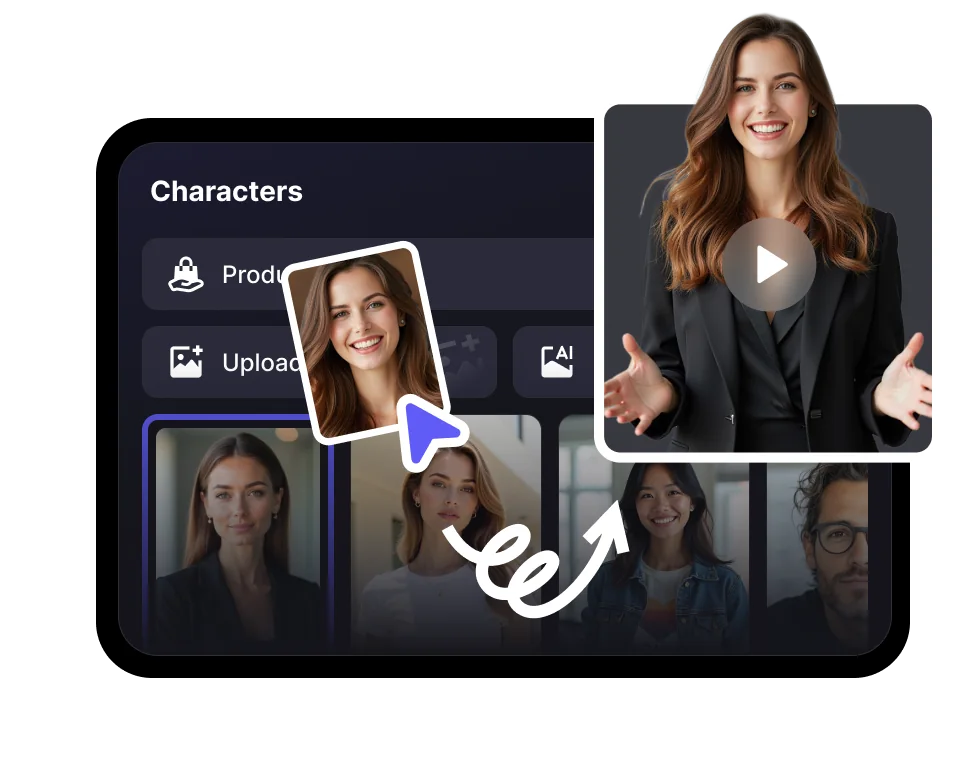
1,000+AI avatars
1,000+voices
100+languages
Freeto try

See how AI video enhancement improves every frame

AI sharpens detail, reduces noise, and improves clarity across your entire video.

HOW IT WORKS

Enhance video quality online in three simple steps

Upload a source video, apply AI enhancement, preview the result, and download cleaner footage.

STEP 01

Upload a video to enhance

Add a blurry, noisy, compressed, or low-quality video from your device.

STEP 02

Choose enhancement settings

Select an enhancement level. VisionStory analyzes each frame to reduce noise, sharpen details, and improve clarity.

STEP 03

Preview and download

Compare the enhanced result, then export cleaner footage ready for publishing, presenting, or archiving.

AI ENHANCEMENT FEATURES

Cleaner, clearer, better-looking frames

VisionStory enhances clarity, detail, and overall video quality while protecting the character of your source footage.

01

Enhance overall video quality

Improve clarity, detail, and visual quality for social platforms, presentations, displays, and archives.

02

Restore lost detail

Recover clearer edges, textures, hair, faces, and environmental details frame by frame.

03

Reduce blur, noise and artifacts

Clean up compression artifacts, digital noise, pixelation, and softness without harsh over-processing.

04

Improve motion clarity

Keep moving subjects and camera motion looking cleaner and more consistent across consecutive frames.

05

Preserve color and audio

Enhance the picture while keeping the original timing, color intent, and audio track intact.

06

Works in your browser

Upload, enhance, preview, and export online—no heavyweight editing software required.

BUILT FOR REAL FOOTAGE

Enhance almost any kind of video

Improve footage that looks blurry, noisy, compressed, soft, or simply not ready to publish.

Restore old and low-quality footage

Enhance vintage clips, phone recordings, and family memories with clearer detail and less visible noise.

Creators and video editors

Publish sharper talking-head videos, tutorials, gameplay, and social content.

Brands and marketing teams

Improve product demos, campaign cuts, testimonials, and paid social assets.

Polish AI-generated clips

Enhance AI-generated footage before it reaches large screens, campaigns, or high-resolution feeds.

AI Video Enhancer FAQ

  • An AI video enhancer analyzes footage frame by frame to improve clarity, restore detail, reduce noise and blur, and create cleaner-looking video.