Tutorials
VisionStory Tutorials
Step-by-step guides to create talking avatars, clone voices, and turn photos and scripts into AI video — no camera or editing skills needed.
Tutorials
Step-by-step guides to create talking avatars, clone voices, and turn photos and scripts into AI video — no camera or editing skills needed.

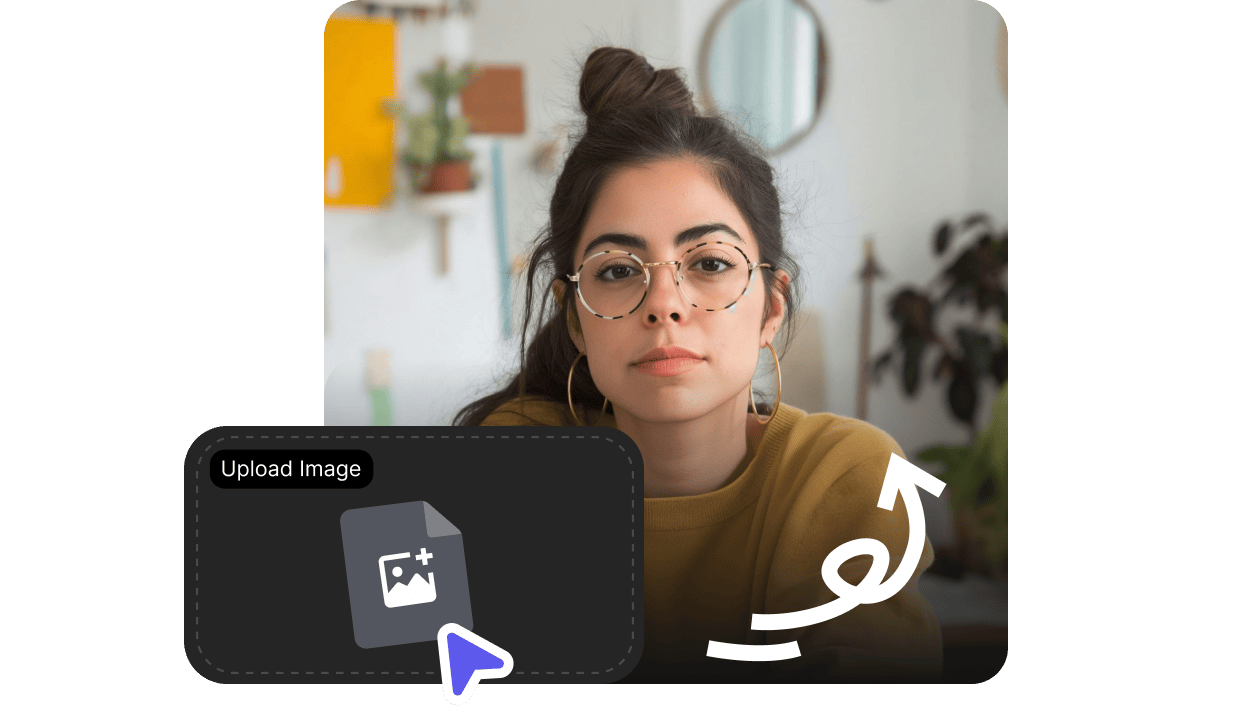
Turn one portrait into a lifelike talking video with VisionStory. Watch the video walkthrough, then follow the step-by-step guide: upload a photo, preview the voice, frame the shot, and generate a talking video you can reuse — no camera or editing skills needed.

Create a reusable voice clone from a recording you own or have permission to use. This guide covers the current VisionStory workflow, the recording choices that improve similarity, automatic language detection, previewing, and managing voice slots.

The voice decides how your script lands. This guide shows how to choose an AI voice that fits your audience: read the language and accent labels, shortlist and preview candidates, set speed and pauses, direct the delivery with Voice Enhance, and save the voice to your avatar.

Import a finished PowerPoint or Keynote deck and VisionStory prepares a first narration draft and presenter layout for every slide. Watch the walkthrough, then follow the guide: guide the AI Script draft, refine the presenter and narration page by page, and preview the whole deck before you generate.

Create a two-person AI video podcast from a topic, web page, PDF, or audio recording. Watch the video walkthrough, then follow the step-by-step guide: set up two hosts in one shared scene, edit shots in Studio, add branding and captions, and generate the final episode.

Create your first AI talking avatar video in VisionStory: choose an avatar, add a script, pick a voice, and generate a lifelike talking video. Follow the video walkthrough and step-by-step guide.

Experience VisionStory's Live Streaming: real-time, multilingual AI presenters with lifelike expressions and instant audience engagement. Create interactive live video sessions powered by advanced AI.

Learn how to turn a YouTube or TikTok link into an AI talking video with VisionStory. This step-by-step how-to shows you how to import audio from a video link and pair it with an AI avatar in minutes.

Learn how to transform a photo with AI in five simple steps. This how-to walks you through uploading, cropping, prompting, and restyling an existing image with VisionStory's image-to-image tools.

Learn how to add a green screen to your AI talking video with VisionStory. Enable the green screen option when you generate, then key out the solid green background and swap in any background you want.

A simple, step-by-step guide to picking the VisionStory subscription that fits you: assess your real needs, match your use case to a tier, weigh monthly vs annual billing, and start free before upgrading.

Turn a written prompt into a downloadable AI video shot. Learn how to write a prompt that covers subject, action, setting, and camera, pick the model, duration, aspect ratio, and resolution, then review the full result before you use it.

Upload a product shot, portrait, or scene, describe the motion and camera, and generate a video that keeps your subject intact. A step-by-step guide to start frames, end frames, generation settings, and consistency review.

Turn one or more clear pet photos into a short shared story. This guide shows how to keep each pet recognizable, assign distinct roles, and write actions the model can follow in order.

Generate product photography from a text prompt: fix the image's purpose, write the product, material, scene, and lighting, iterate one variable at a time in one session, and review structure, rights, and real-product truth before download.

Build a virtual influencer with a fixed identity: define the persona, lock one identity reference image, generate new scenes for the same character in one session, then turn the confirmed character into talking videos — with disclosure handled properly.

Convert an existing recording or video track to a different AI voice and render it as an avatar spokesperson video: import the audio, pick a target voice from the library, match it to the character, and review the finished result.

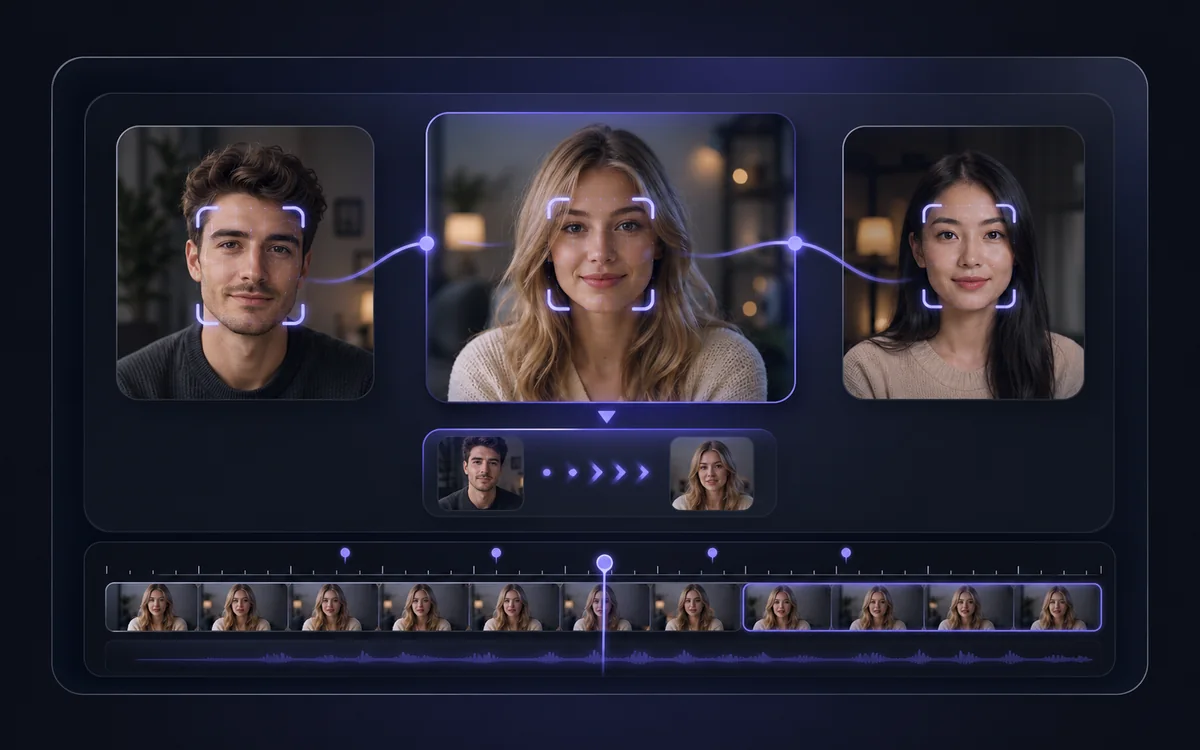
Replace the face in a photo while keeping the composition, hair, clothing, pose, and background: upload the source photo, add an authorized reference face, generate, and inspect the details before downloading.
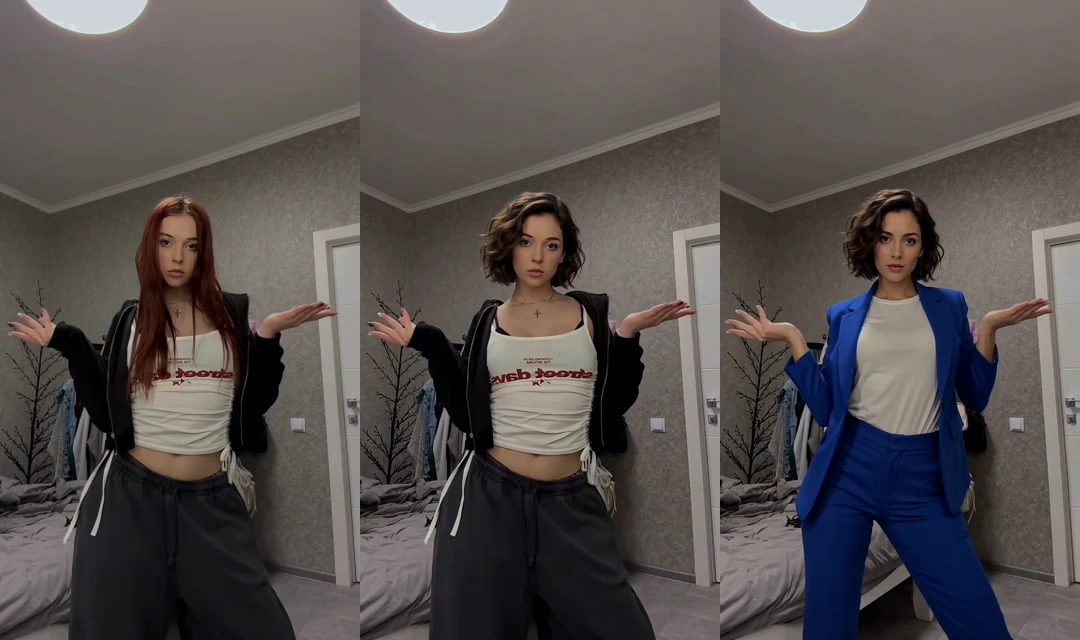
Use Face only to change a face, or Full body to bring in a new look. Keep the source performance, scene, and audio, then review and download your result.
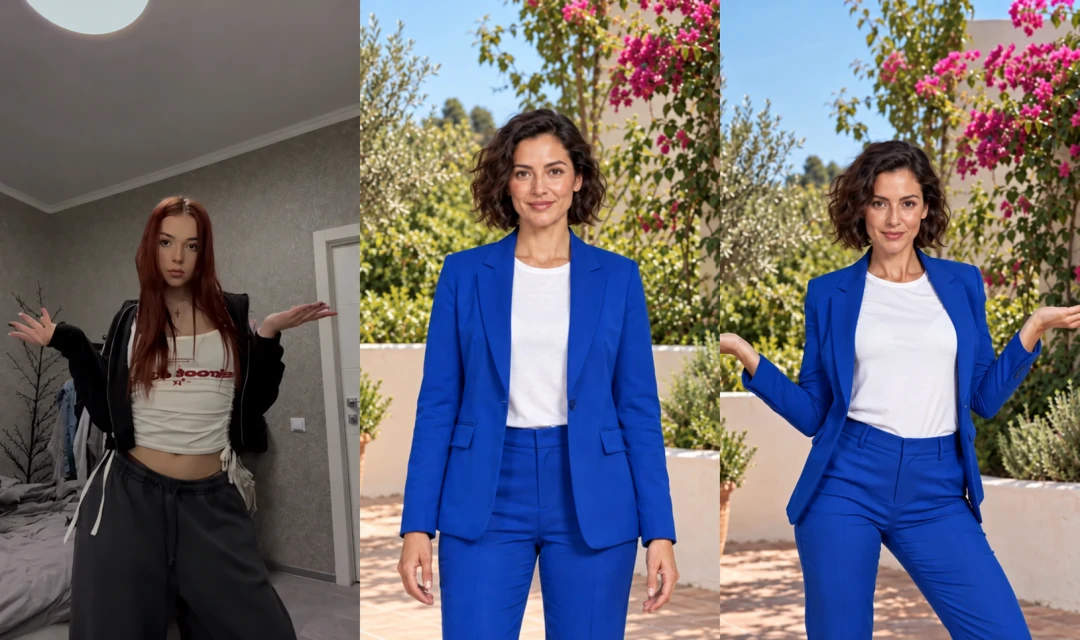
Use a photo for the person, outfit, and setting, then transfer a performance from a video. Choose your resolution, check the credit estimate, and review the result.
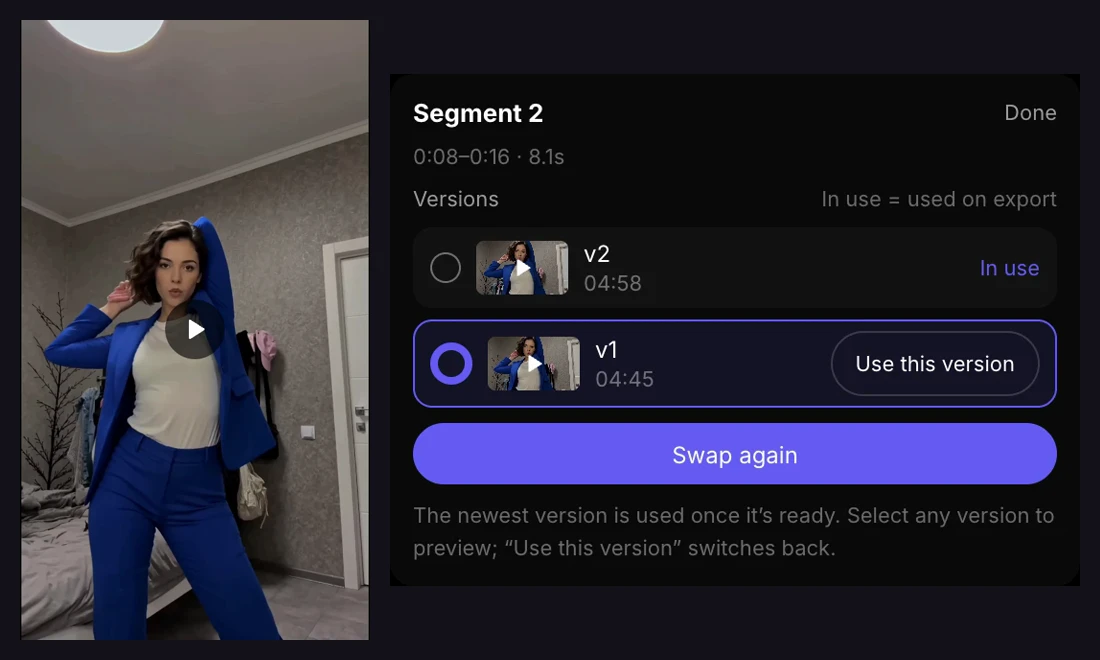
Improve individual segments of a face swap video, compare generated versions, choose which result to keep, and export the complete video without redoing every segment.

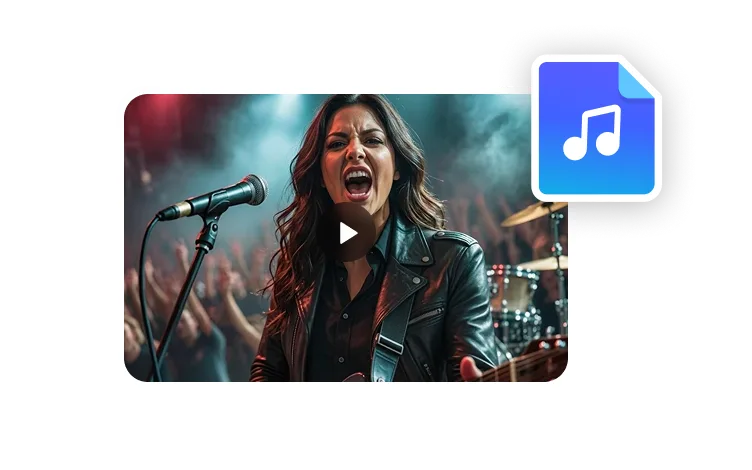
Turn one selected passage and one character image into a visual performance. This guide covers the current Viral Music workflow from upload and clip selection through format choices, generation, and final review.

A clear guide to VisionStory credits: how much each feature spends, what a credit is really worth in US dollars across plans, and how the three credit types in your account are used.
Featured AI tools
Start with a script, a song, or an existing clip—then follow the AI video workflow built for that source.