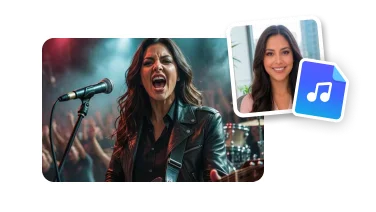
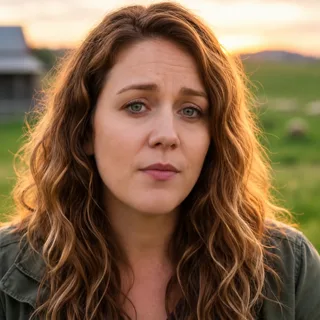
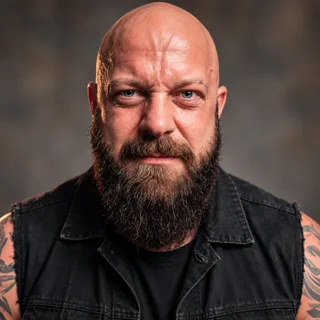
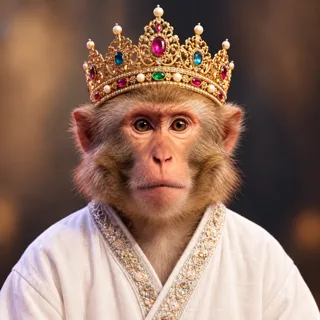
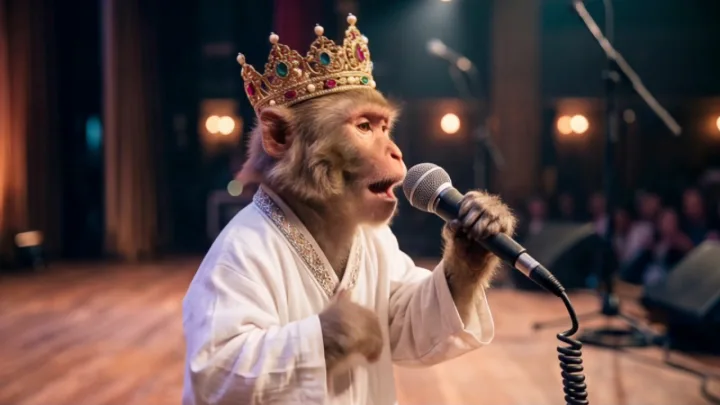
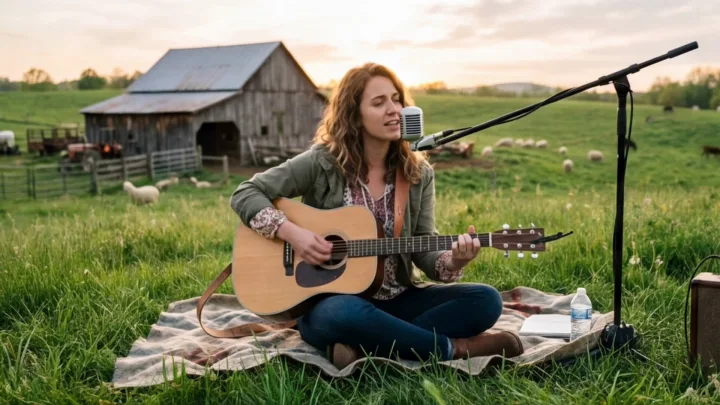
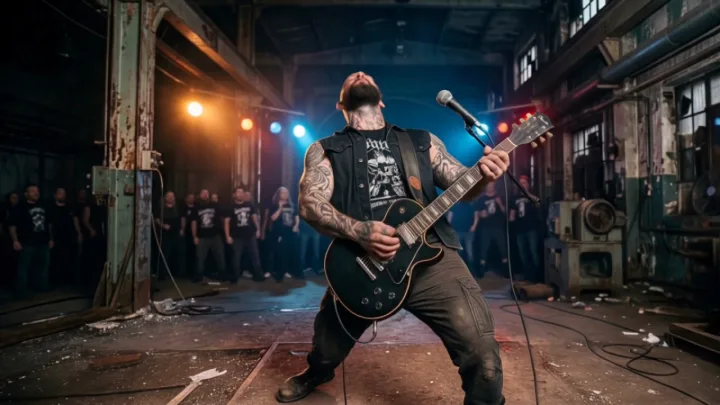
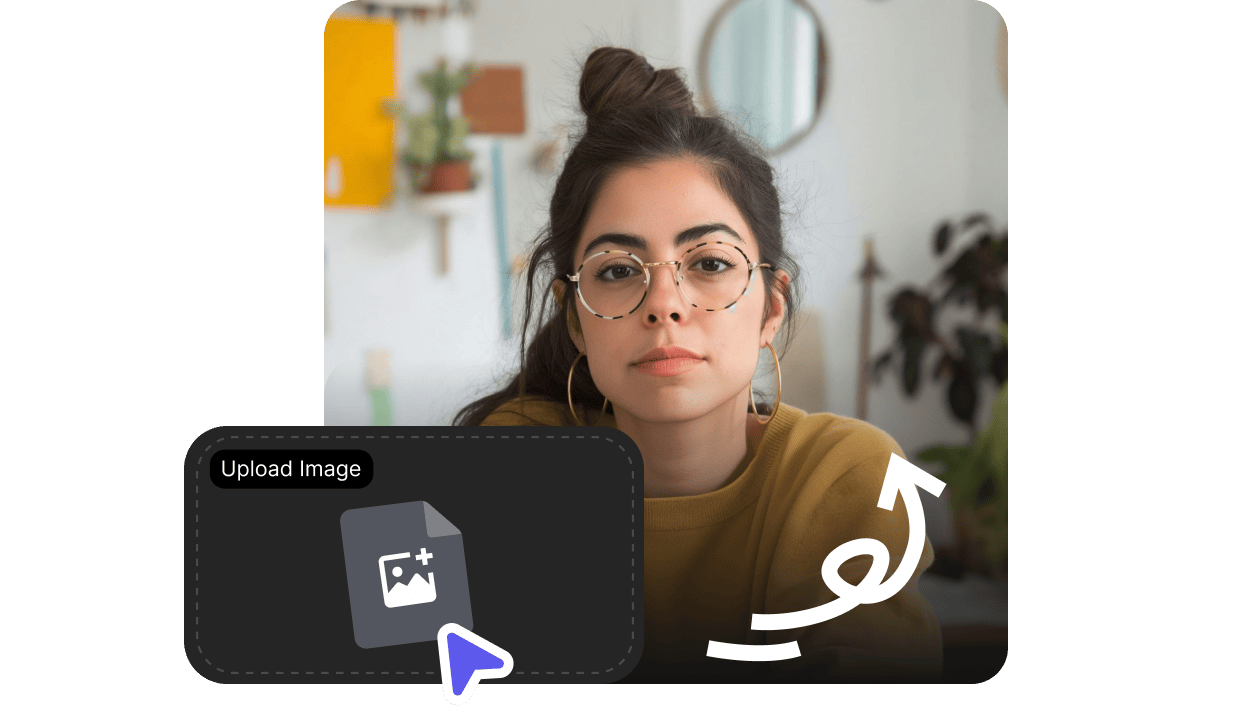
Create a share-ready performance from your song and character—without a film crew, studio set, or complex editing.
01
Create an AI singer
Animate one portrait with expressive movement and a convincing on-camera performance.
02
Sync lips to your song
Match the singer’s mouth movements and expression to the vocals in your track.
03
Generate cinematic shots
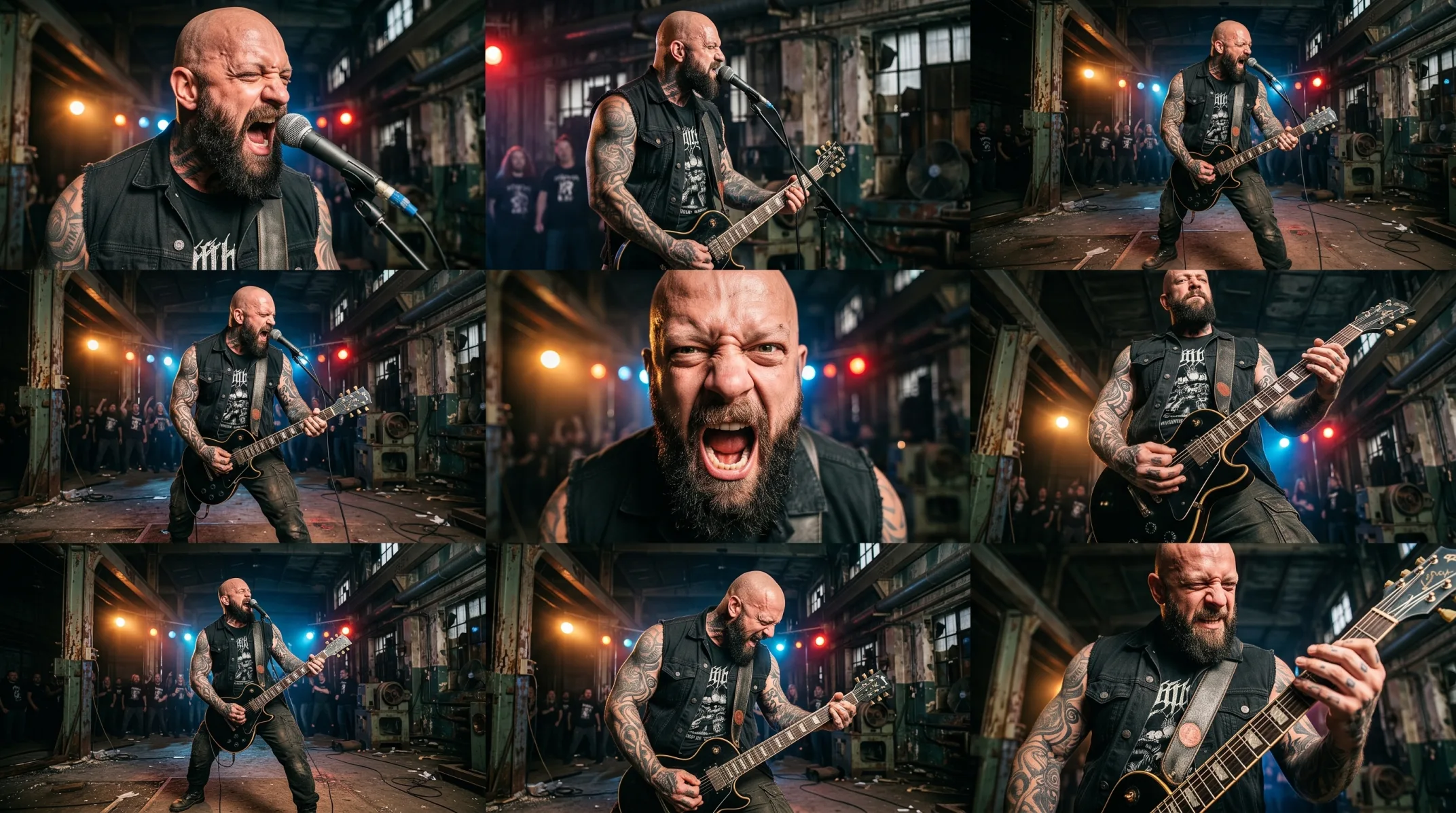
Create close-ups, wide shots, performance angles, and atmospheric scenes.
04
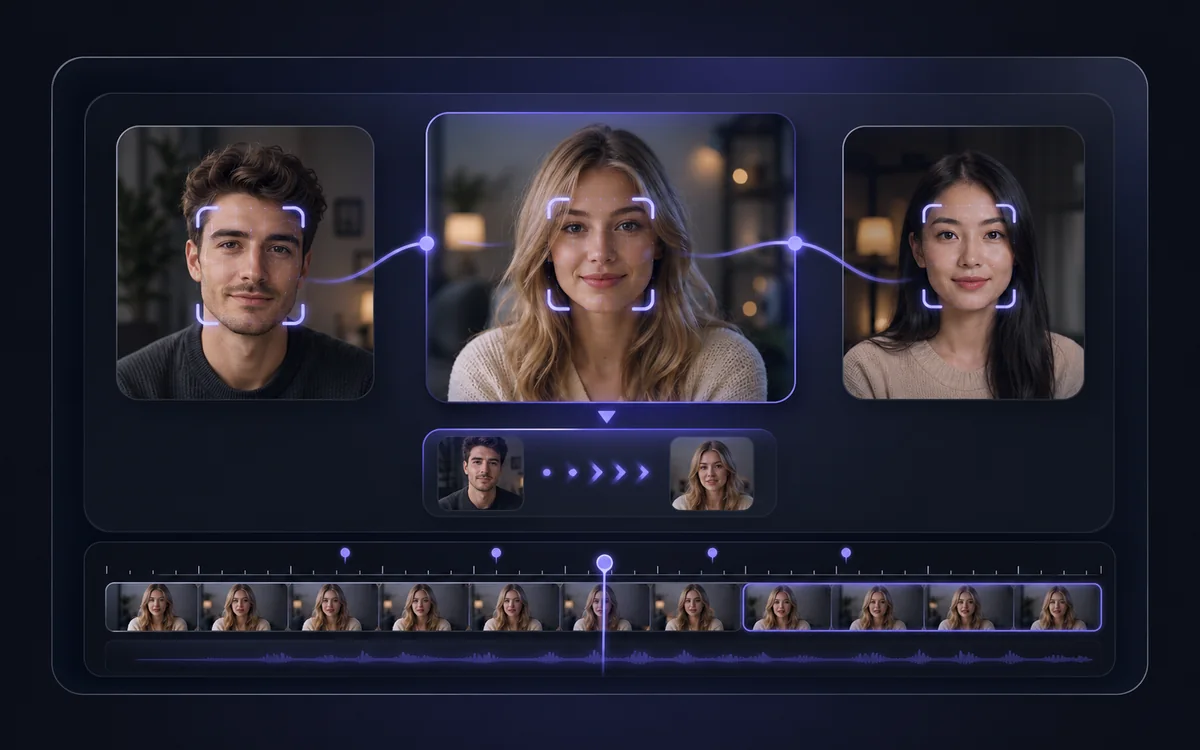
Keep the singer consistent
Preserve a recognizable performer as the video moves between different scenes.
05
Match the mood of your music
Build visuals around the mood, rhythm, and energy of your song.
06
Ready for every platform
Make clips for YouTube, TikTok, Reels, Shorts, and artist promotions.
AI Music Video Generator FAQ
An AI music video generator turns a song and photo into a video with an animated performer, singing lip sync, and AI-generated scenes—without a traditional shoot.
Choose a song, add a clear singer photo, and continue in VisionStory. The AI uses the vocals and visual reference to create a consistent performer, synchronized mouth movement, and cinematic shots.
Yes. A clear portrait can become an expressive AI singer whose facial movement and lip sync follow the vocals in your chosen song.
You can use music you have permission to upload and publish, including tracks created with AI music services. Always review the service terms and confirm that you hold the required usage rights.
VisionStory is free to try with included credits. Available length, output quality, and generation limits depend on the current plan.
Yes. Create clips for YouTube, TikTok, Reels, Shorts, and artist promotions, provided you have the rights to the song, images, characters, and other uploaded material.
Turn Your Song into an AI Music Video
Upload a song and one photo to create a lip-synced, cinematic AI music video.