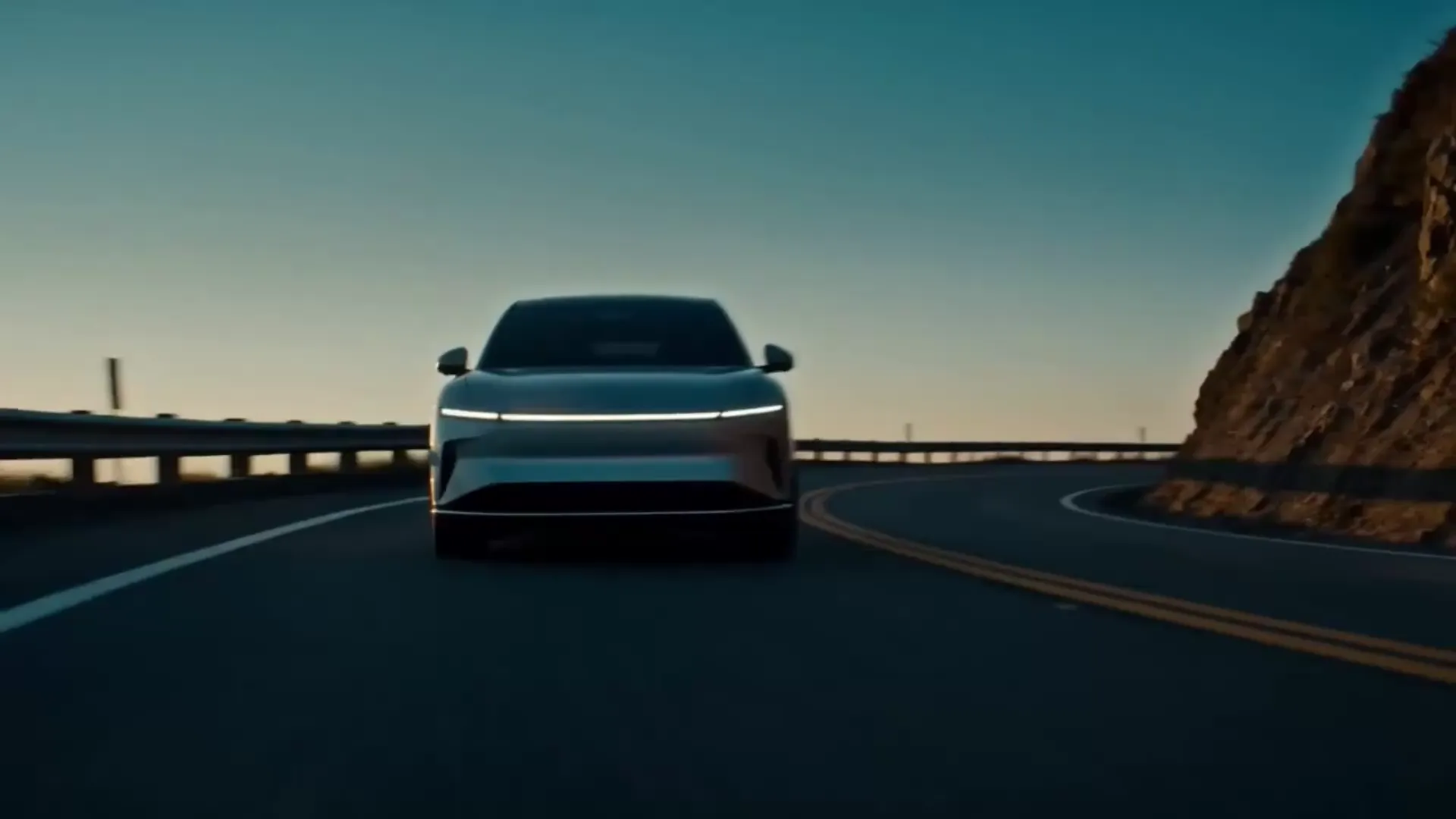
Kling is Kuaishou's AI video generation model — a multimodal system that turns text prompts, reference images, audio, and video into realistic clips with cinematic, physically believable motion. The latest generation, Kling 3.0, adds multi-shot storytelling and native audio, so a scene can play out across shots with sound generated in the same pass. On VisionStory, creators use Kling to generate cinematic motion, camera movement, product shots, lifestyle scenes, and short-form marketing videos from one online workspace.
Whether you are searching for a Kling AI video generator, a Kling image to video tool, or a Kling text to video workflow, VisionStory helps you move from prompt to usable video material quickly. Upload an image, describe the scene, choose Kling, and generate assets for campaigns, landing pages, social media, and video production — no API keys and no install required.
Create Kling text-to-video clips, Kling image-to-video animations, AI video ads, product video assets, avatar videos, and cinematic short-form content directly on VisionStory.



Users Love VisionStory
Discover why content creators and marketers trust VisionStory for their AI video needs. From powerful features to an effortless user experience, our community can’t stop raving about the results they achieve with VisionStory.