AI Video Translator

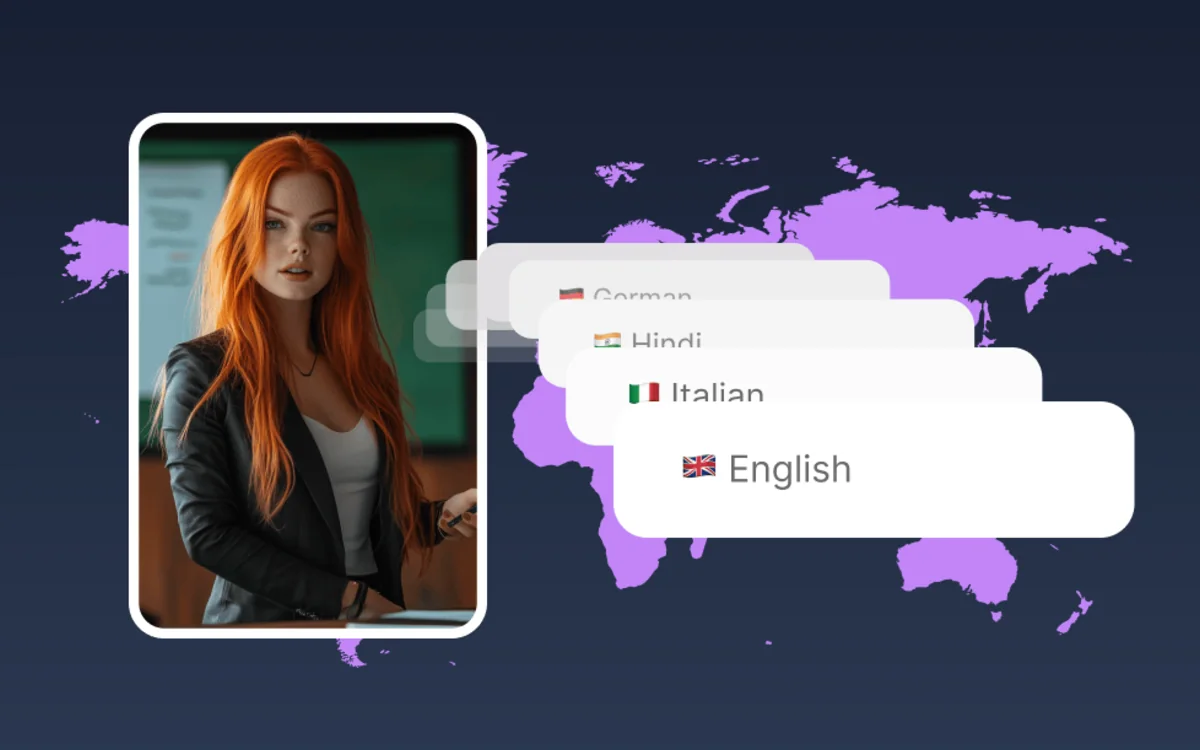
Upload a video and pick a language — AI dubs it into 100+ languages while cloning your voice and matching your lip movements, so it still sounds and looks like you.

  • Dub into 100+ languages, not just subtitles
  • Voice cloning keeps your own voice in every language
  • Perfect lip-sync matches your mouth to the new audio
Translate Video

Upload your video

Translate to

100+languages
Voicecloning
Lip-syncpreserved
Freeto try

Preview the source-to-localized workflow

Preview translation as a complete publishing workflow: source speech becomes localized voice, timing, and visual alignment.

Preview the source-to-localized workflow

Localization method

Subtitle, overdub, or translated avatar video

Choose the localization depth that matches the content: readable subtitles, recorded dubbing, or AI dub with lip-sync.

Subtitles

Fastest to produce

Good for accessibility and low-budget localization, but viewers still hear the original language.

Traditional dubbing

High quality, slower process

Requires voice talent, recording, review, and timing for every language.

VisionStory translation

AI dub with visual alignment

Generate translated voice and lip-sync while keeping the same video context.

How it works

How to Translate a Video with AI

Turn any video into a dubbed, lip-synced version in another language in three steps — upload, pick a language, and generate.

Step 1

Upload your video

Add the video you want translated — a talking-head, tutorial, marketing clip, or social video all work.

Step 2

Pick the target language

Choose from 100+ languages. AI transcribes, translates, and prepares a natural-sounding dub for your chosen language.

Step 3

Generate your dubbed video

Get a translated video with your own cloned voice and matched lip movements — ready to publish to global audiences.

Translation flow

From source video to localized publishable cut

Go from source video to publishable localized cut with transcription, translation, voice generation, and final review.

Upload source video

Use a clip with clear speech and visible speaker timing.

Choose target languages

Pick the markets and voice style for each translated version.

Generate dub and lip-sync

Create translated audio and align it with the speaker motion.

Review local context

Check names, product claims, tone, and cultural fit before publishing.

Frequently asked questions

  • What is an AI video translator?

    An AI video translator takes a video and produces a version in another language — transcribing the speech, translating it, and generating a dubbed audio track. VisionStory also clones your voice and matches your lip movements, so the translated video still sounds and looks like you.

  • Is the AI video translator free to try?

  • Does it dub the audio or just add subtitles?

  • How many languages are supported?

  • Will it keep my original voice?