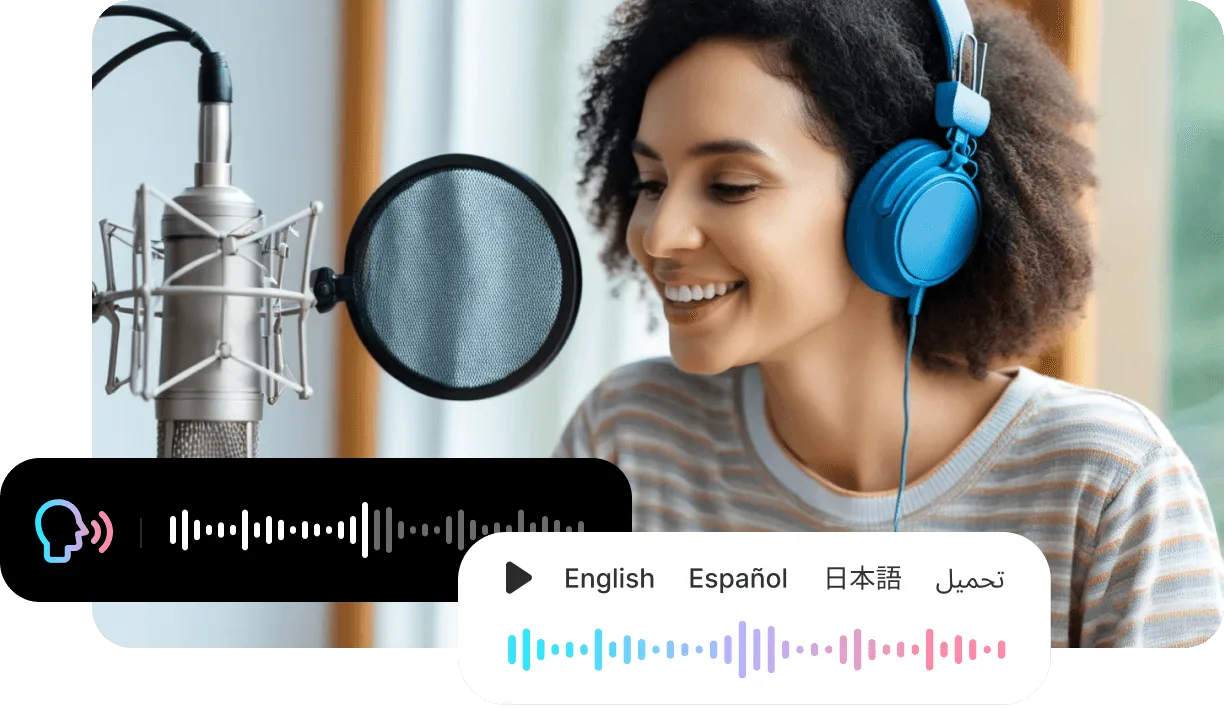
AI Lip Sync Video Generator

Pick a face, add the sound, and get a video where the lips match every word. Type a script, upload your own audio, or record it in the browser — VisionStory syncs the mouth, expression, and head movement to what you hear.

Start lip syncing
3ways to add audio
88script languages
1,000+AI voices
2Kmax export

Hear it: the same photo, speaking

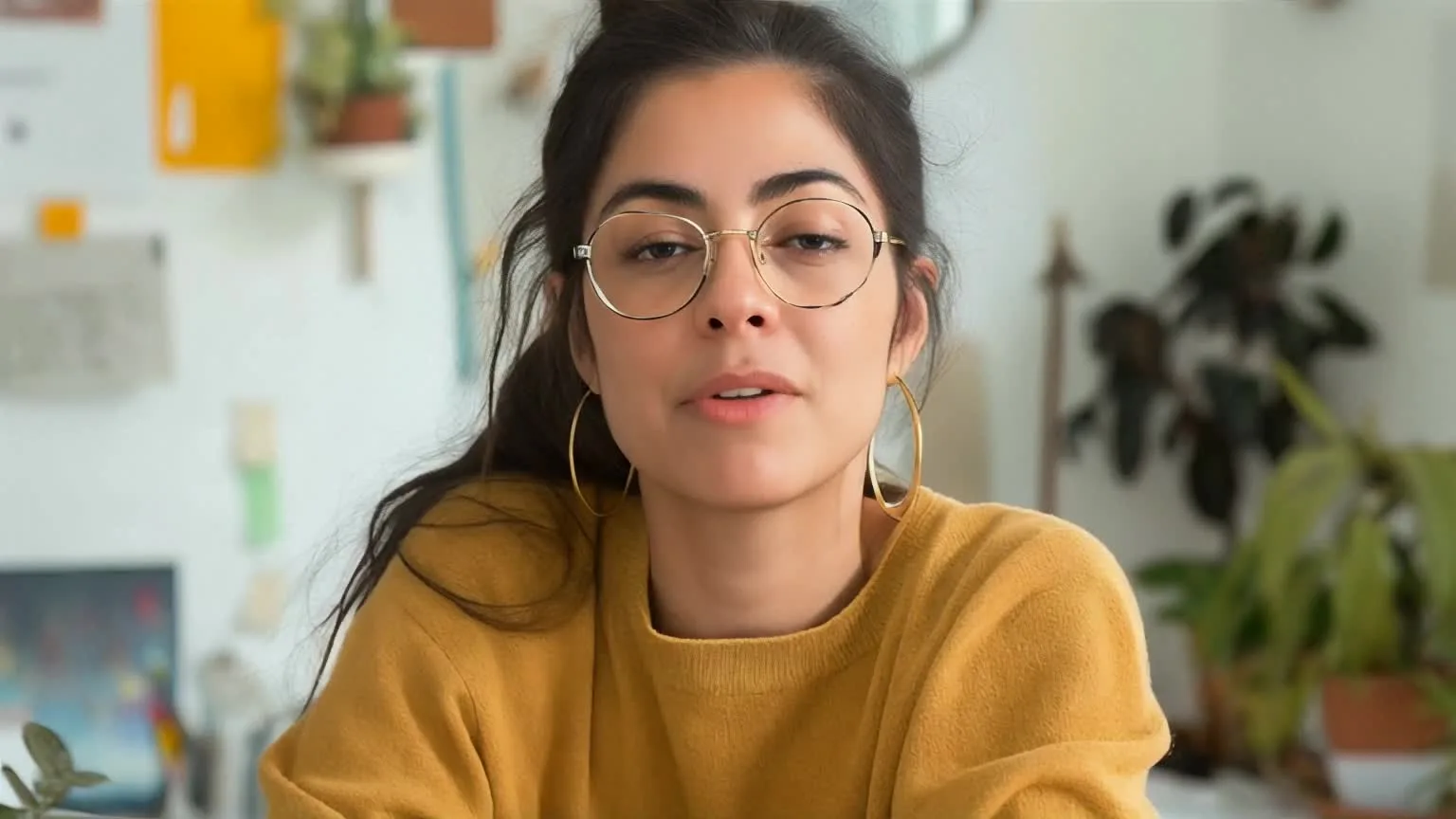
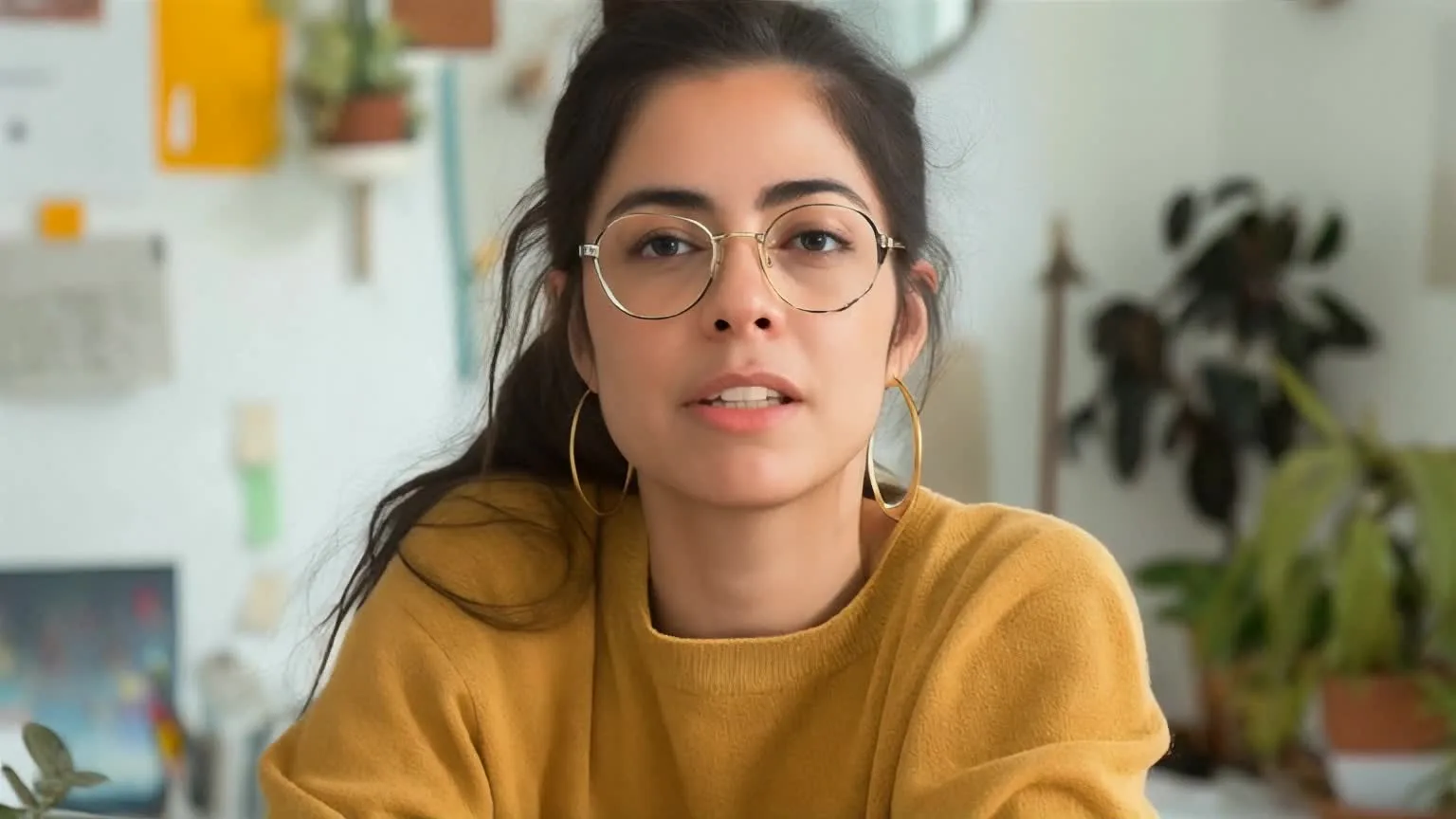
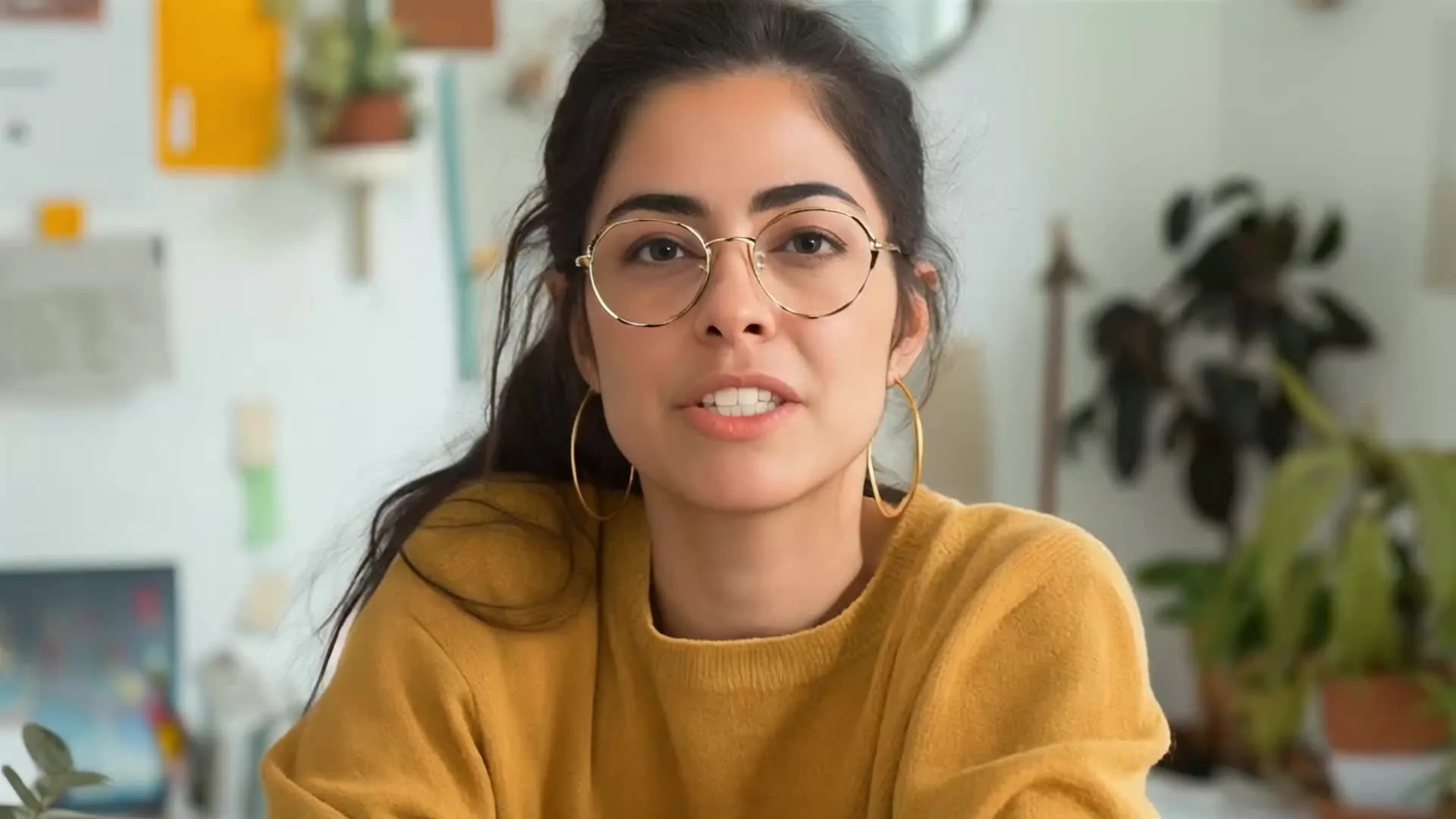
Turn the sound on. The same portrait from above delivers a 15-second course intro — mouth shapes, pauses, and expression follow the voice.

Audio in

Three ways to drive the lip sync

Start from the audio you already have — or from nothing but a few lines of text.

Script

Type the lines

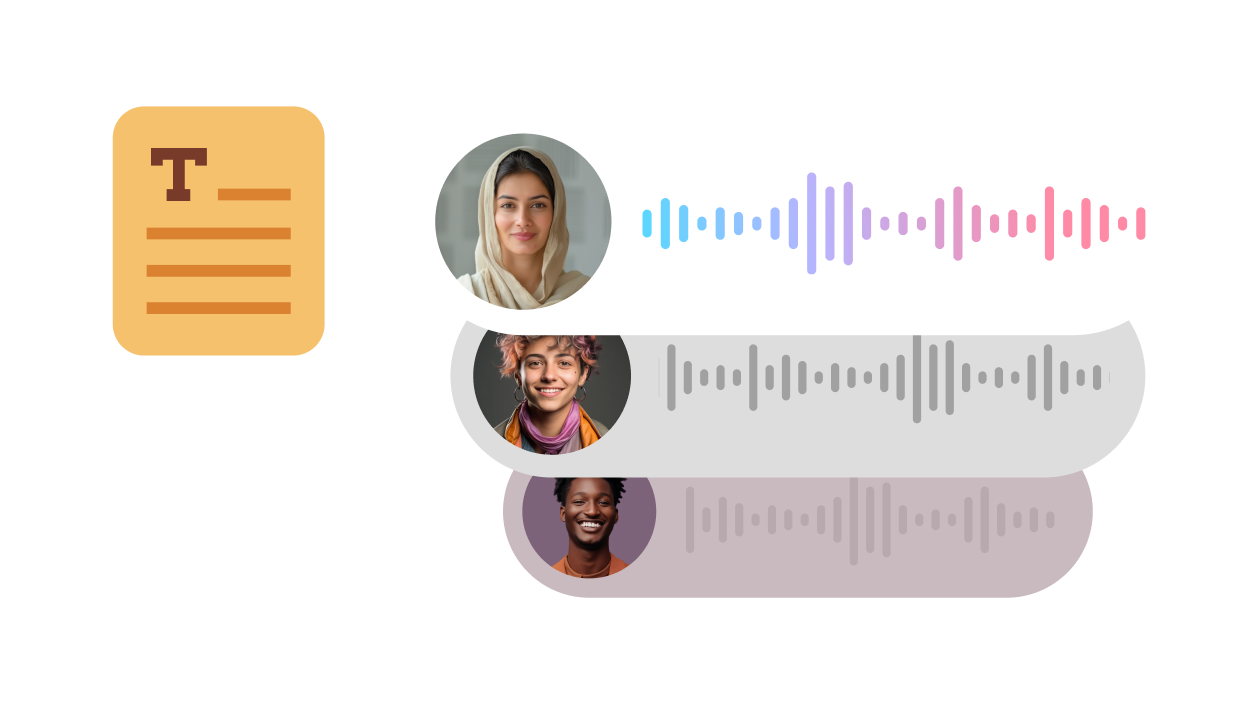
Write what the character should say, pick one of 1,000+ AI voices in 88 languages, and the mouth follows the generated speech.

Import

Upload your own audio

Bring a voiceover, podcast clip, interview answer, or song and sync the face to that exact recording.

Record

Say it yourself

Record your voice in the browser and turn it into a lip-synced video without leaving the page.

One face, three performances

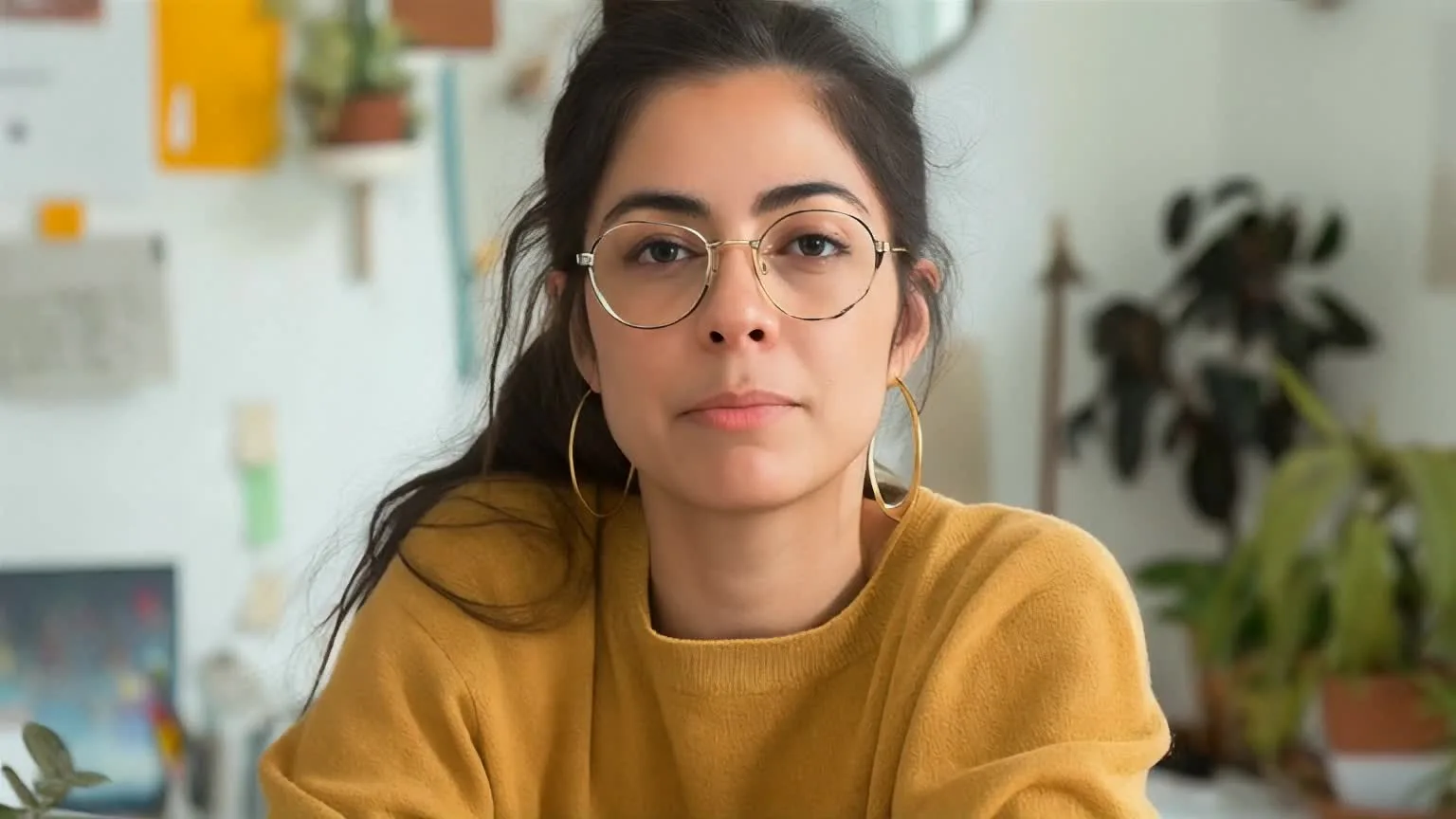
The same photo lip-synced to three different audio tracks. The delivery changes the whole clip — pacing, expression, and energy follow what the character is saying.

AI lip sync of a portrait photo delivering calm narration

Calm narration

Even pacing and steady eye contact for explainers, updates, and lessons.

AI lip sync of the same portrait with an upbeat delivery

Upbeat delivery

A brighter expression for greetings, promos, and social hooks.

AI lip sync of the same portrait with a heated delivery

Heated delivery

A sharper expression for sketches, reactions, and character scenes.

How it works

Lip sync a video in three steps

No filming, keyframes, or timeline editing — just a face and a sound.

01

Choose the face

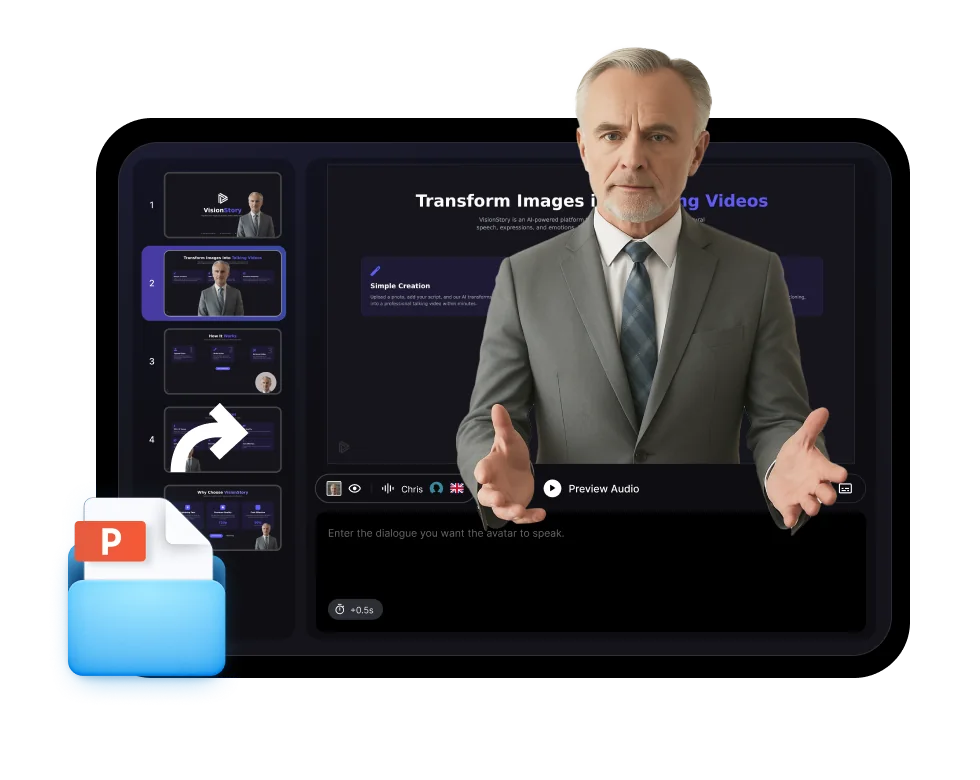
Upload a clear, front-facing photo, pick a ready-made avatar, or generate a new character from a text prompt.

02

Add the audio

Type a script and choose a voice, upload an audio file, or record your own voice.

03

Generate and download

Choose 720P, 1080P, or 2K, generate the video, and download the lip-synced result.

Why VisionStory

Lip sync that looks like a performance

Accurate mouth shapes are the start. Expression, blinks, and head motion make the result feel spoken rather than animated.

01

Mouth shapes that match the sound

The mouth follows each syllable of the audio, so the lips land on the words instead of simply opening and closing with the volume.

02

Faces beyond real people

Lip sync portraits, illustrated characters, brand mascots, animals, and AI-generated figures — anything with a clear face.

03

Your recording, kept as it is

When you import or record audio, VisionStory keeps your voice and syncs the face to its timing. Want a different voice? Change Voice converts the recording while keeping the performance.

04

Clean up the source audio

Turn on Remove Noise for imported recordings with room hum or background noise, so the voice and the mouth both come through clearly.

05

88 languages, 1,000+ voices

No recording yet? Type the script in any of 88 languages and choose from more than 1,000 AI voices.

06

Expression and head movement

Blinks, facial expression, and natural head motion come with the sync, so a still photo turns into a believable speaker.

07

Export up to 2K

Render in 720P, 1080P, or 2K for social posts, presentations, product videos, and ads.

08

Portrait, square, or widescreen

Frame the video in 9:16, 1:1, or 16:9 so it fits Shorts, Reels, TikTok, feeds, or YouTube without re-cropping.

AI Lip Sync FAQ

  • AI lip sync matches a character's mouth movement to an audio track. In VisionStory you provide a face — a photo, an illustration, or a ready-made avatar — and audio from a script, an upload, or a recording. VisionStory then generates a video where the lips, expression, and head movement follow the sound.