Voice Cloning

Upload or record a voice sample, name your voice, and continue to VisionStory to clone it for audio and video.

Add a voice sample

Use a clean recording with one speaker and minimal background noise.

Drag & drop an audio or video file here

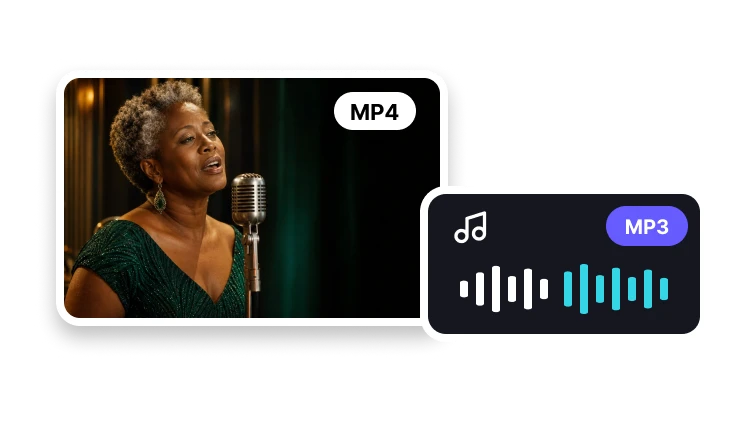
MP3, WAV, M4A, MP4, MOV, AVI or WebM · Max 10 MB

Where cloned voices are useful

A cloned voice helps recurring content sound consistent even when scripts, languages, and video formats change.

  • Where cloned voices are useful

    Founder-led videos

    Scale founder updates without recording every script live.

  • Where cloned voices are useful

    Localized training

    Keep a recognizable voice while adapting content for new regions.

  • Where cloned voices are useful

    Avatar campaigns

    Pair a consistent voice with AI presenters for repeat campaigns.

Hear the original. Compare the AI clone.

Play the original recording, then its AI clone. Each pair uses the same speaker’s voice.

Voice 1

Original recording

A short reference recording used to capture tone and pacing.

0:00 / 0:06
AI-cloned voice

The same voice identity applied to generated speech.

0:00 / 0:06

Voice 2

Original recording

A second reference with a different cadence.

0:00 / 0:07
AI-cloned voice

Generated output that keeps the speaker identity consistent.

0:00 / 0:07

Responsible cloning

Voice cloning requires permission and context

Clone only voices you are authorized to use, then keep the output aligned with the agreed purpose and audience.

Use authorized voices

Clone your own voice, a contracted speaker, or a brand voice you have permission to use.

Avoid impersonation

Do not clone public figures or private individuals without clear consent.

Match the destination

Use the cloned voice for agreed contexts such as training, ads, explainers, or localization.

Clone workflow

Build a reusable voice asset

Voice cloning is a reusable asset workflow: capture clean samples, create the identity, apply it to scripts, then review before publishing.

01

Provide clean samples

Record clear speech with limited background noise and natural pacing.

02

Generate a voice identity

Create a model that captures tone, accent, and cadence.

03

Apply to scripts

Use the cloned voice for avatar videos, training modules, and branded narration.

04

Review before publishing

Check pronunciation, tone, and consent requirements before release.

Frequently asked questions

  • Voice cloning creates an AI voice that can speak new scripts while preserving the tone and identity of a reference voice.