Extract Audio from a Video
Inspect the source track and prepare a clean audio-only export.
Upload a video
MP4, MOV, MKV, WebM, or AVI · up to 100 MB
Inspect the source track and prepare a clean audio-only export.
MP4, MOV, MKV, WebM, or AVI · up to 100 MB
Audio extraction
Prepare the source and output settings before extraction.
Add one video with an audio track.
Select the destination format and quality.
Process the source and download the audio file.
Technical anatomy
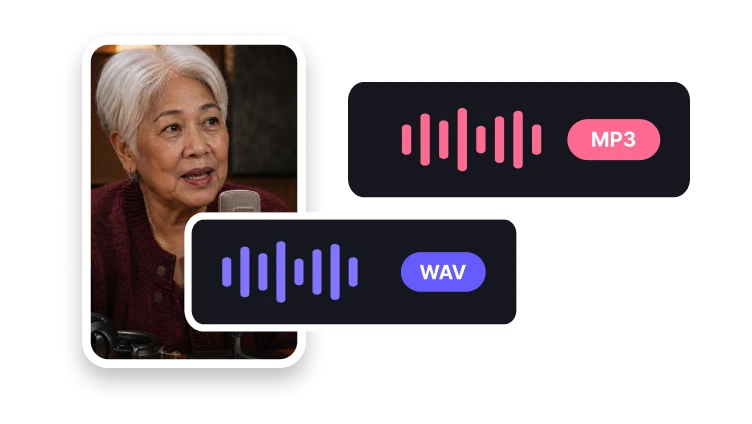
MP3 is commonly used for compact sharing, WAV for editing, and M4A for compatible players. Choose from the formats available in the audio workspace.
Check the formats accepted by your audio editor or player before selecting the export format available in the workspace.
A compressed soundtrack does not regain lost detail when saved to WAV. Keep the original video if you expect to revise the extraction later.
Confirm whether the soundtrack is mono or stereo and compare its length with the passage of video you intend to reuse.
Decision guide
A video container can hold no audio, one soundtrack, or multiple audio tracks. The source may use different codecs, channel layouts, and sample rates.
Listen to the beginning and end of the exported audio and compare its duration with the video. Check that the intended soundtrack is present.
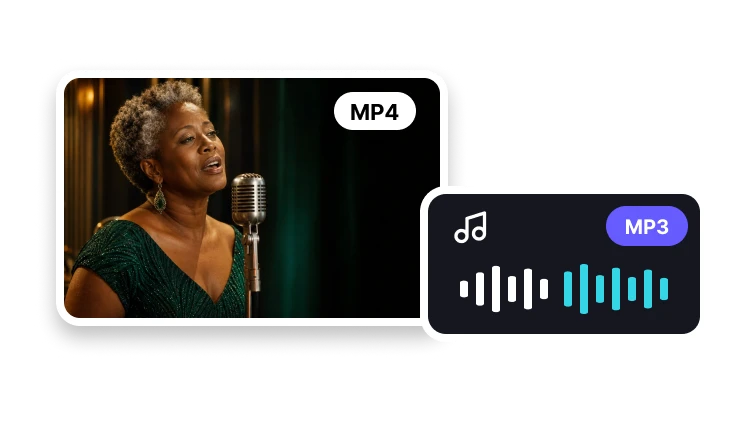
Save the existing soundtrack of a video as a separate audio file for listening or further editing.
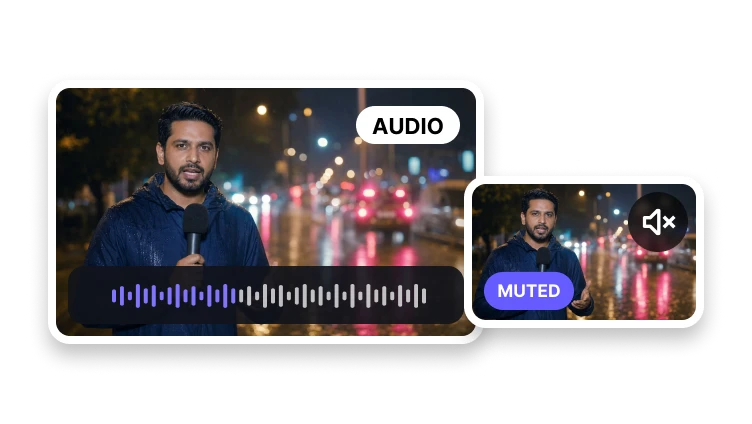
Use Remove Audio From Video for a silent video. Extracting a mixed soundtrack does not separate speech from background music.
Problem diagnosis
If the video includes dialogue and music in one track, both remain unless the product offers a separate source-separation capability.
Use Remove Audio From Video for a silent video. Extracting a mixed soundtrack does not separate speech from background music.
Keep the original video if a track is missing or the audio starts late. Extraction cannot recover a soundtrack that the source does not contain.
Audio-only output
Prepare speech, music, or recorded sound for another workflow.
Create a familiar compressed audio file.
Choose an uncompressed format for production.
Prepare an efficient audio-only file.
Yes. Select a supported video and choose the audio format you need.