Convert Audio to the Format You Need
Choose a destination format and tune quality for playback, editing, or sharing.
Upload audio to convert
MP3, MP4, WAV, M4A, AAC, or FLAC · up to 200 MB
Choose a destination format and tune quality for playback, editing, or sharing.
MP3, MP4, WAV, M4A, AAC, or FLAC · up to 200 MB
Format conversion
Choose settings for editing quality or compact delivery.
Add one supported source file.
Choose format, bitrate, and sample rate.
Create and review the real audio file.
Complete in VisionStory
An audio converter changes the container or codec so a recording fits a player, editor, publishing system, or storage workflow.
Actual audio converter processing, result inspection, and download happen in VisionStory. The next step may require the source file to be selected again.
Check the properties that define a successful audio converter result and retain the original until the destination accepts it.
Confirm codec, format, metadata, and duration in the intended destination before approval.
Check your result
Compare a familiar passage in the source and converted recording for distortion, missing channels, or other audible changes.
Read duration, codec, sample rate, and channel count from the output file and compare them with the receiving app requirements.
Open the result in its destination player and check titles, artwork, and any other metadata you want to keep.
Decision guide
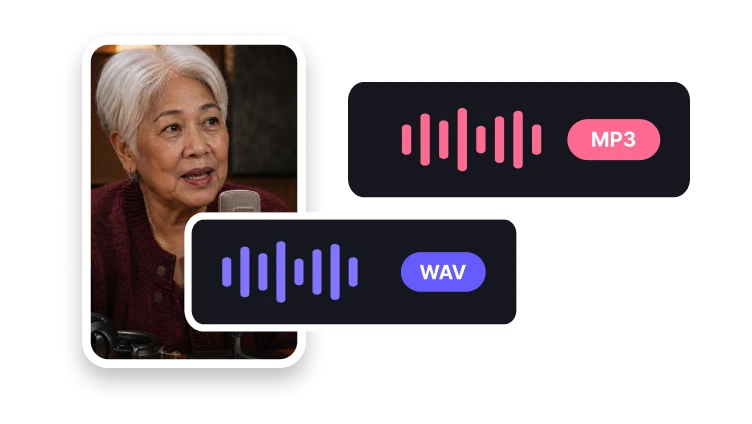
MP3 is often chosen for compact, widely recognized delivery. WAV is commonly used for editing or uncompressed exchange.
FLAC provides lossless compression for compatible workflows. These are general format roles.
Choose an audio format that fits the player, editor, or publishing workflow receiving the recording.
Use the dedicated cutting, merging, speed, pitch, or normalization tools when the sound needs editing rather than a different format.
Audio formats
Different destinations benefit from different outputs.
Prepare a widely playable compressed file.
Use uncompressed audio for editing.
Keep quality with efficient lossless encoding.
The workflow supports MP3, MP4 files with a playable audio track, WAV, M4A, AAC, and FLAC.