Normalize Audio to a Consistent Loudness
Choose a target level and protect peaks for more even playback.
Upload audio to normalize
MP3, MP4, WAV, M4A, AAC, or FLAC · up to 200 MB
Choose a target level and protect peaks for more even playback.
MP3, MP4, WAV, M4A, AAC, or FLAC · up to 200 MB
Loudness control
Set a target appropriate for the destination.
Add one supported source track.
Choose the target level and peak protection.
Process and inspect the balanced output.
Complete in VisionStory
Audio normalization applies gain so a file approaches a chosen level, making playback more consistent across episodes, clips, or delivery contexts.
Actual normalize audio processing, result inspection, and download happen in VisionStory. The current handoff may require the source file to be selected again.
Check the properties that define a successful normalize audio result and retain the original until the destination accepts it.
Confirm LUFS, peaks, dynamics, and clipping in the intended destination before approval.
Verification method
The live product must verify normalize audio controls and output behavior before they are presented as facts.
Measurement algorithm; supported targets; peak/limiter behavior; speech and music fixtures; before/after LUFS and peaks; batch policy.
Document failures and unsupported cases affecting LUFS, peaks, dynamics, and clipping. This check keeps publish before-and-after loudness measurements tied to a reproducible source and output.
Technical anatomy
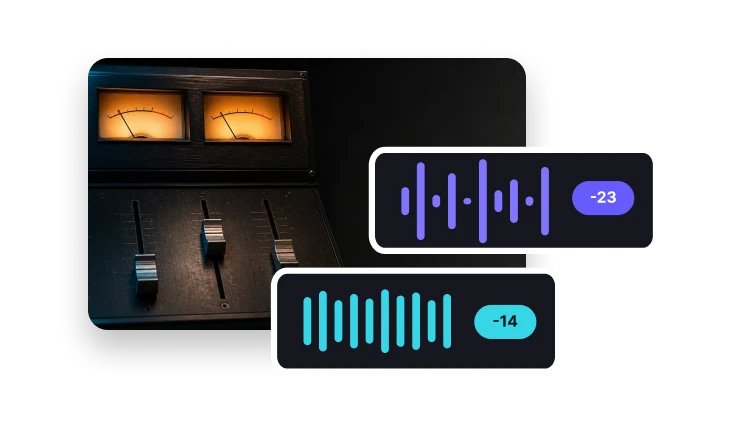
Applying one gain change can move the whole program toward a target without reducing the difference between quiet and loud passages.
If peak protection invokes a limiter, the product must disclose that behavior because it can alter transients.
Confirm the live controls, accepted inputs, and output behavior before turning this normalize audio explanation into a product promise.
Verify LUFS, peaks, dynamics, and clipping from actual source and output properties.
Level targets
Use practical targets for publishing contexts.
Prepare a common music-platform loudness level.
Balance spoken content for comfortable listening.
Choose a conservative broadcast-oriented level.
It adjusts overall gain toward a target loudness while managing peaks.