Cut Audio to the Part You Need
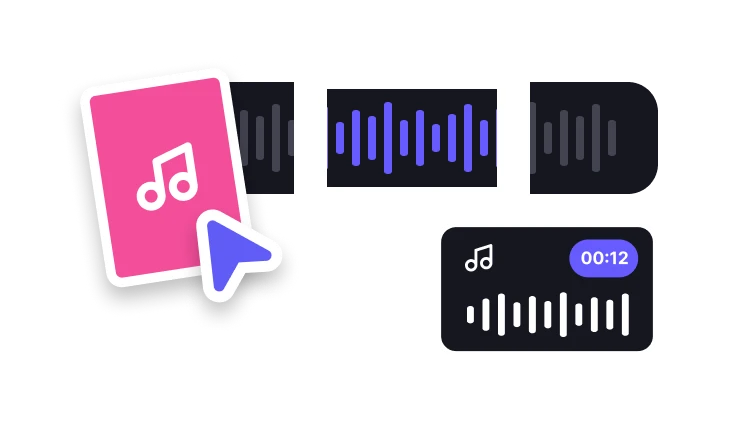
Use the waveform to choose a precise section before export.
Upload audio to cut
MP3, MP4, WAV, M4A, AAC, or FLAC · up to 200 MB
Use the waveform to choose a precise section before export.
MP3, MP4, WAV, M4A, AAC, or FLAC · up to 200 MB
Waveform editing
Define the clip boundaries before processing.
Add one supported source file.
Move the start and end controls on the waveform.
Create and review the actual audio clip.
Technical anatomy
A cut made where the waveform is far from zero can create an audible click.
Check the first and last instant of the exported excerpt for a pop caused by an abrupt waveform change.
A breath, final consonant, or reverb tail may continue after the main sound. Include enough room when the excerpt needs a natural ending.
When fade controls are available, listen to their effect on the opening and ending rather than assuming a longer fade is always better.
Check your result
Listen just before and after the chosen start point for a missing syllable, click, or clipped musical attack.
Leave enough room for a word, breath, or reverb tail to end naturally when that matters to the excerpt.
Compare the exported duration with the selected range and play the excerpt in the receiving app.
Complete in VisionStory
An audio cutter keeps a selected time range and removes the sound before and after it. Review the excerpt before using it in a message, podcast, or other project.
Actual audio cutter processing, result inspection, and download happen in VisionStory. The next step may require the source file to be selected again.
Check the properties that define a successful audio cutter result and retain the original until the destination accepts it.
Confirm audible boundaries and measured clip duration in the intended destination before approval.
Precise audio
Use timing controls that match the waveform.
Set both the start and end of the clip.
Choose an uncompressed file when needed.
Prepare a compact audio clip.
No. Keep your source file and export a separate selected clip.