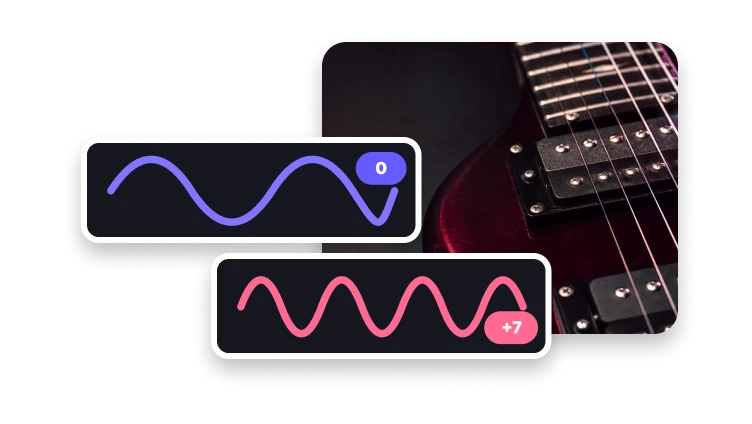
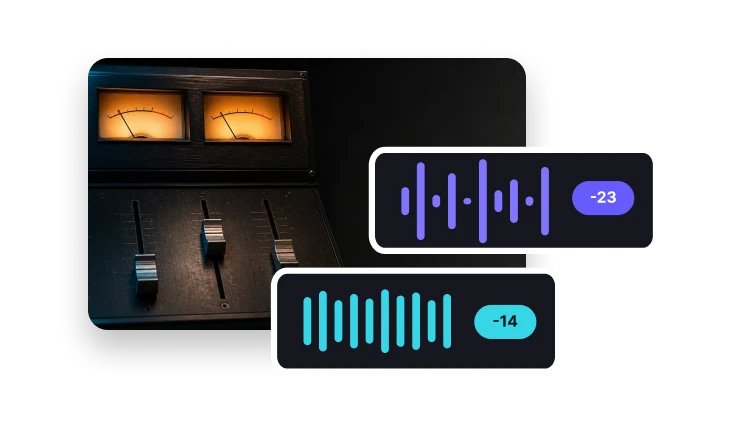
Change Audio Speed Without Losing Control
Choose a faster or slower playback rate and decide whether pitch should stay natural.
Upload audio to retime
MP3, MP4, WAV, M4A, AAC, or FLAC · up to 200 MB
Choose a faster or slower playback rate and decide whether pitch should stay natural.
MP3, MP4, WAV, M4A, AAC, or FLAC · up to 200 MB
Time stretch
Change duration while controlling how voices and notes sound.
Add one supported track.
Choose a rate and pitch-preservation behavior.
Create and review the retimed audio.
Decision guide
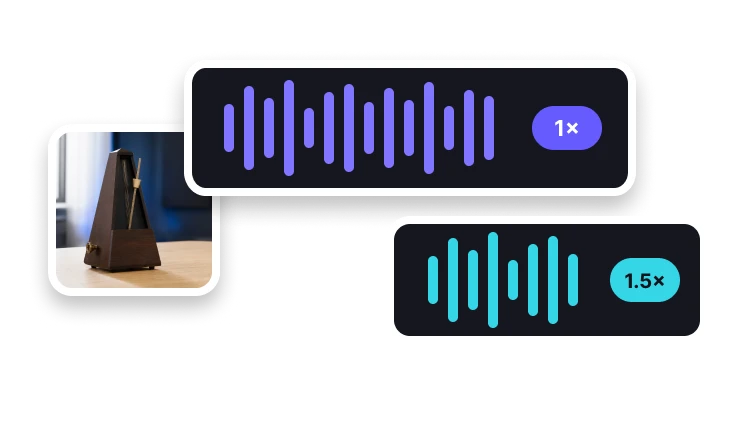
Estimate playback length by dividing source duration by speed. A 60-second recording at 2× lasts about 30 seconds; at 0.5×, it lasts about 120 seconds.
This arithmetic does not guarantee the exact encoded duration because rounding, padding, and codec behavior can add small differences.
Retiming makes the same recording play faster or slower and changes its playback length.
Use Change Audio Pitch for a musical pitch adjustment, or Audio Cutter when you want to remove time rather than retime the whole selection.
Problem diagnosis
Music, speech, percussion, and ambient audio respond differently, so avoid a single recommended rate.
Use Change Audio Pitch for a musical pitch adjustment, or Audio Cutter when you want to remove time rather than retime the whole selection.
Large speed changes can make speech or music sound unnatural. Keep the original and try a smaller adjustment if the result is difficult to follow.
Complete in VisionStory
Changing audio speed retimes a recording: faster playback shortens the output, while slower playback lengthens it. A pitch-preservation option can aim to keep voices and notes near their original tone instead of shifting with speed.
Actual change audio speed processing, result inspection, and download happen in VisionStory. The next step may require the source file to be selected again.
Check the properties that define a successful change audio speed result and retain the original until the destination accepts it.
Confirm playback rate, duration, and pitch behavior in the intended destination before approval.
Speed control
Tune the timing for the listening context.
Lengthen audio for study or close listening.
Return to the source playback rate.
Shorten spoken or reference material.
Enable pitch preservation when you want voices and notes to remain closer to their original tone.