Shift Audio Pitch Up or Down
Adjust tone in semitones while keeping the timing steady.
Upload audio to pitch-shift
MP3, MP4, WAV, M4A, AAC, or FLAC · up to 200 MB
Adjust tone in semitones while keeping the timing steady.
MP3, MP4, WAV, M4A, AAC, or FLAC · up to 200 MB
Pitch shifting
Control musical or vocal pitch independently from duration.
Add one supported recording.
Shift up or down in semitone steps.
Create and review the pitch-adjusted file.
Technical anatomy
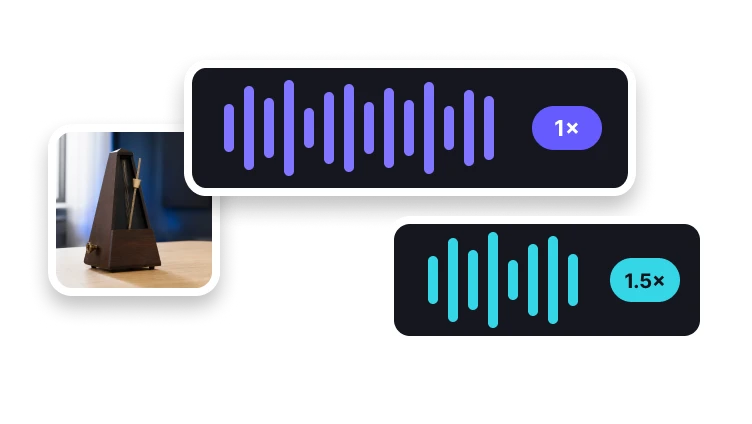
A pitch shifter can aim to preserve the source duration while moving tone, whereas changing playback speed naturally affects both duration and pitch.
When an audio track must stay aligned to video, compare exported duration with the original after shifting pitch.
A pitch adjustment changes how high or low a sound is. Retiming changes how quickly the recording plays; choose the operation your task needs.
A shifted voice can have a different timbre even at the desired pitch. Listen to vowels and sustained sounds before choosing the result.
Check your result
Compare a known note before and after the shift. Twelve semitones correspond to an octave in either direction.
Check whether the exported duration meets your needs, particularly when the audio must stay aligned with video.
Listen to vowels and sustained notes for unnatural changes in timbre after a large upward or downward shift.
Decision guide
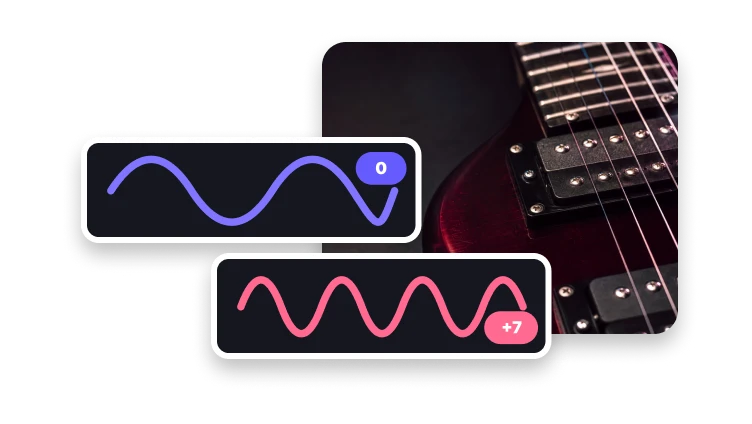
Zero semitones keeps the original pitch, +12 moves tones up one octave, and −12 moves them down one octave.
Frequency doubles across an octave upward and halves across an octave downward in ideal equal-tempered pitch relationships.
Move the overall pitch of a recording up or down by a musical interval.
Use Change Audio Speed to retime a recording. A global pitch shift is different from correcting individual notes, detecting a key, or cloning a voice.
Tonal control
Use familiar semitone units for predictable changes.
Create a deeper tonal result.
Return to the source tone.
Create a brighter tonal result.
A semitone is the smallest standard interval between adjacent notes in Western music.