Trim a Video to the Right Moment
Preview a video and set the section you want to keep before export.
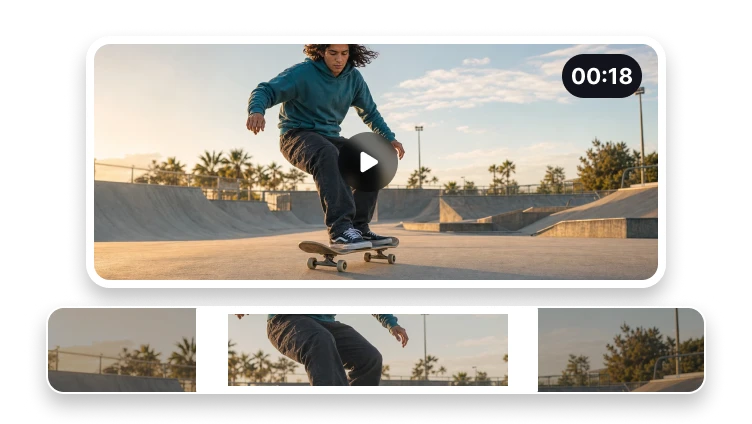
Upload a video to trim
MP4, MOV, WebM, or M4V · up to 500 MB
Preview a video and set the section you want to keep before export.
MP4, MOV, WebM, or M4V · up to 500 MB
Three steps
Choose the usable range before opening the export workflow.
Preview one supported source file.
Move the start and end controls to the moments you need.
Create and review the trimmed video.
Complete in VisionStory
Video trimming removes time from the beginning or end of a clip while keeping the selected range.
Actual video trimmer processing, result inspection, and download happen in VisionStory. The current handoff may require the source file to be selected again.
Check the properties that define a successful video trimmer result and retain the original until the destination accepts it.
Confirm requested and measured clip boundaries in the intended destination before approval.
Problem diagnosis
A project may use all three, but each operation should be chosen for a separate reason.
Owns time-range editing. It must not target aspect-ratio cropping, compression, multi-scene editing, or GIF creation.
Preserve the source whenever requested and measured clip boundaries remains unverified.
Verification method
This behavior must be verified in the live product before it is presented as a fact. Report boundary variance instead of hiding it.
Timing precision; keyframe/re-encode policy; supported source/output details; measured start/end/duration; audio sync; product version.
Document failures and unsupported cases affecting requested and measured clip boundaries. This check keeps verify the first frame, last frame, and duration tied to a reproducible source and output.
Precise trimming
The workspace focuses on the clip boundaries that matter.
Control both the beginning and end of the clip.
Check the selected source before continuing.
Prepare a broadly playable video output.
Trimming defines a shorter time range. Final encoding choices are made in VisionStory.