Turn a Video Clip into a GIF
Choose a short loop and tune dimensions and frame rate before export.
Upload a video for GIF
MP4, MOV, WebM, or M4V · up to 500 MB
Choose a short loop and tune dimensions and frame rate before export.
MP4, MOV, WebM, or M4V · up to 500 MB
Animated loop
Keep the loop short enough for practical sharing.
Add the source that contains the moment you need.
Choose duration, width, and frame rate.
Render and inspect the actual animated GIF.
Decision guide
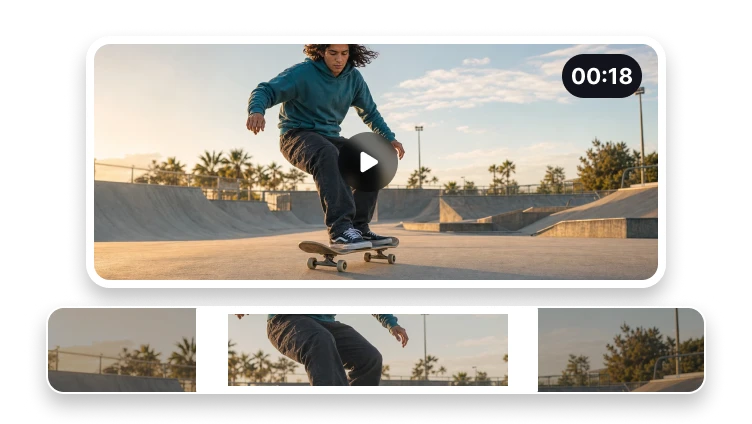
Choose a moment that can be understood without sound and ends where it can return naturally to the beginning.
A short loop can be easier to share and may repeat more cleanly than a long excerpt.
Choose a short, understandable moment that works as a silent repeating image.
Keep a short video when sound matters or the destination handles video more efficiently. A GIF has no soundtrack.
Check your result
Watch several repetitions and check whether the jump from the last frame to the first feels intentional.
Confirm the action is understandable and any text remains readable at the GIF dimensions you plan to publish.
Check the downloaded size against the platform limit. A shorter excerpt or smaller frame may make a more practical loop.
Complete in VisionStory
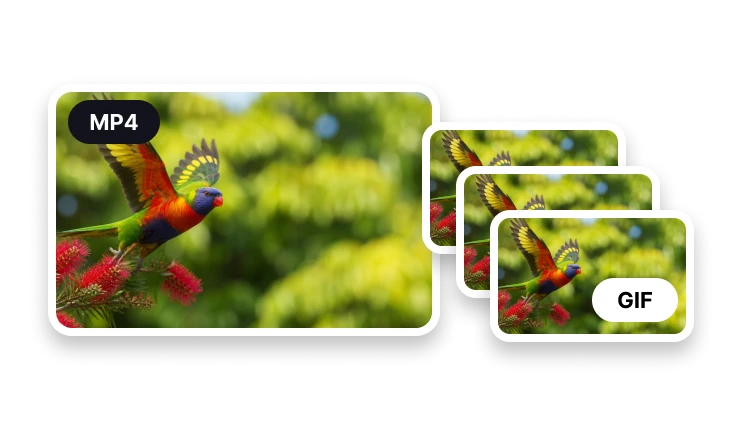
A video-to-GIF converter turns a selected motion segment into a silent looping image. The practical challenge is file weight: duration, dimensions, frame rate, color complexity, and motion all influence the result.
Actual video to GIF processing, result inspection, and download happen in VisionStory. The next step may require the source file to be selected again.
Check the properties that define a successful video to GIF result and retain the original until the destination accepts it.
Confirm loop timing, frames, dimensions, and palette in the intended destination before approval.
GIF controls
Each setting affects smoothness and delivery weight.
Use fewer frames for a lighter loop.
Prepare a practical size for chats and posts.
Select only the action that should repeat.
Short loops are easier to share and usually create smaller files.