Convert WebM Video to MP4
Prepare a web video for wider playback on phones, desktops, and social platforms.
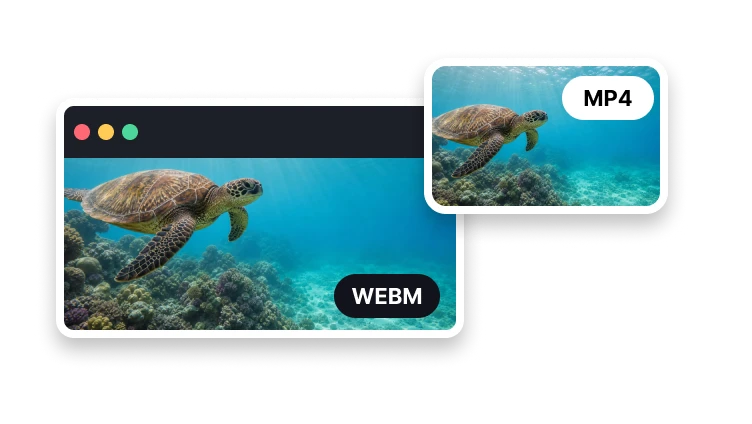
Upload a WebM video
WebM · up to 1 GB
Prepare a web video for wider playback on phones, desktops, and social platforms.
WebM · up to 1 GB
Format conversion
Prepare an MP4 version for devices and apps with limited WebM support.
Add one supported web video.
Choose video, audio, and frame-rate settings.
Create and review the real MP4 file.
VisionStory conversion workspace
This page helps you plan the WebM conversion; it does not encode the MP4 itself. Continue to VisionStory to convert, check the output, and download.
Keep the browser recording or encoded WebM available; you may need to select it again after continuing to the VisionStory workspace.
Open the MP4 in the phone, player, editor, or publishing system where you will use it. Check playback there rather than relying on the browser preview alone.
Confirm video motion, audio alignment, duration, dimensions, alpha consequences, and receiving-platform acceptance while retaining the untouched WebM source.
WebM stream map
MP4 delivery may call for different video and audio codecs from the WebM source. Browser recordings can also have uneven frame timing, so review motion and sync after conversion.
Compare resolution, color, and visible detail after conversion. Changing a video codec can require re-encoding rather than simply moving tracks into another container.
Check the resulting audio codec, channel layout, sample rate, start time, and duration rather than assuming sound follows the video automatically.
If the source uses variable frame rate, verify whether VisionStory preserves timestamps, creates a constant cadence, or offers a user choice.
Browser-recording edge cases
Common MP4 delivery settings do not preserve transparency. Inspect the background in the output and retain WebM if transparent pixels are essential.
Compare source timestamps, output duration, frame count, and audio sync when a browser recording stutters or reports an irregular frame rate.
Keep the WebM whenever a track, transparent area, or part of the timing is lost. Try a destination format or editor that preserves the properties you need.
Playback support
Use common MP4 codecs for broad delivery.
Prepare a codec supported by common players.
Choose a familiar frame rate for most content.
Keep audio compatible with the output container.
MP4 has broader support in mobile apps, editing software, and social upload workflows.